

Theme Designer
Design your theme. Keep it accessible.
The Theme Designer is a separate application. Start from your brand colours, preview every component live, and export a theme that passes the same contrast checks as the built-in themes.
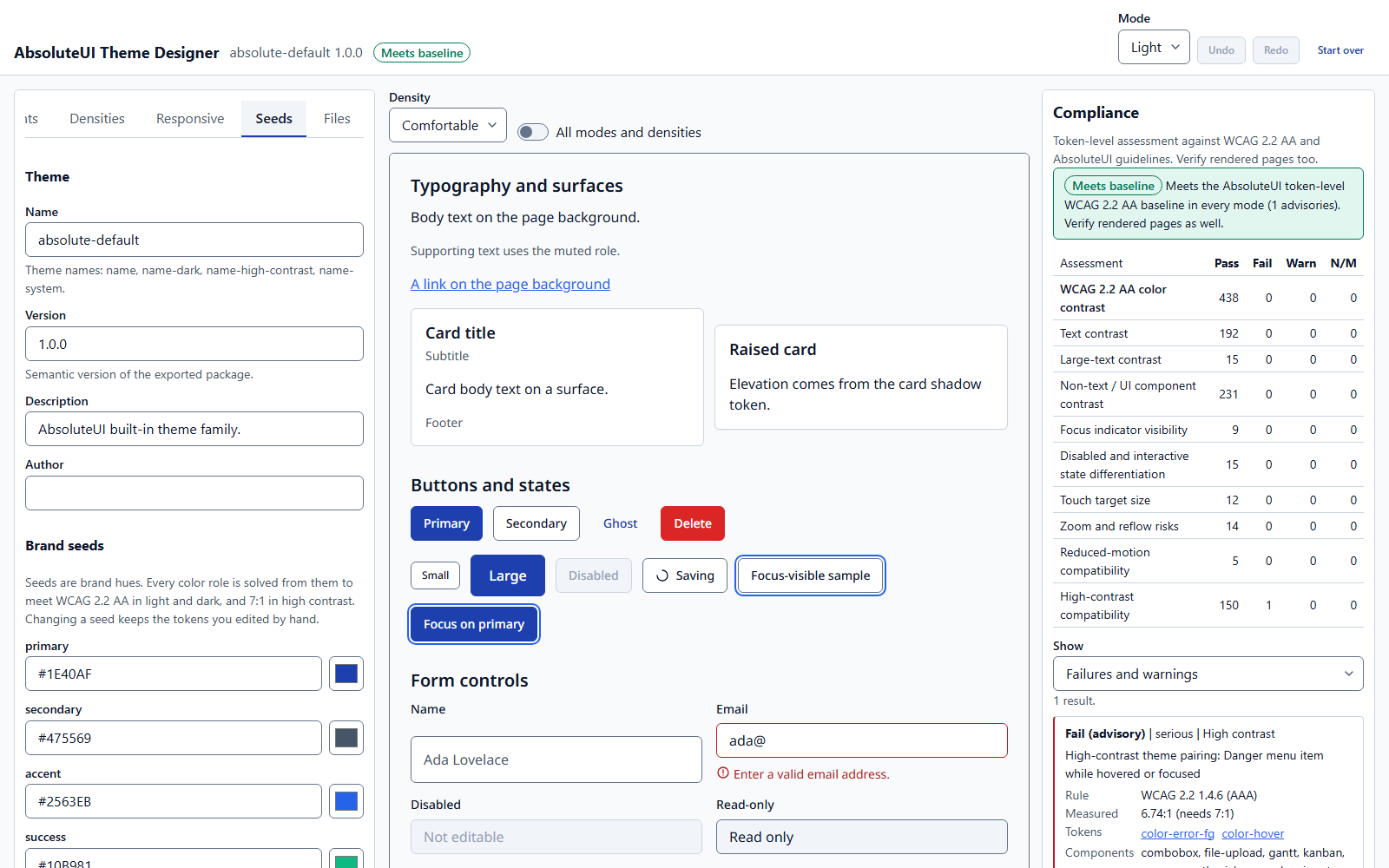
Seeds and derived tokens
Pick a few seed colours; every role token is derived for light, dark, and high-contrast modes.
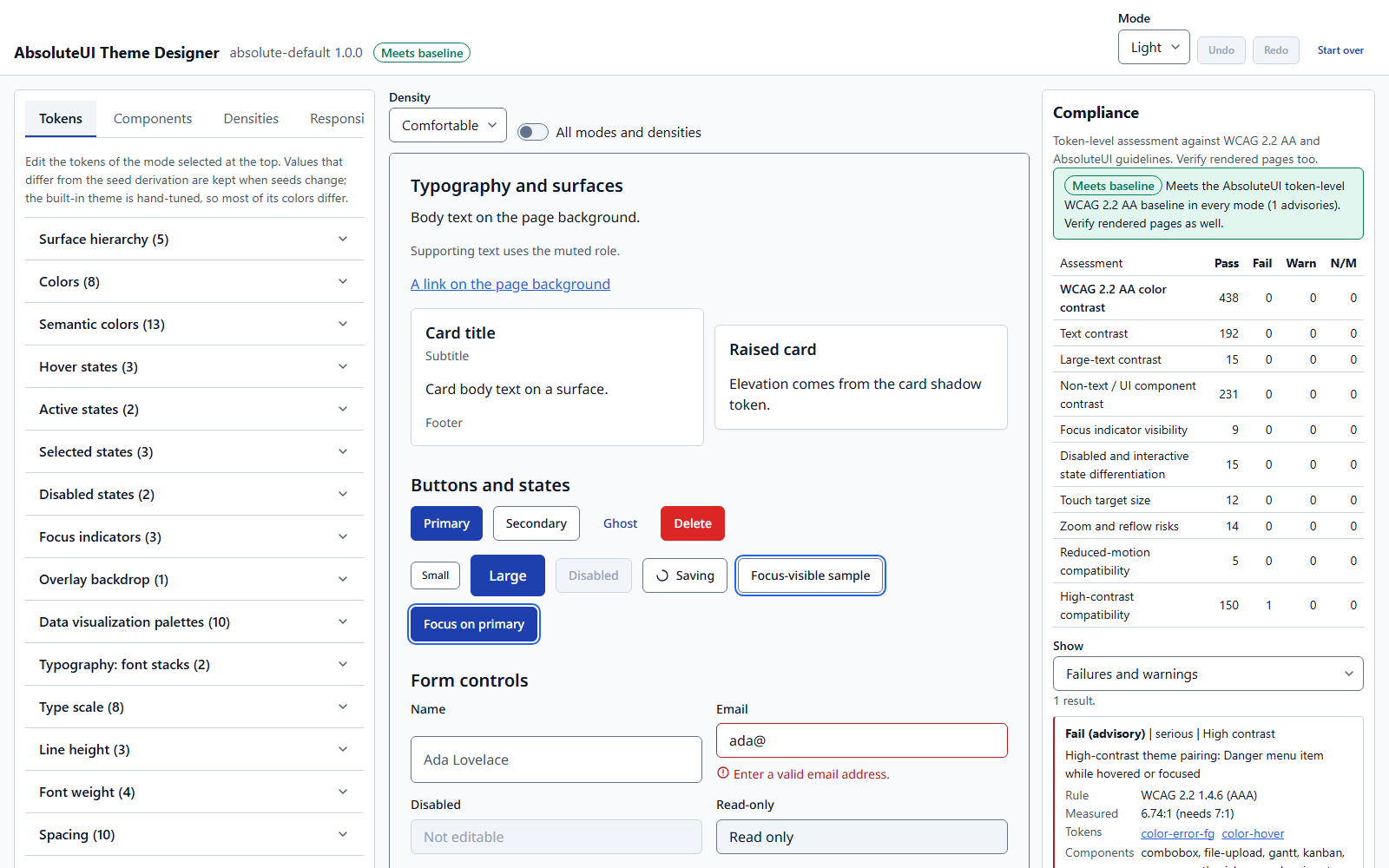
Compliance as you edit
Contrast, focus visibility, target size, and motion assessed against WCAG 2.2 AA.
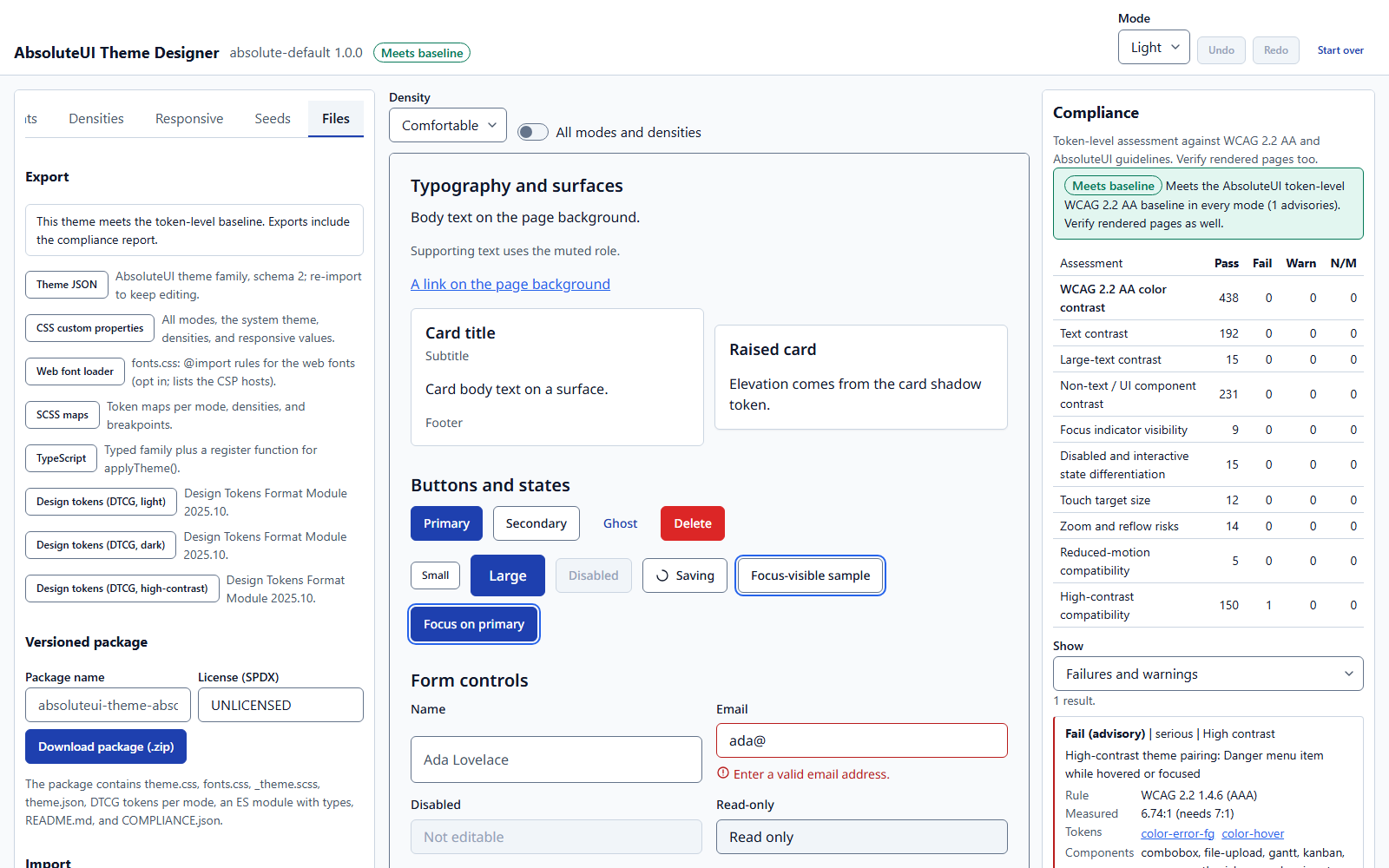
Export anywhere
CSS, SCSS, JSON, TypeScript, and design tokens (DTCG), or a ready-to-install theme package.
The built-in theme family
The same engine checks our own themes
Meets the AbsoluteUI token-level WCAG 2.2 AA baseline in every mode (1 advisories). Verify rendered pages as well.
| Assessment | Passed | Failed | Warnings |
|---|---|---|---|
| WCAG 2.2 AA color contrast | 492 | 0 | 0 |
| Text contrast | 216 | 0 | 0 |
| Large-text contrast | 15 | 0 | 0 |
| Non-text / UI component contrast | 261 | 0 | 0 |
| Focus indicator visibility | 9 | 0 | 0 |
| Disabled and interactive state differentiation | 15 | 0 | 0 |
| Touch target size | 12 | 0 | 0 |
| Zoom and reflow risks | 14 | 0 | 0 |
| Reduced-motion compatibility | 5 | 0 | 0 |
| High-contrast compatibility | 168 | 1 | 0 |
Failures listed above are advisories beyond AA: WCAG 2.2 1.4.6 (AAA): High-contrast theme pairing: Danger menu item while hovered or focused (measured 6.74:1, recommended 7:1).
Token-level results describe themes, not the pages built with them. Verify rendered pages as well.