

Components
97 components, one standard
Every component is keyboard operable, tested against WCAG 2.2 AA, themeable by tokens, and free of third-party runtime dependencies. Each card opens the component's documentation with live examples.
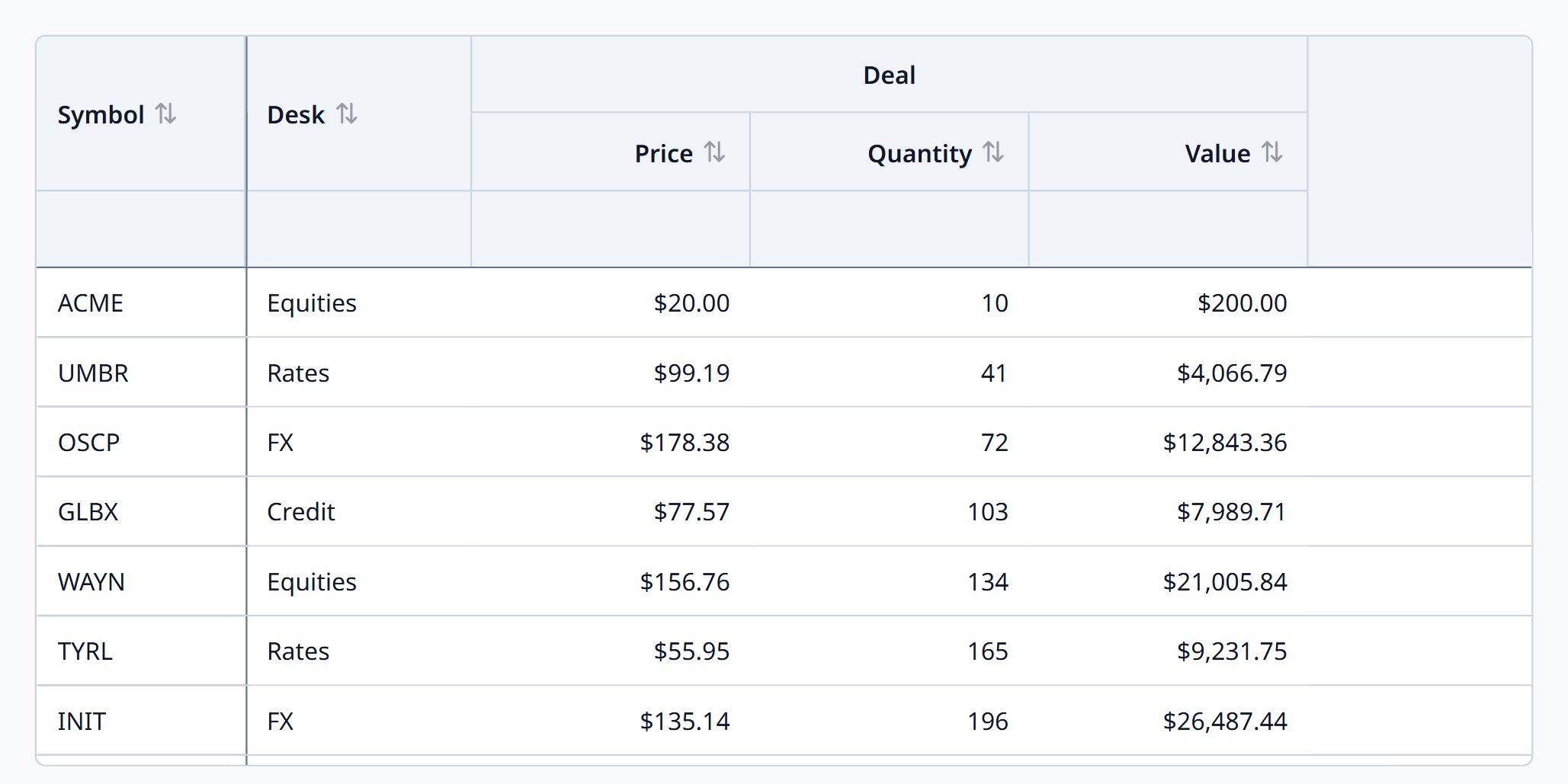
Data Grid
Spreadsheet-like grid: a million rows, pinned and grouped columns, full keyboard.
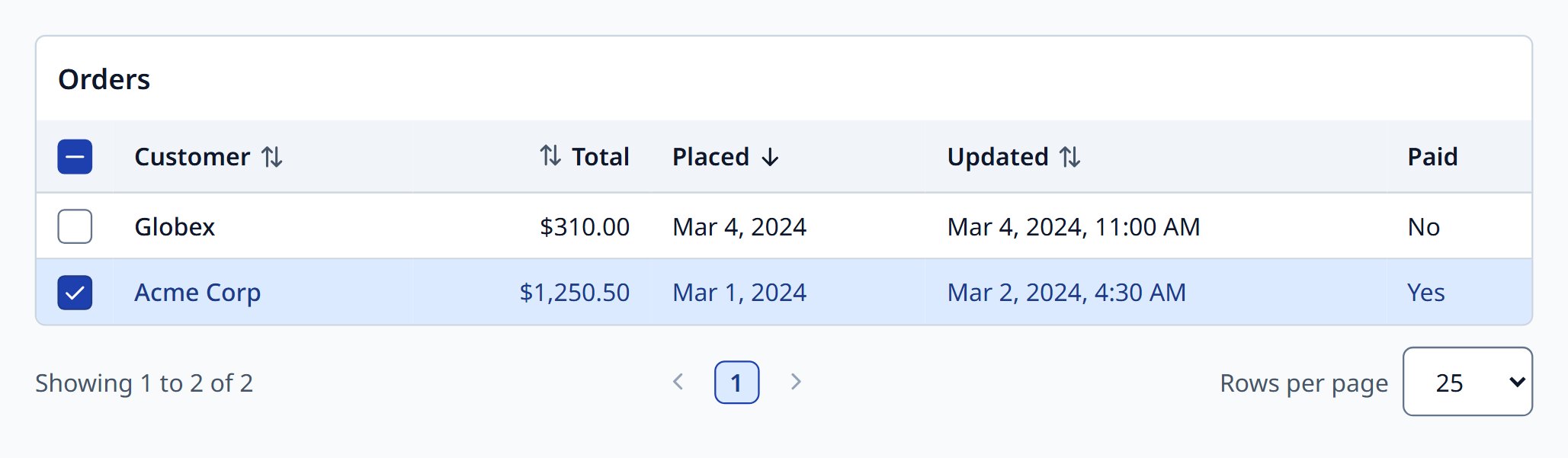
Data Table
Sorting, filters, selection, pinning, virtual rows, and CSV export.
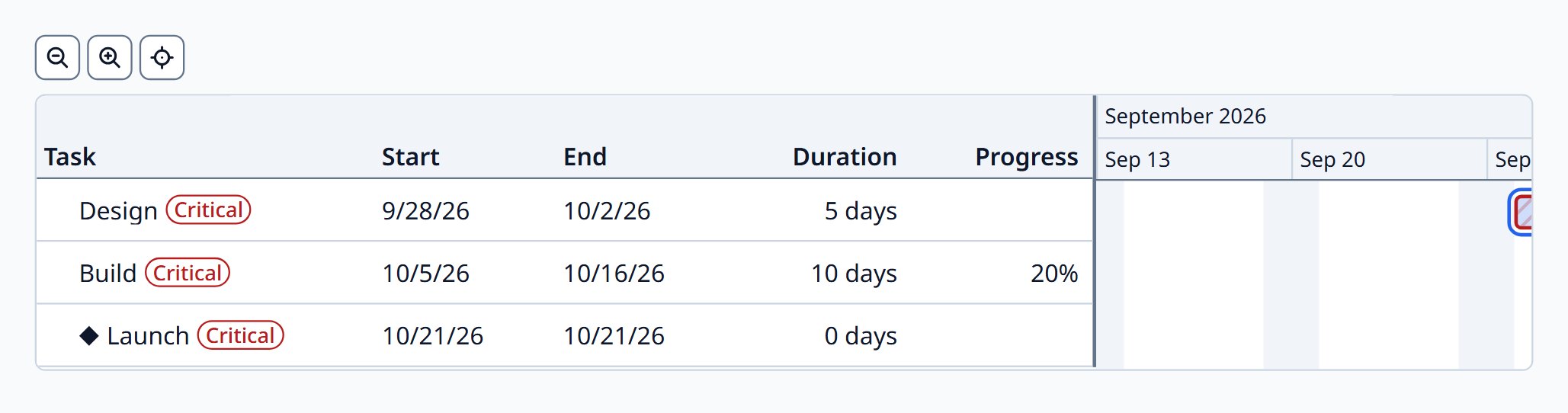
Gantt Chart
Project schedules with dependencies, milestones, and business days.
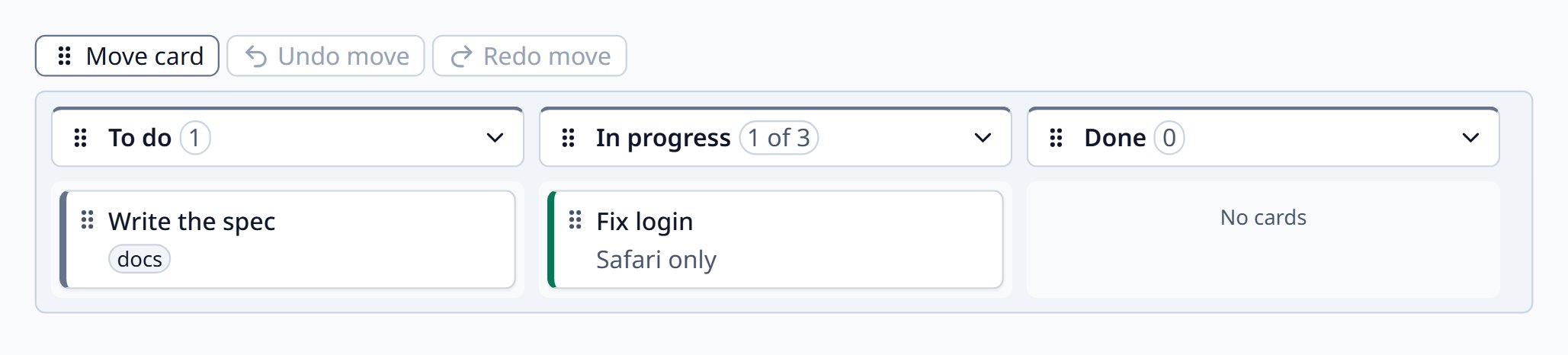
Kanban Board
Workflow columns and swimlanes with accessible drag and drop.
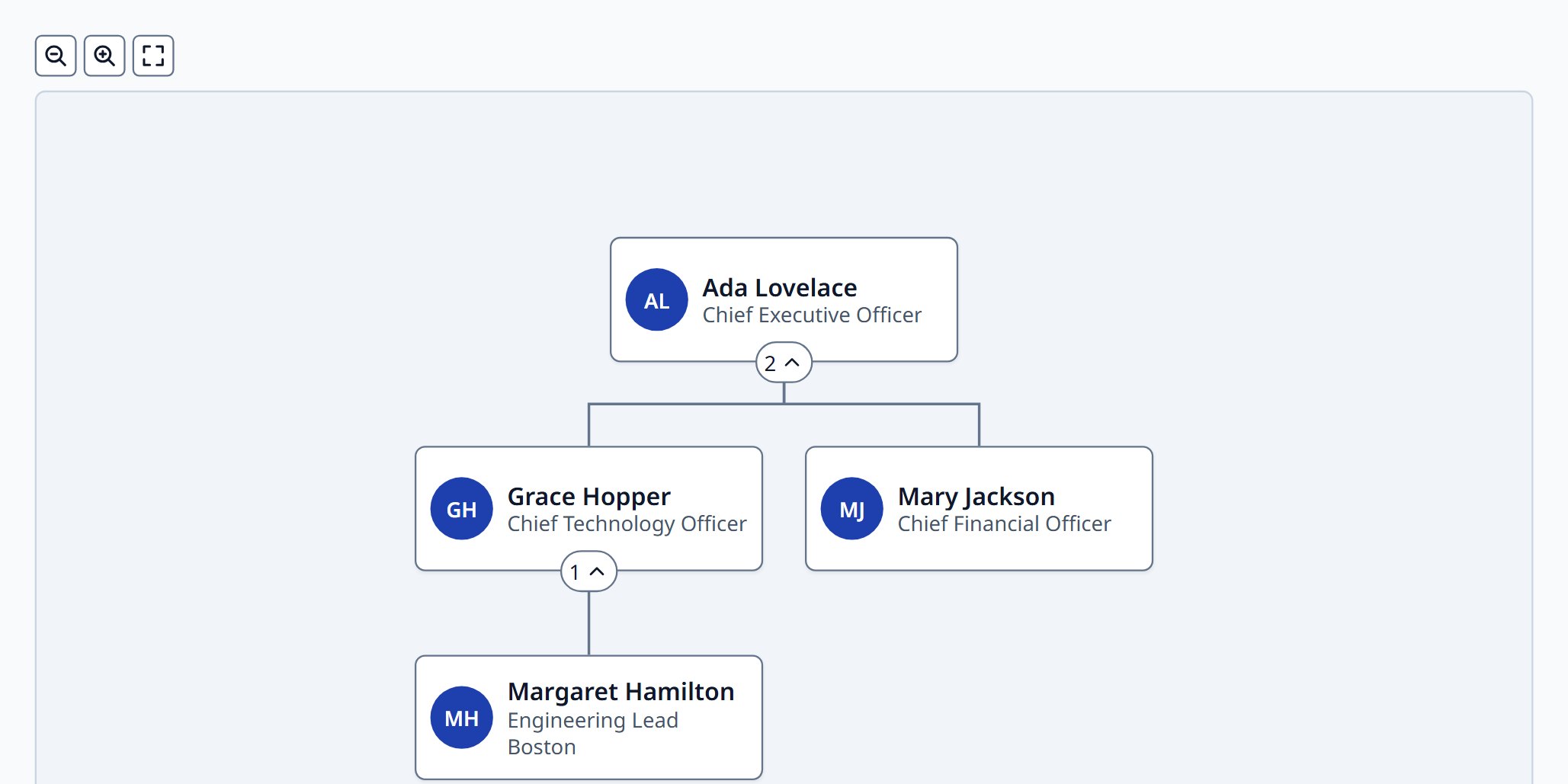
Organization Chart
Reporting hierarchies as a tidy tree, with editing.
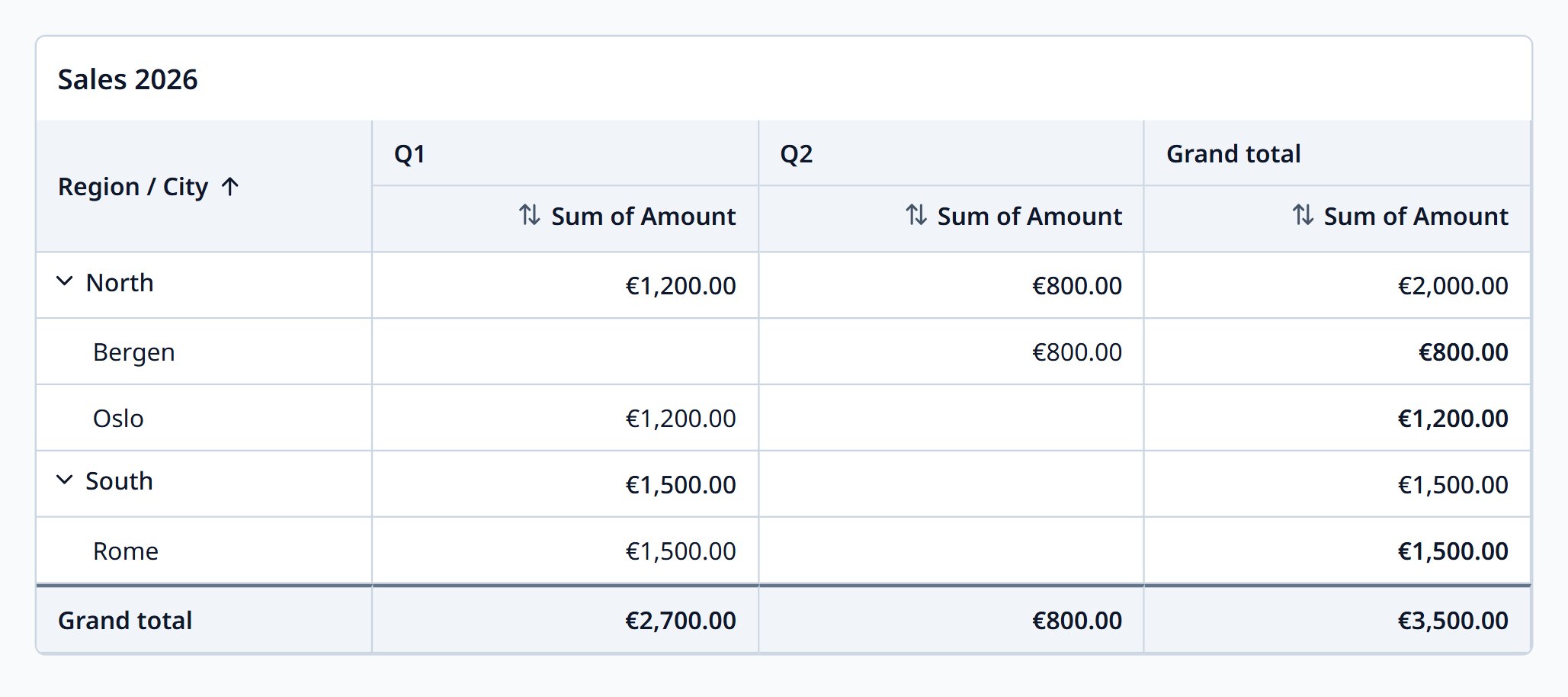
Pivot Grid
Cross-tabulate and aggregate records by rows and columns.
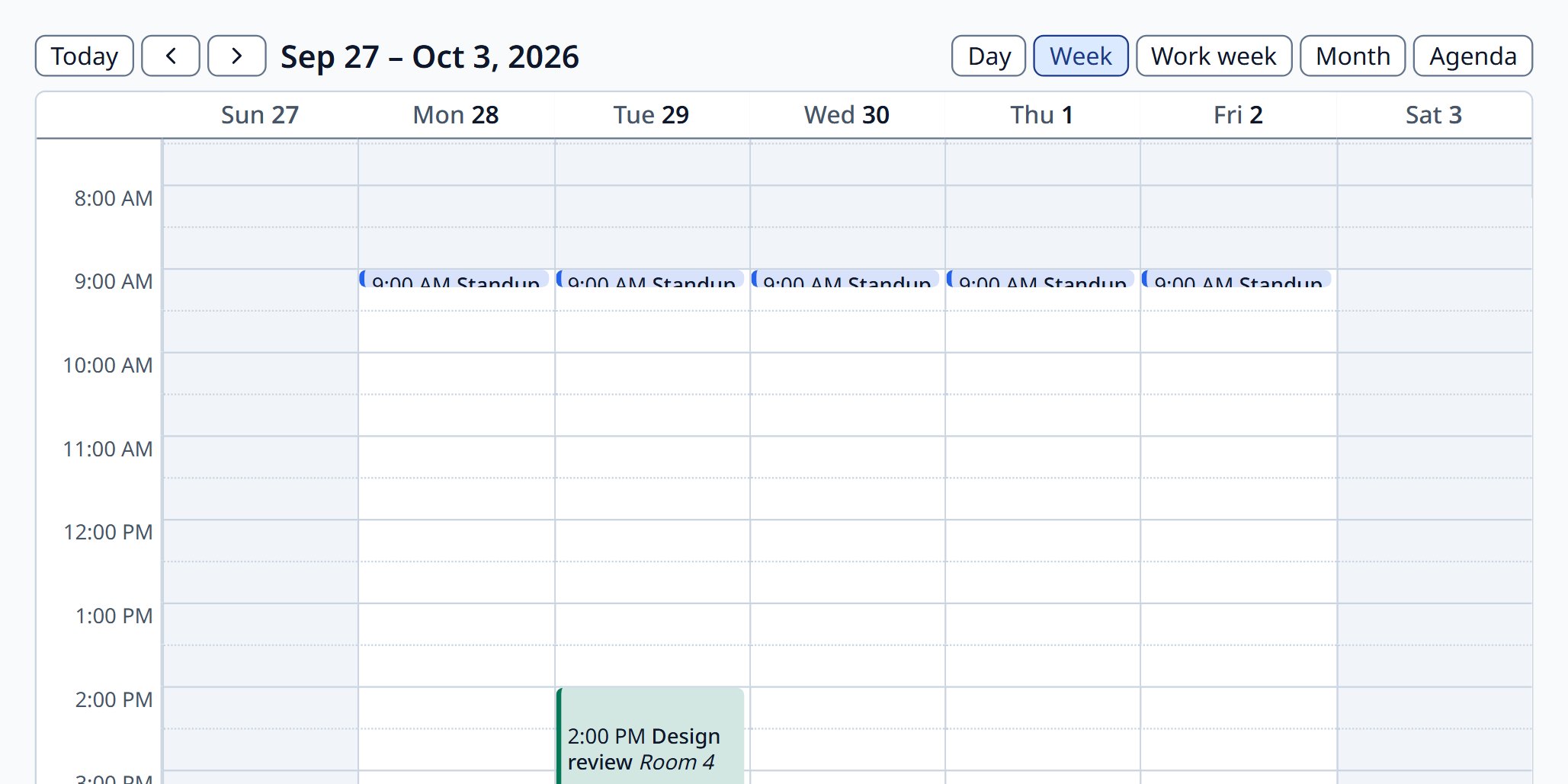
Scheduler
Day, week, month, agenda, and resource timeline views.
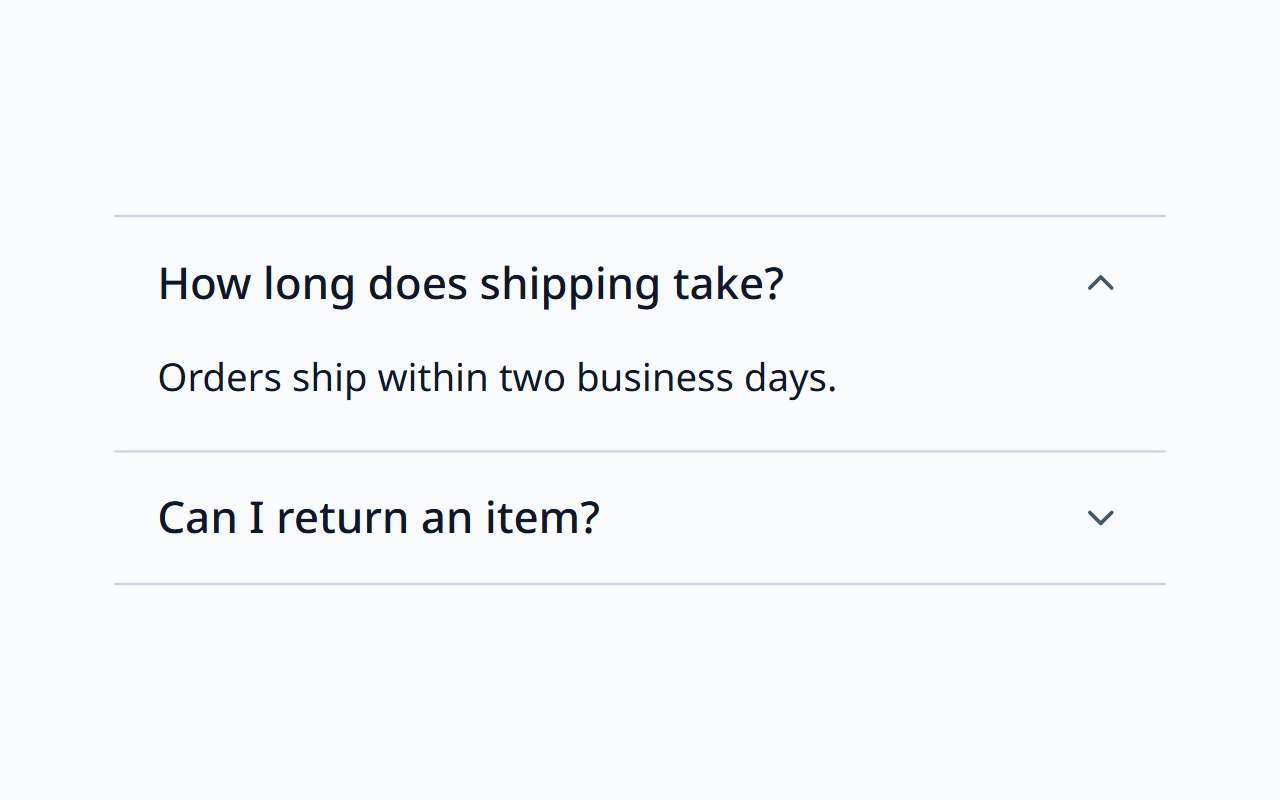
Accordion
Stacked sections that expand and collapse, following the APG pattern.
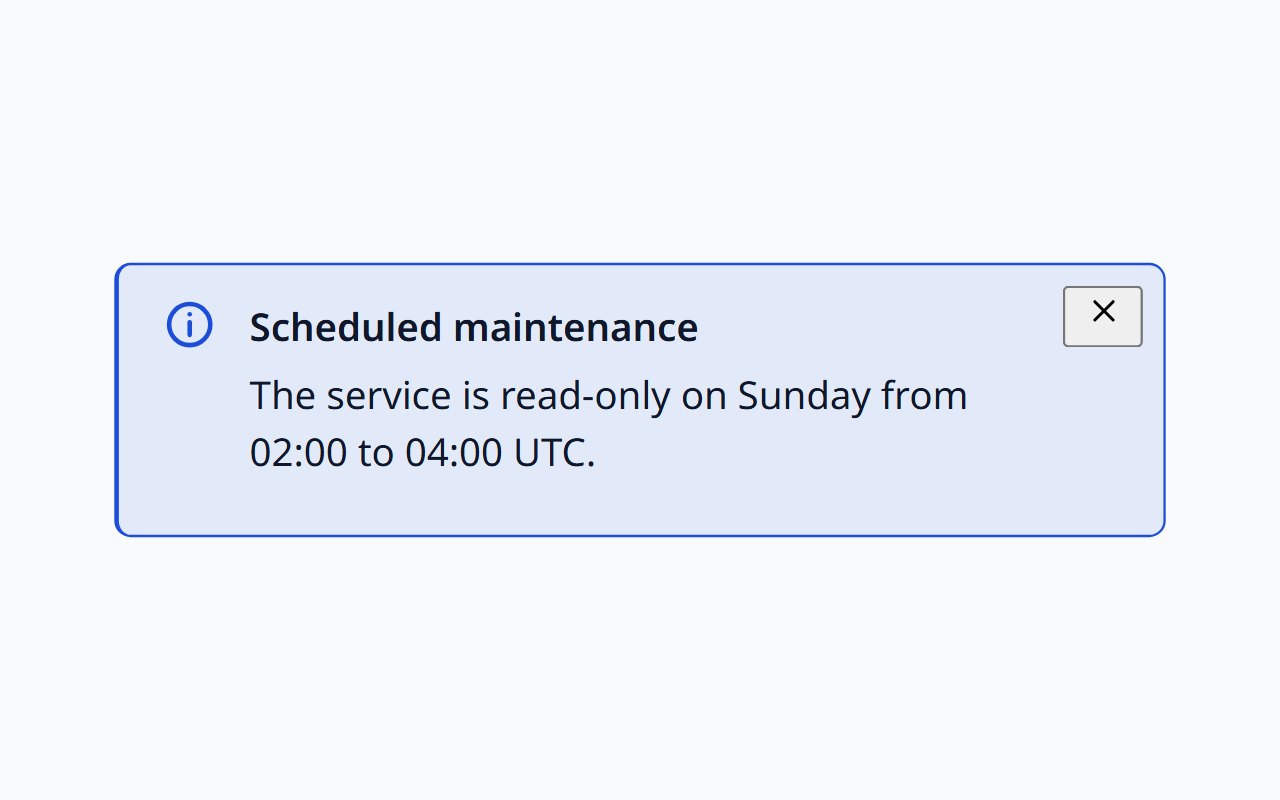
Alert
Page or section status in info, success, warning, and error tones.
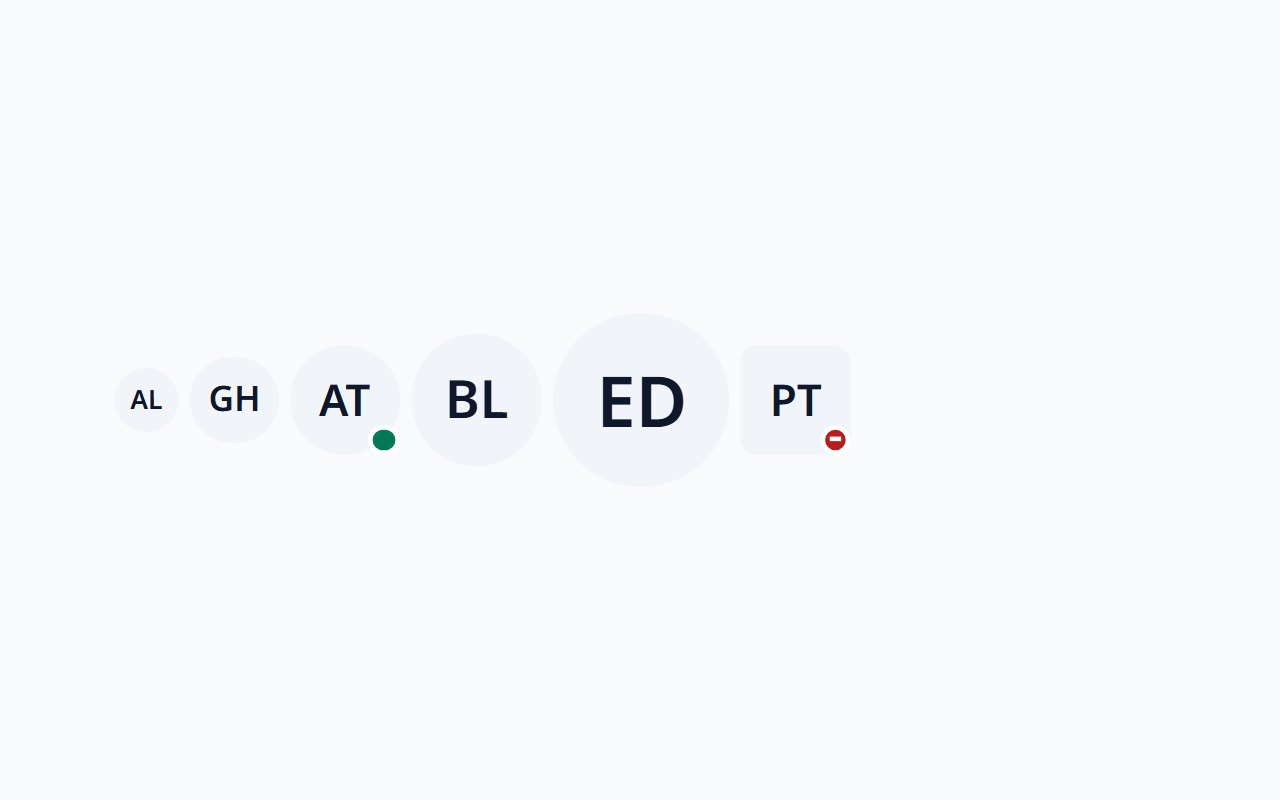
Avatar
Person picture with initials and icon fallbacks and a presence status.
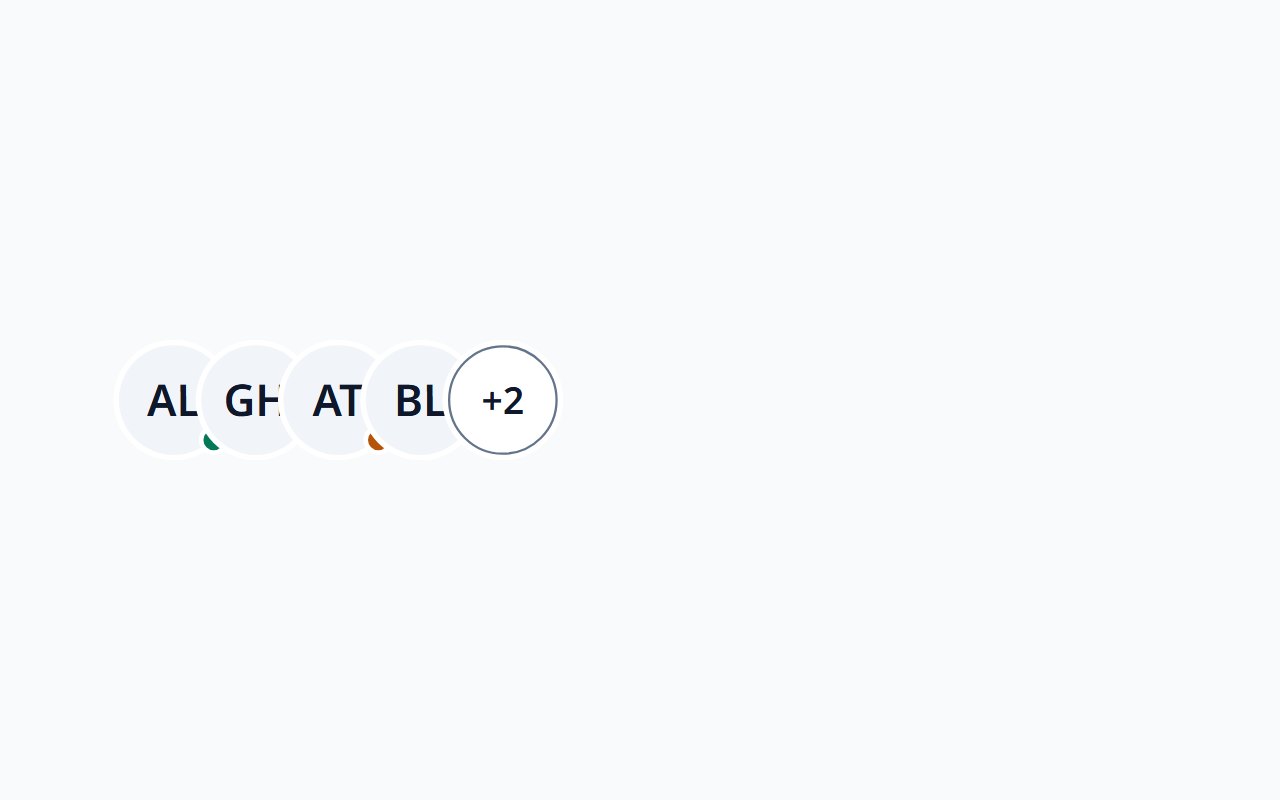
Avatar Group
Overlapping avatars with a +N overflow, named for screen readers.
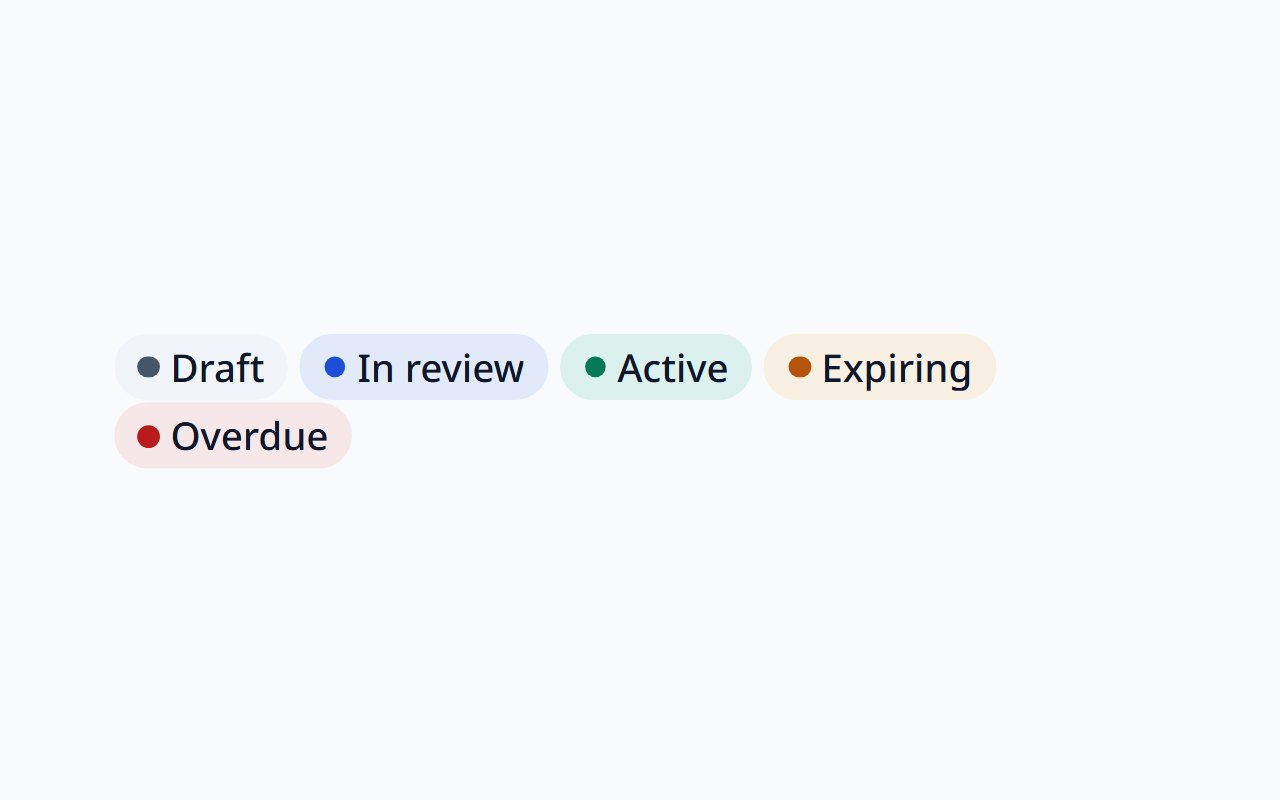
Badge
Short static status or category label with tones, dot, and icon.
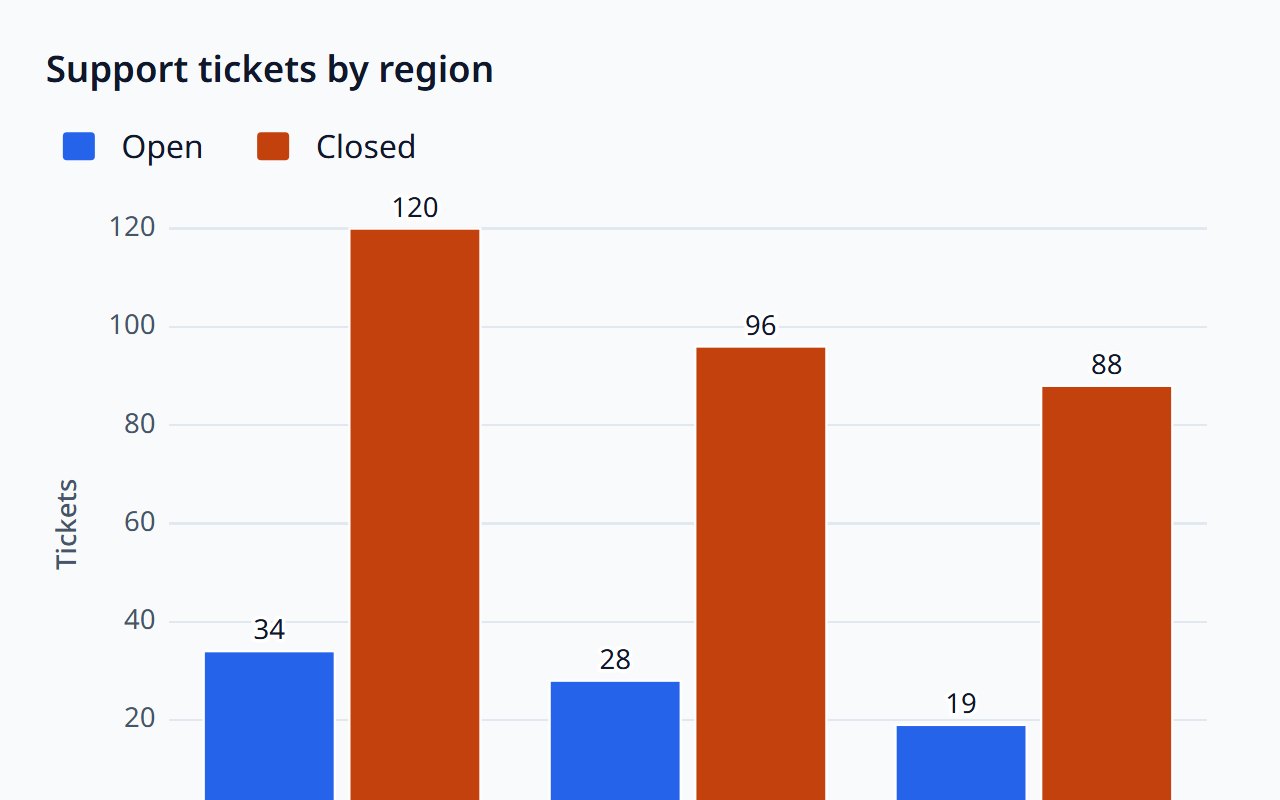
Bar Chart
Accessible bar and column charts for comparing categories.
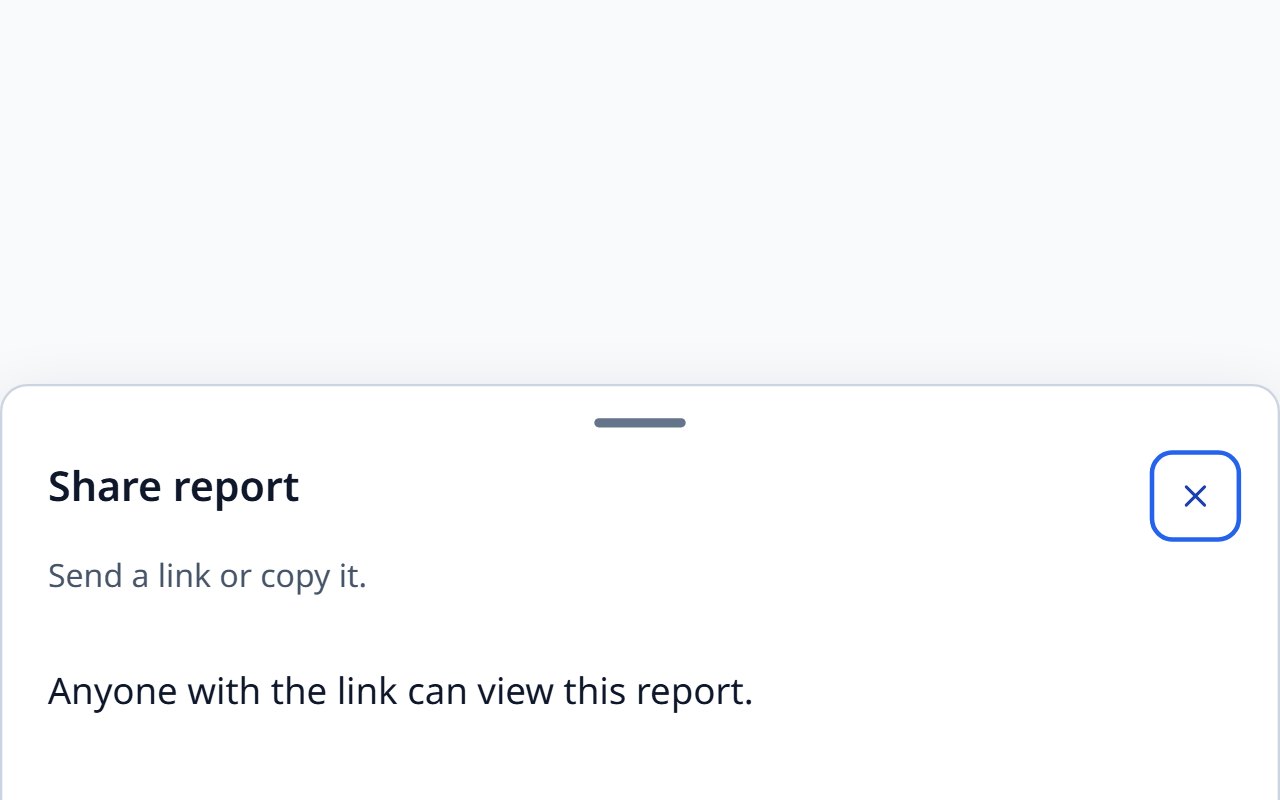
Bottom Sheet
A panel anchored to the bottom edge, built on native dialog.
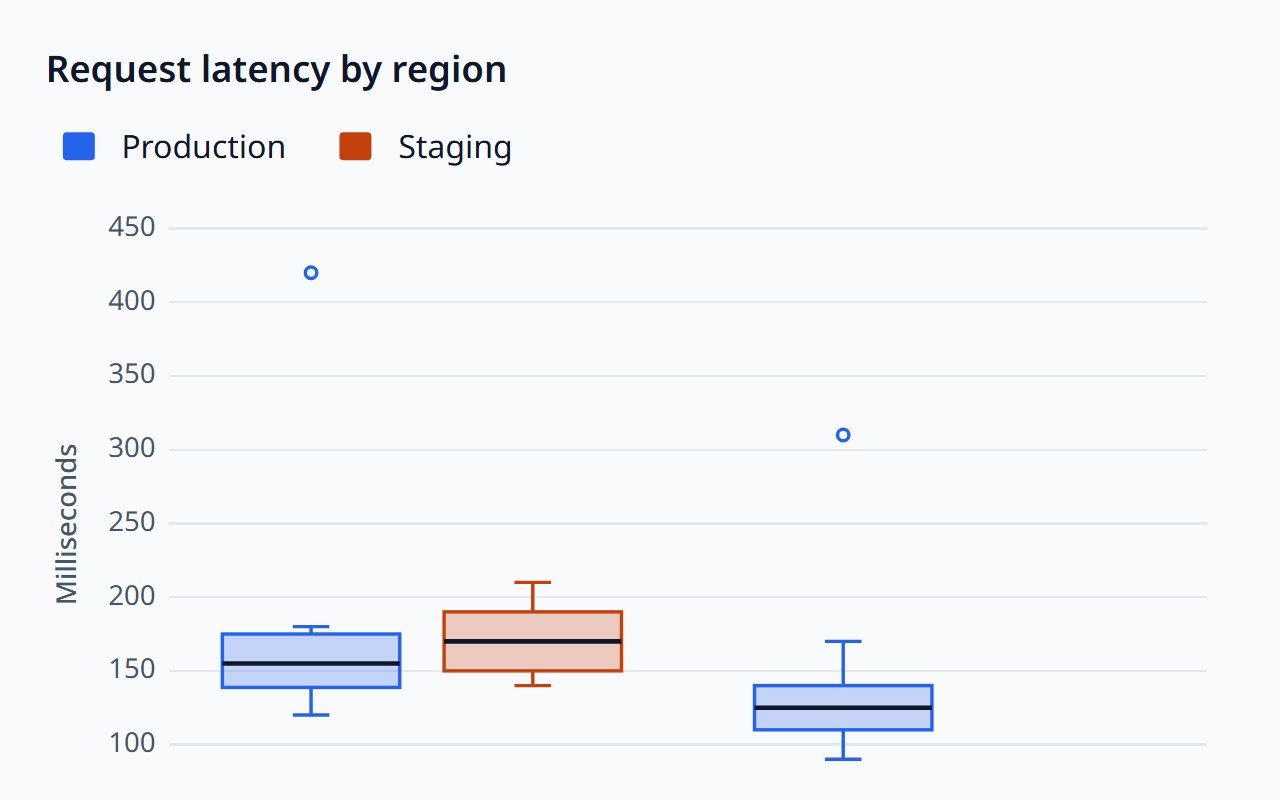
Box Plot
Compare distributions per category with quartiles and outliers.
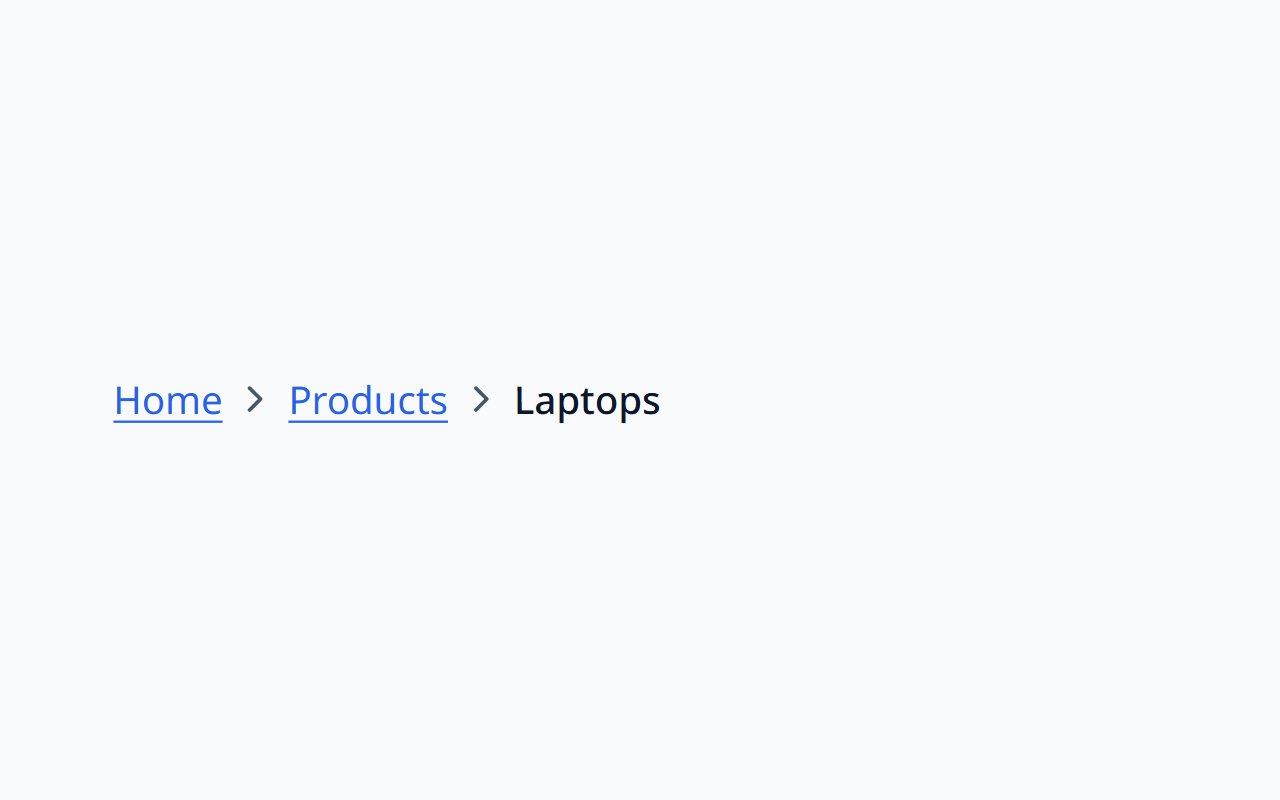
Breadcrumb
Show where a page sits in the hierarchy, with overflow handling.
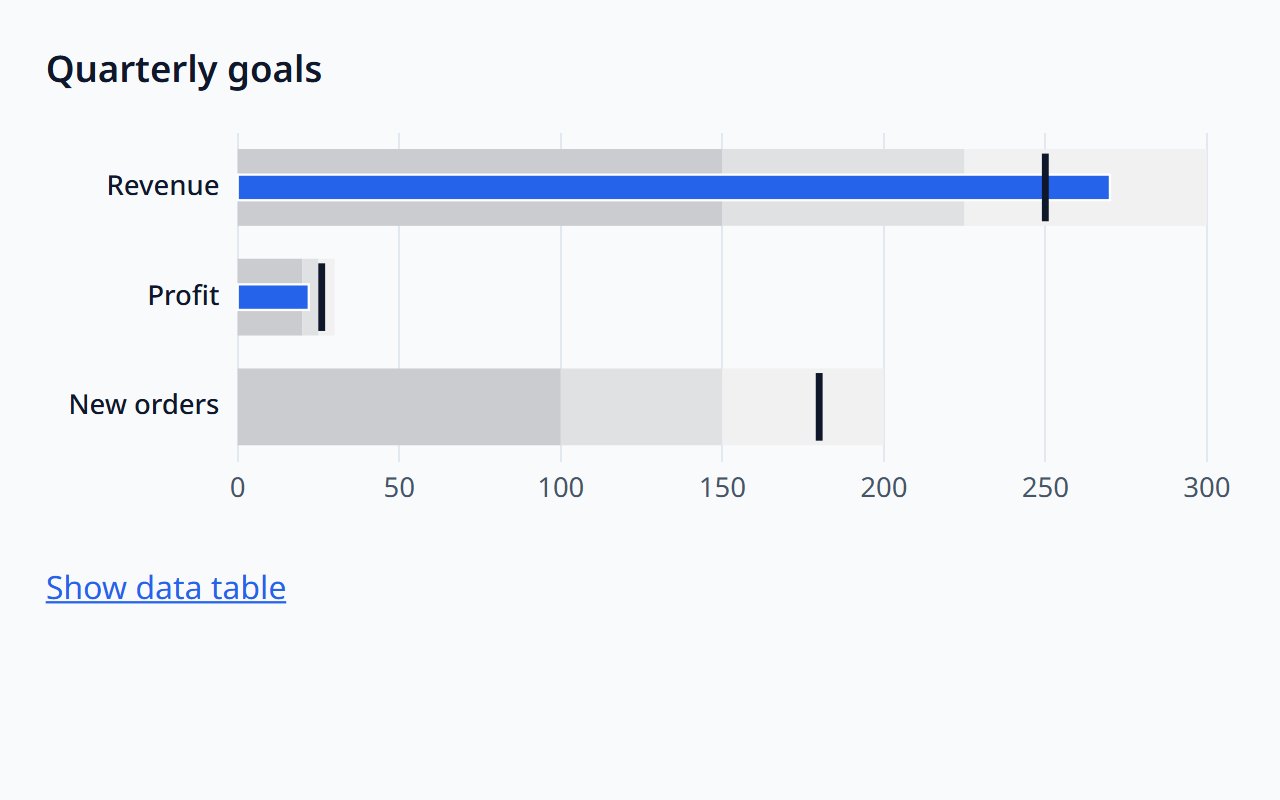
Bullet Chart
One measure against a target and qualitative ranges.
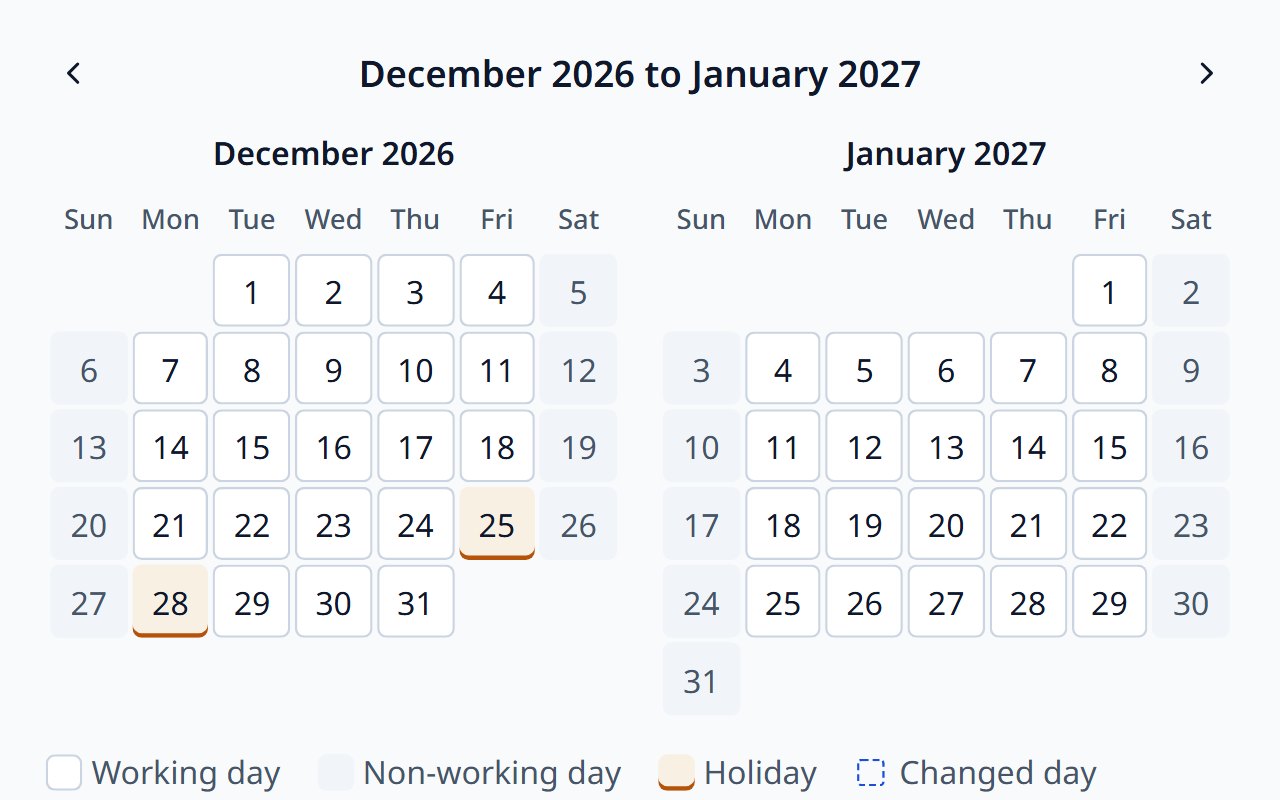
Business Calendar
Working weeks, holidays, and exceptions in one editable calendar.
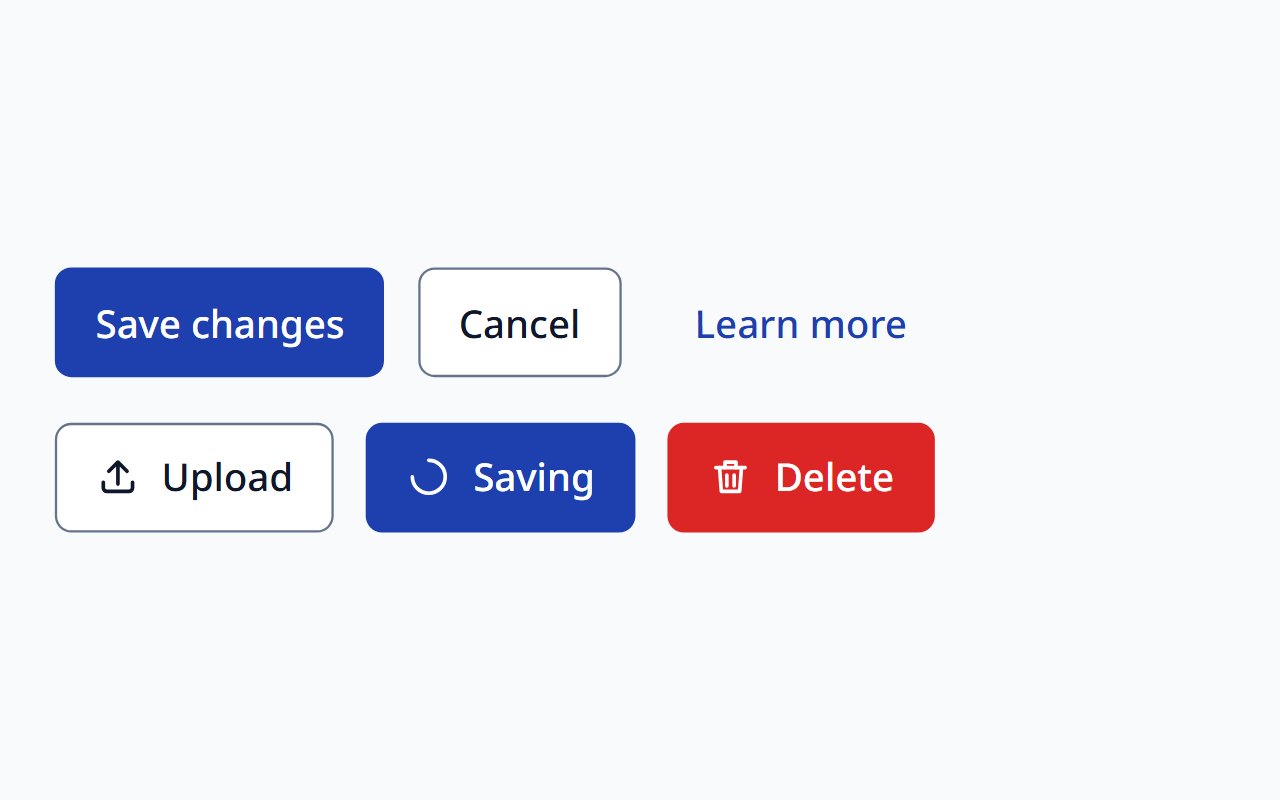
Button
Primary, secondary, and tertiary actions with loading states.
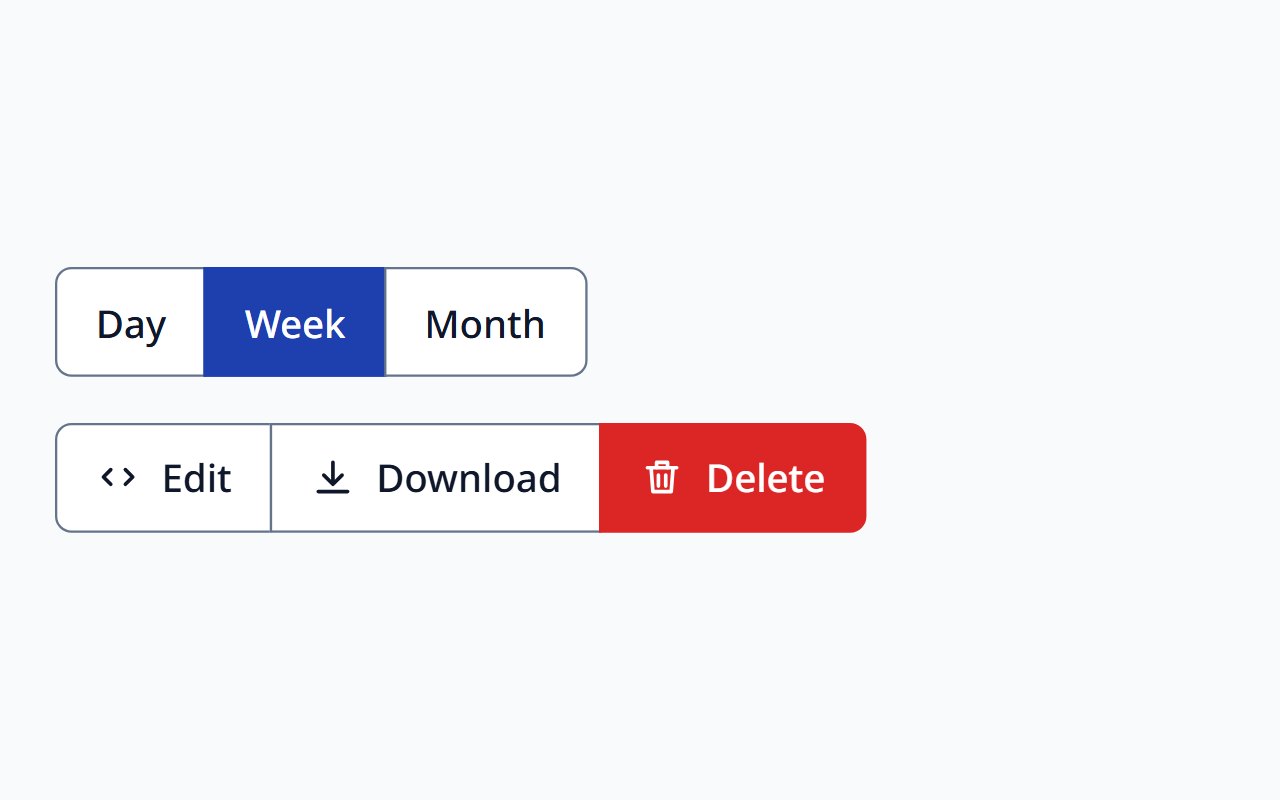
Button Group
Related actions presented as one labelled group.
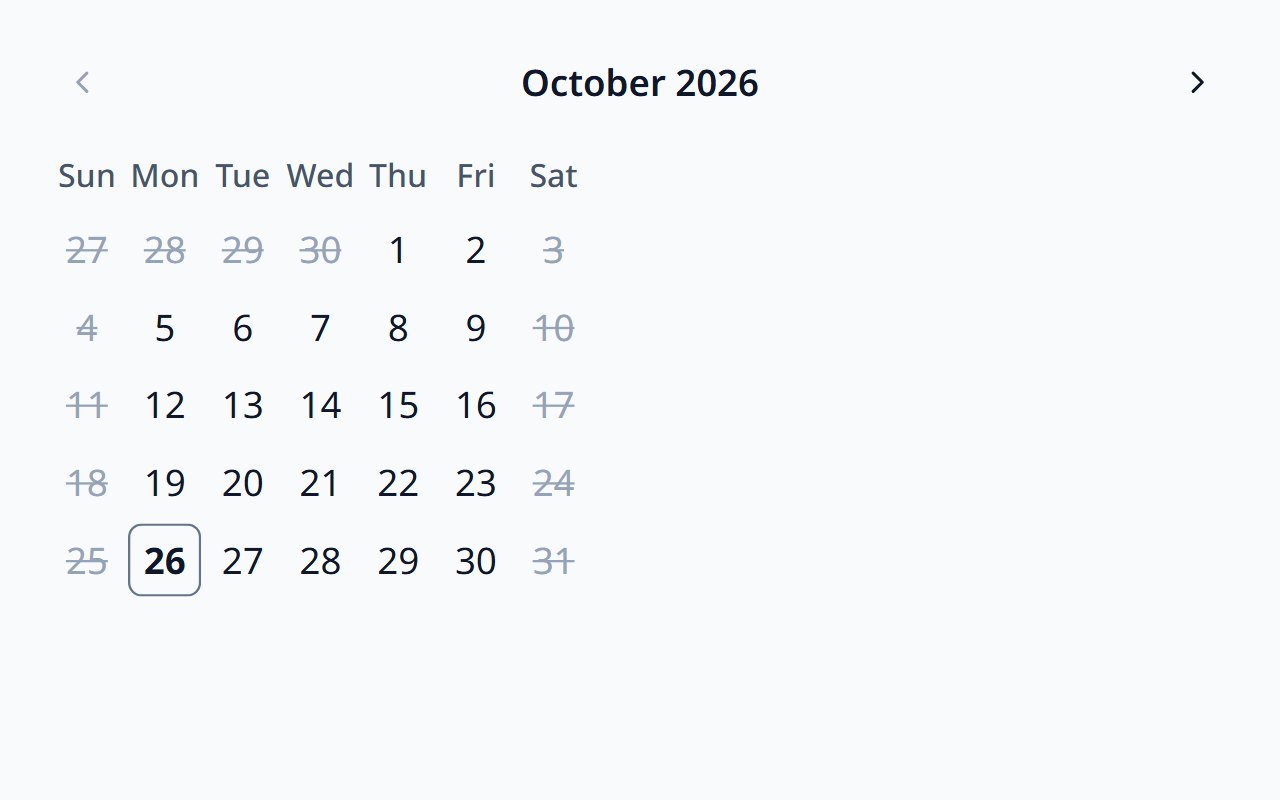
Calendar
A month grid for browsing and choosing dates, with date limits.
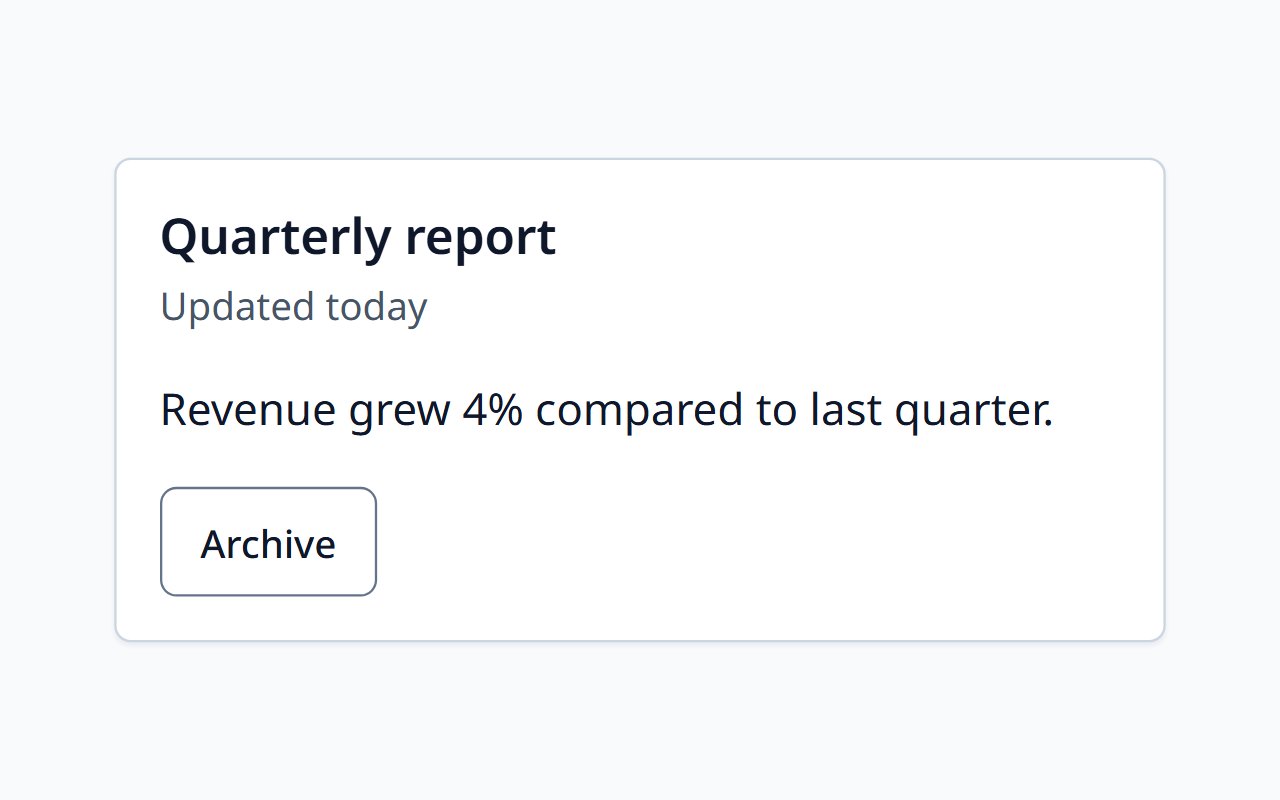
Card and Surface
Surfaces for grouping content, with header, body, and actions.
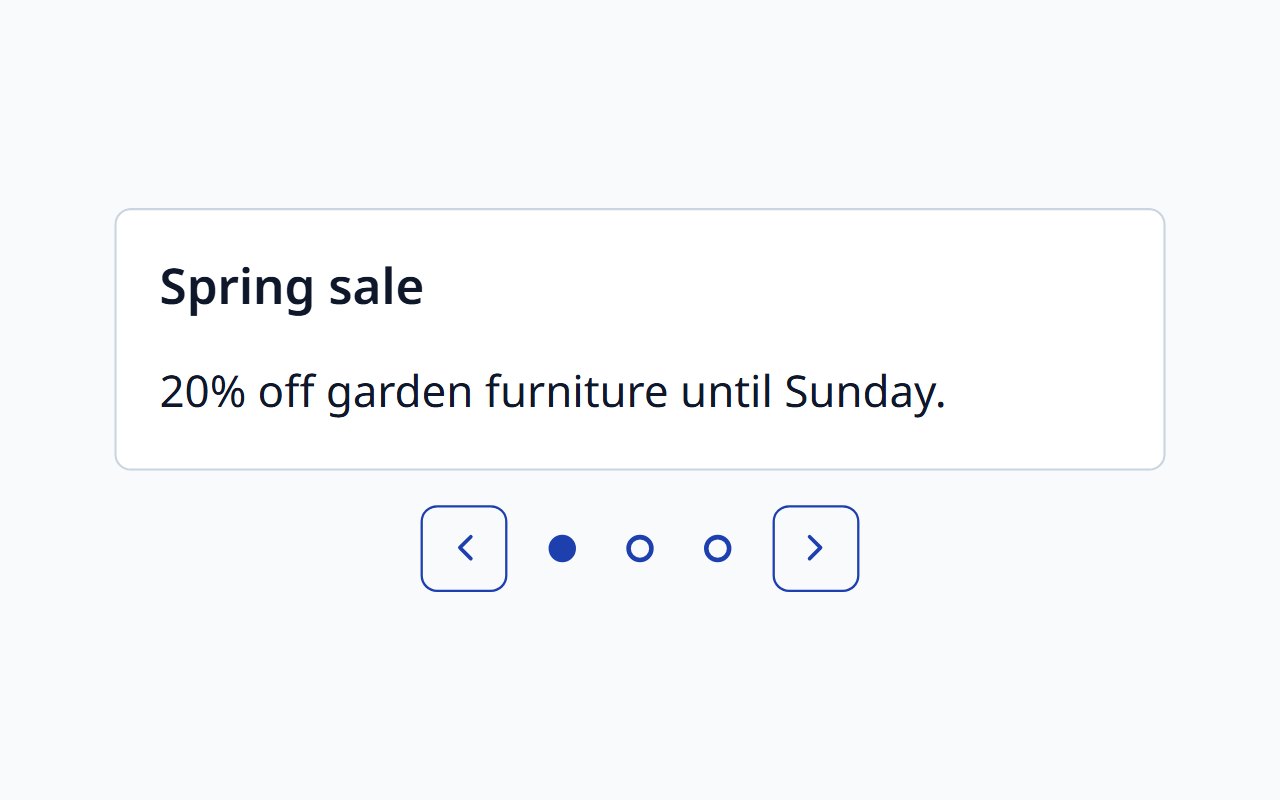
Carousel
APG carousel with inert hidden slides, swipe, and a pause button for autoplay.
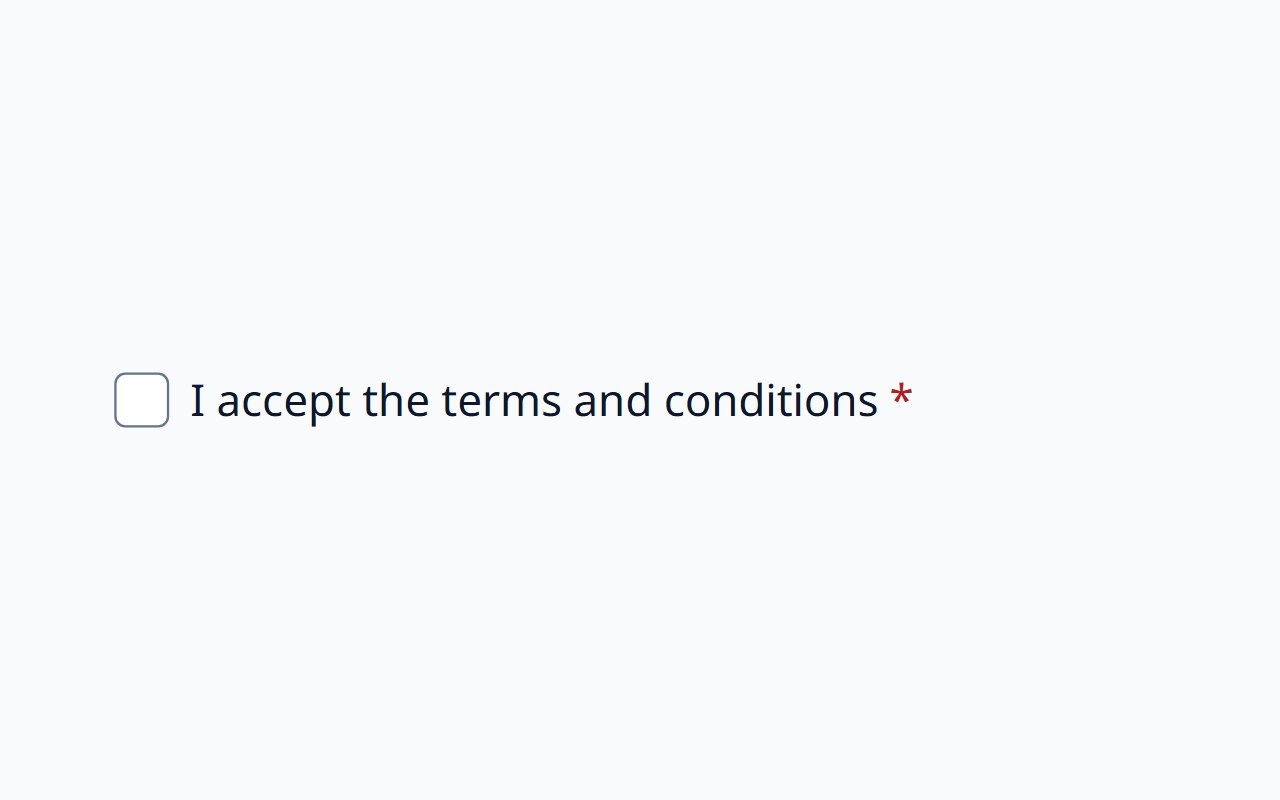
Checkbox
A single on/off choice on a native checkbox.
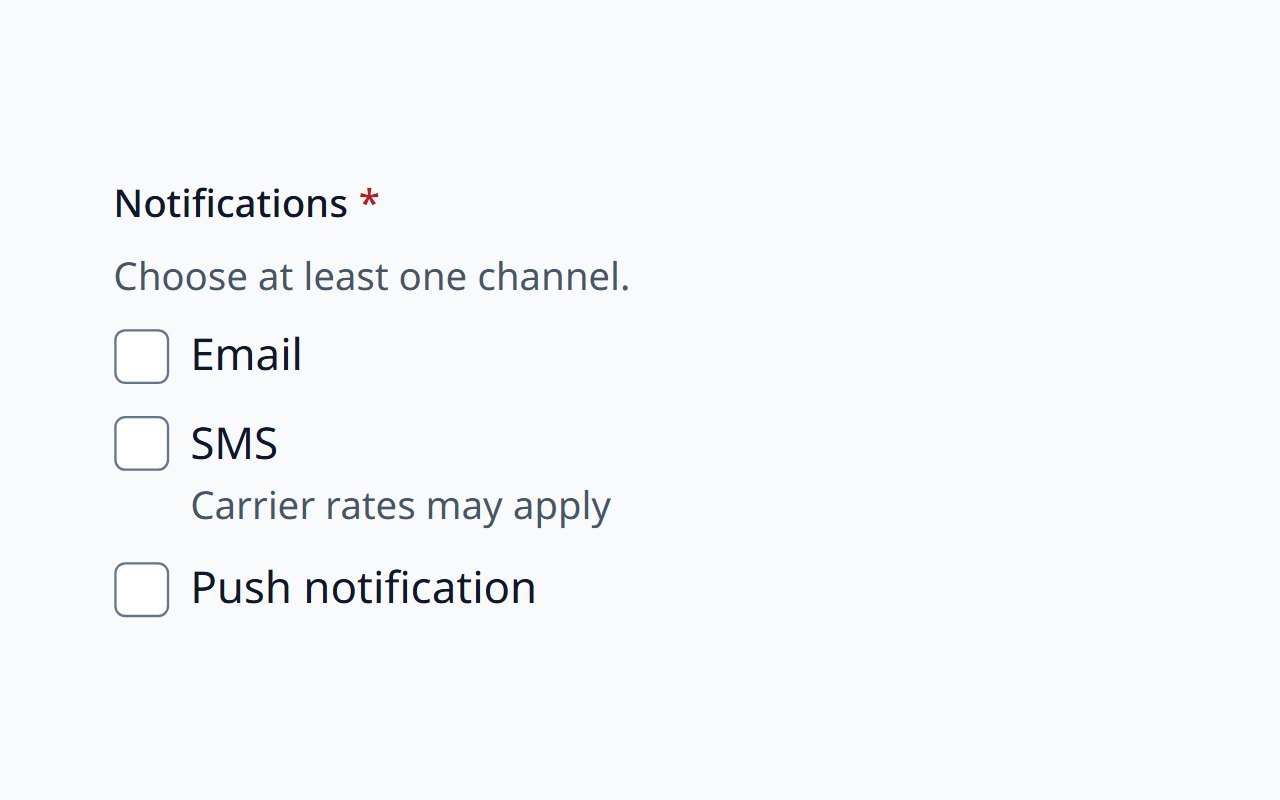
Checkbox Group
Several independent choices in a labelled fieldset.
Collapsible
A single disclosure for optional details, following the APG pattern.
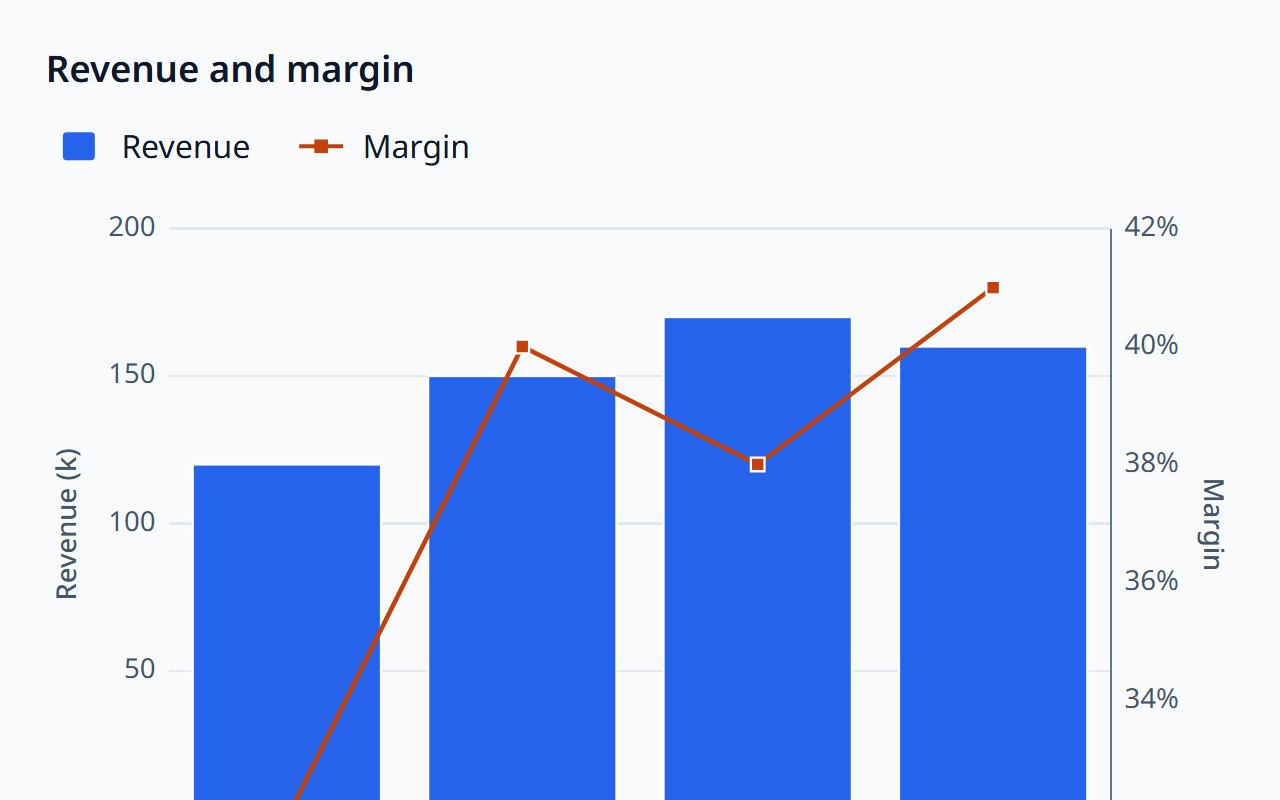
Combo Chart
Bars, lines, and areas over shared categories.
Combobox
Editable single-select with list autocomplete.
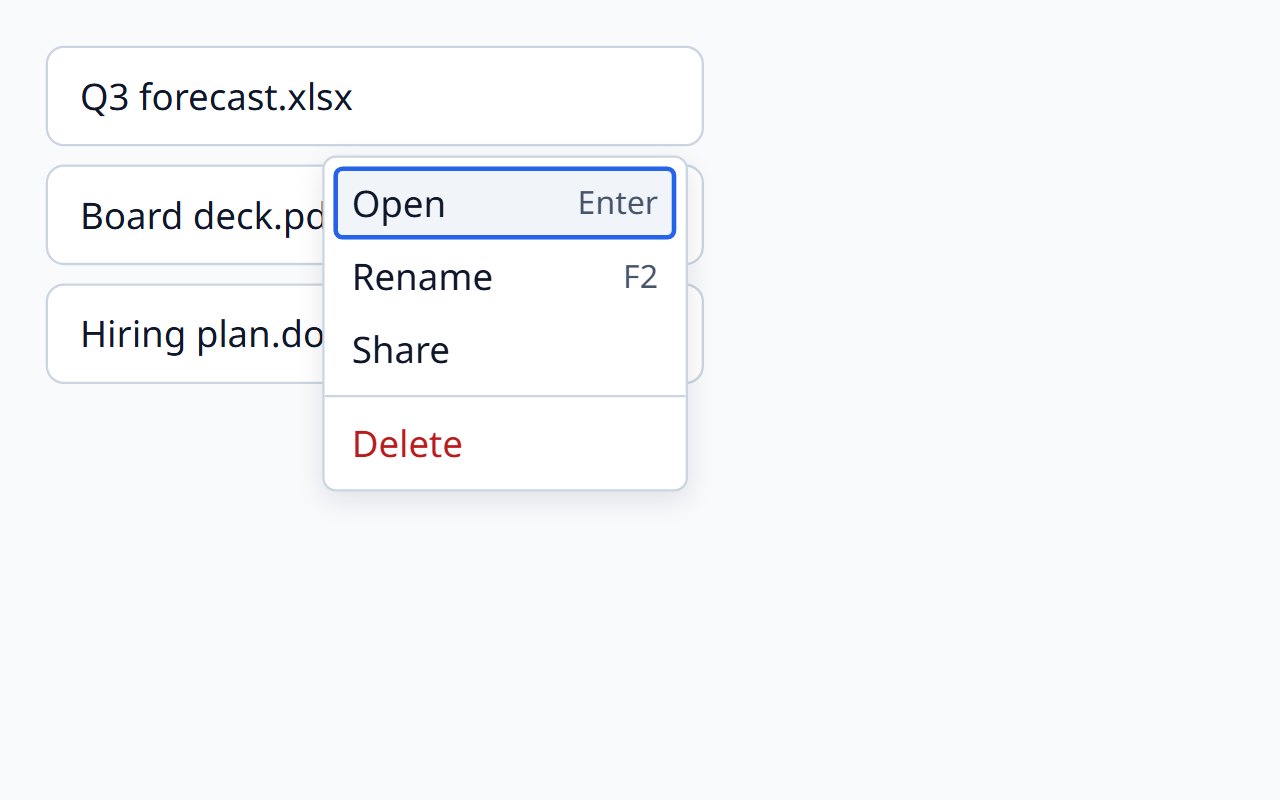
Context Menu
Actions on right-click or the keyboard menu key.
Dashboard Grid
A responsive, rearrangeable grid for dashboard widgets.
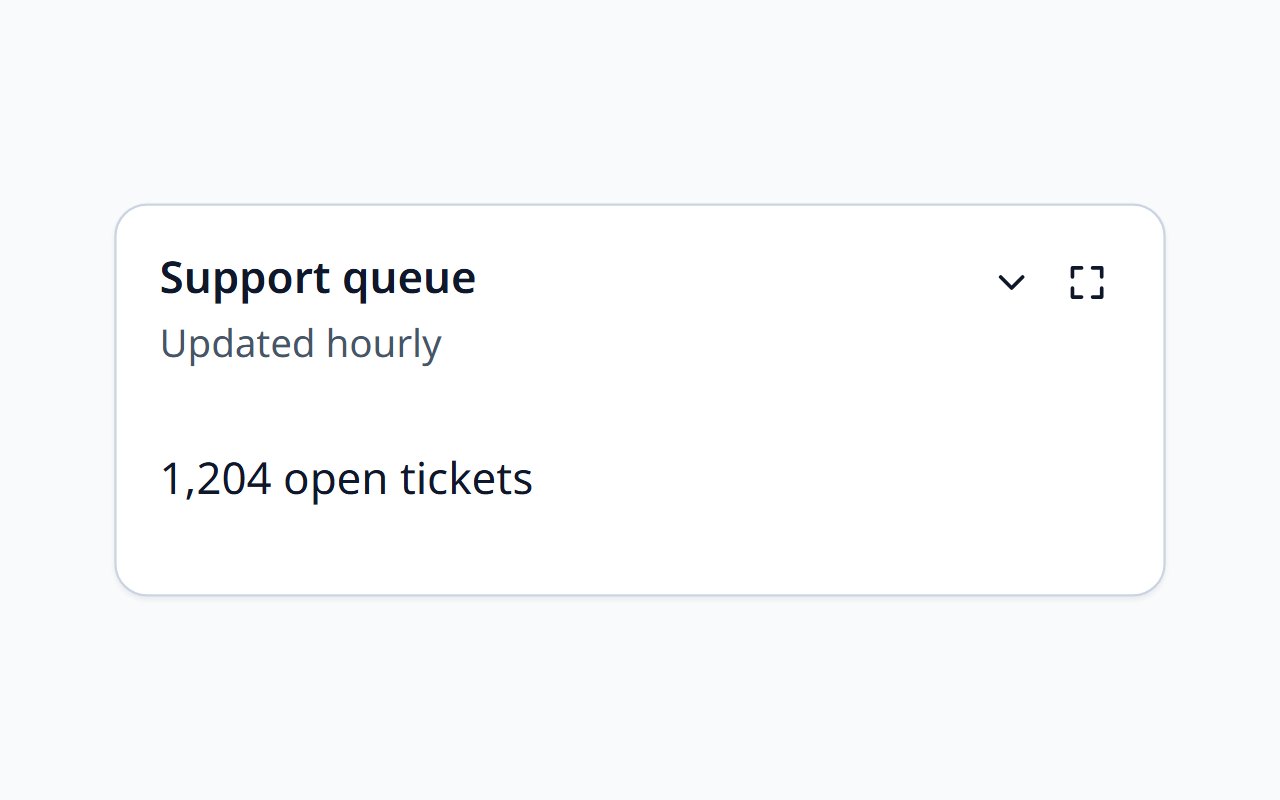
Dashboard Widget
A titled, collapsible dashboard panel.
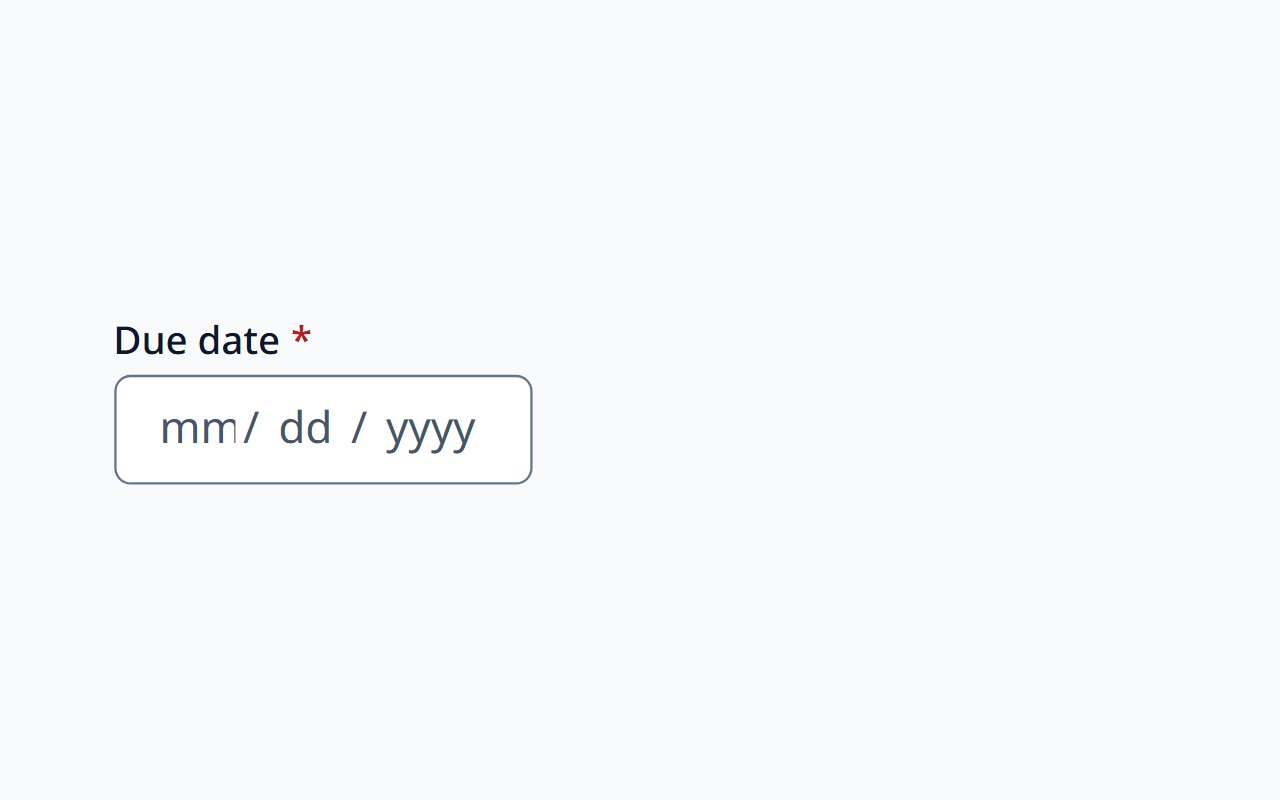
Date Input
Keyboard-first date entry in locale-ordered segments.
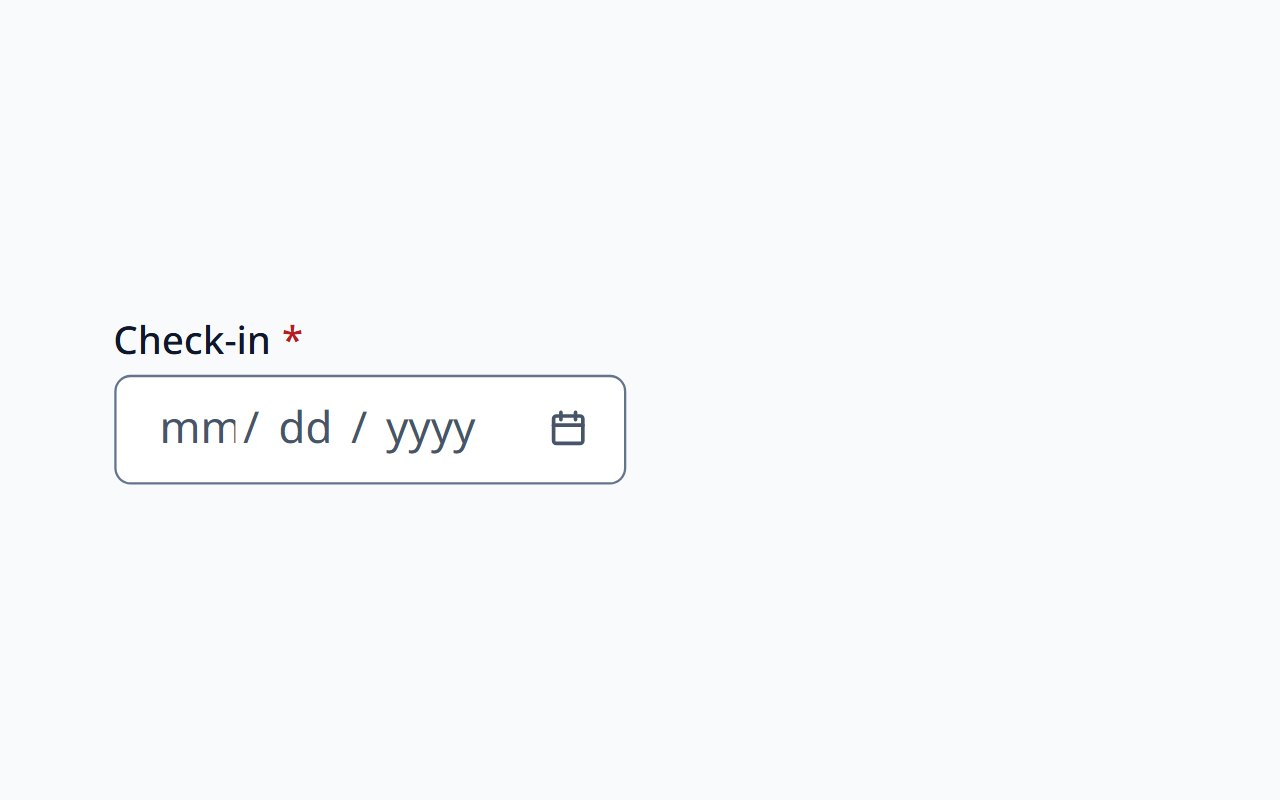
Date Picker
Date field with segmented entry and a calendar popup.
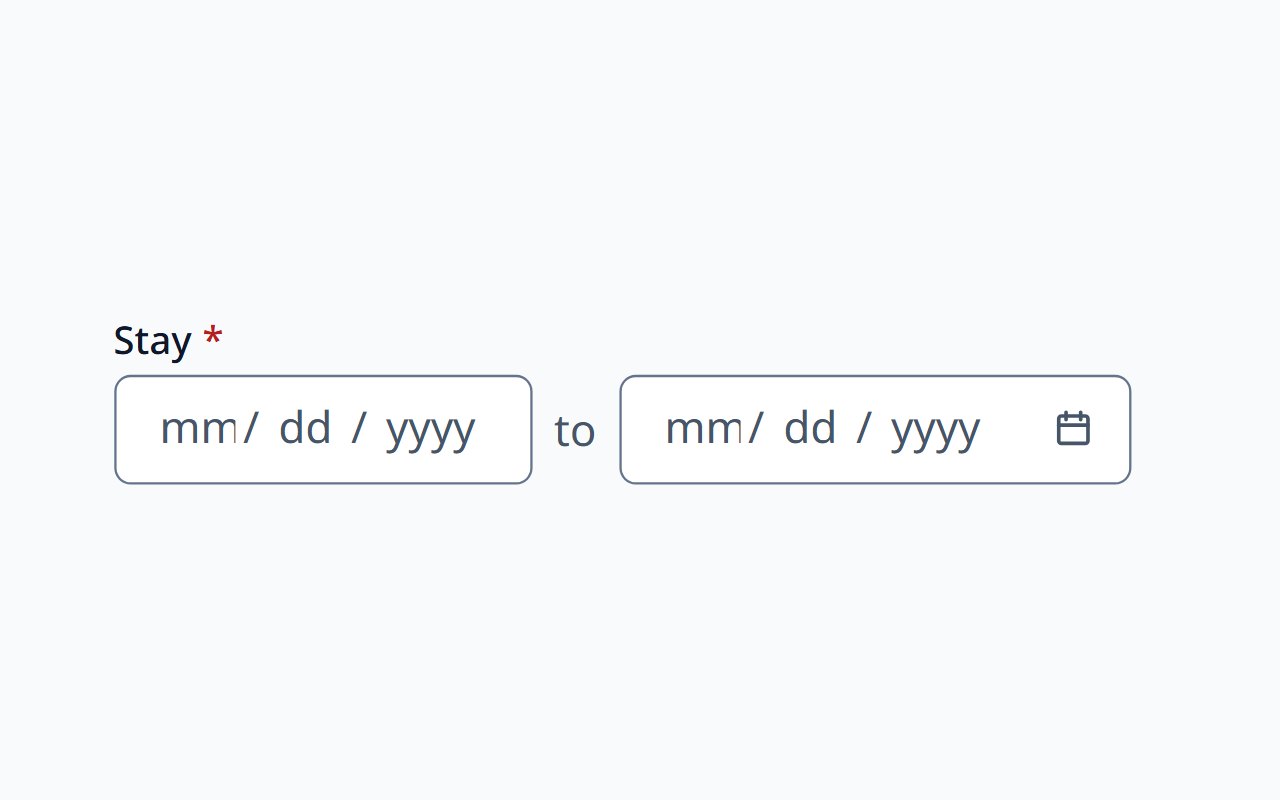
Date Range Picker
Inclusive date ranges in one field, with a two-month calendar.
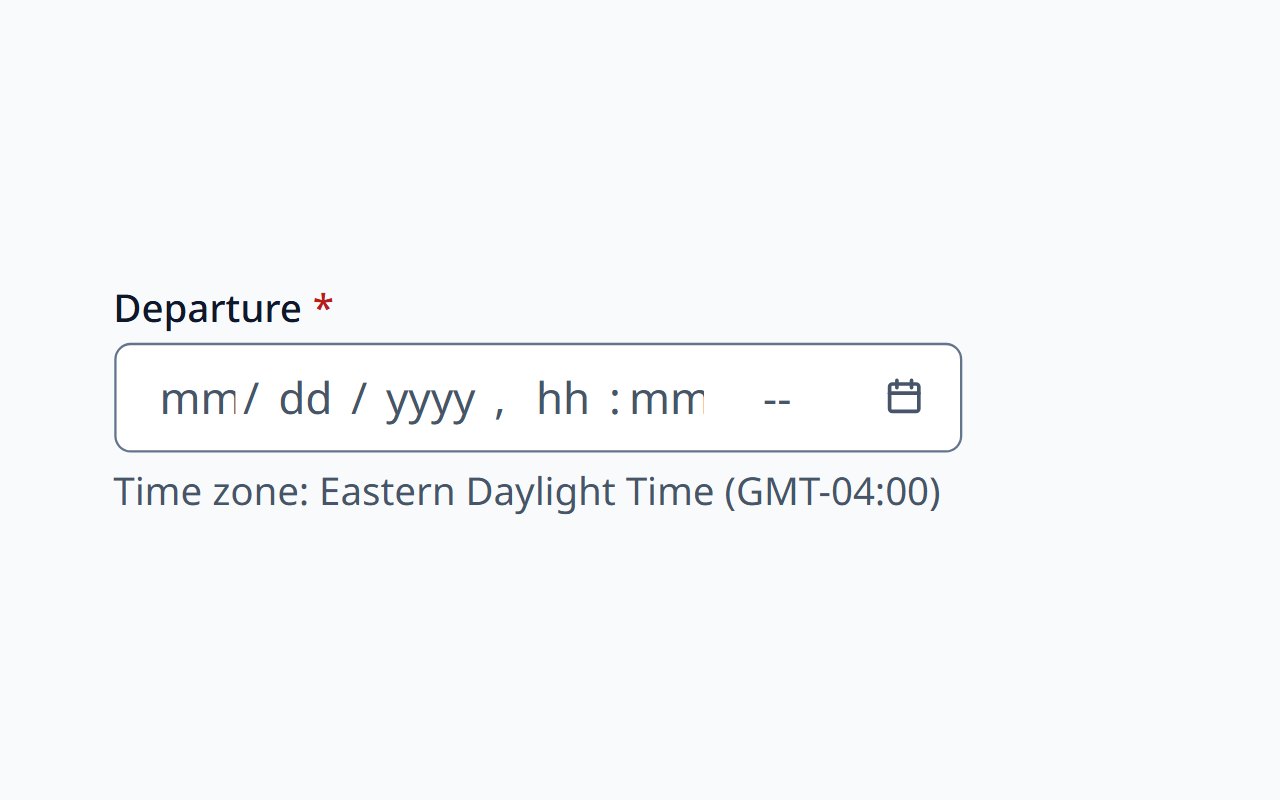
DateTime Picker
An exact moment, entered in the configured time zone.
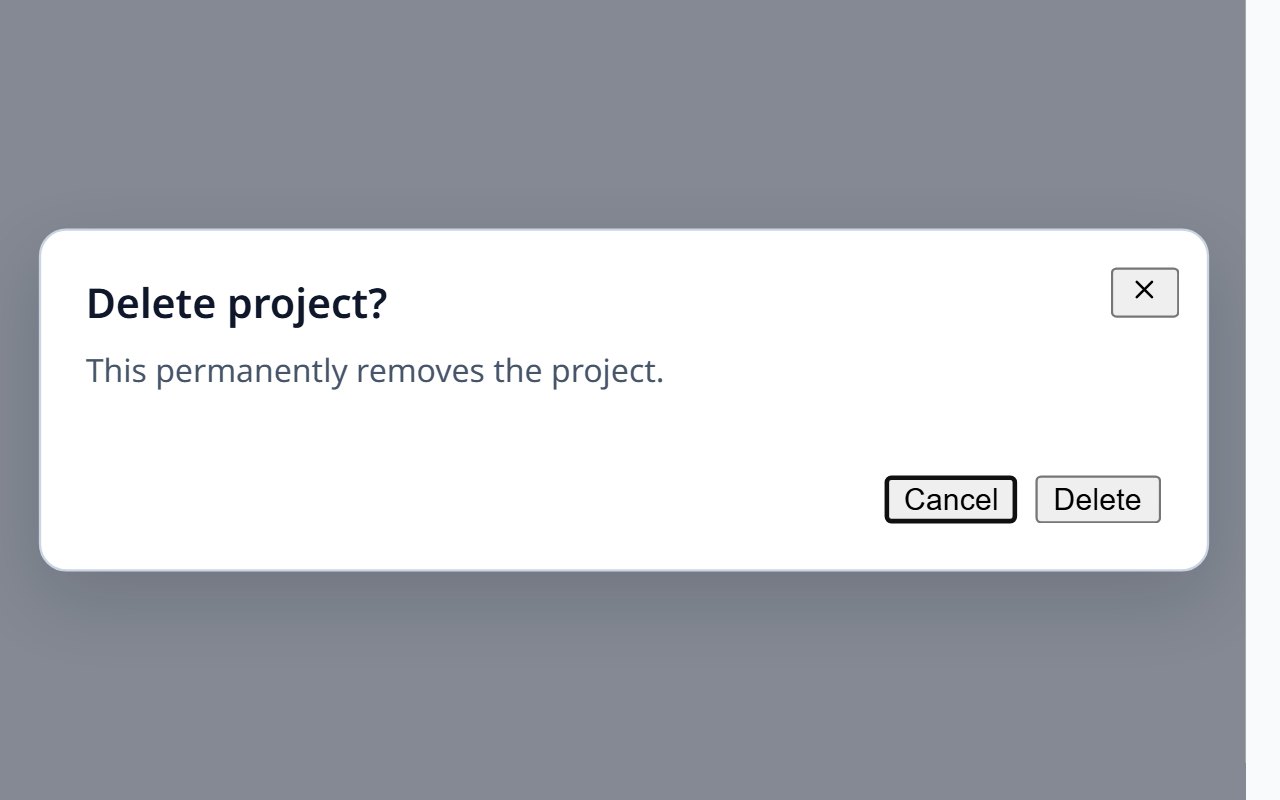
Dialog
Modal dialogs on native dialog with managed focus.
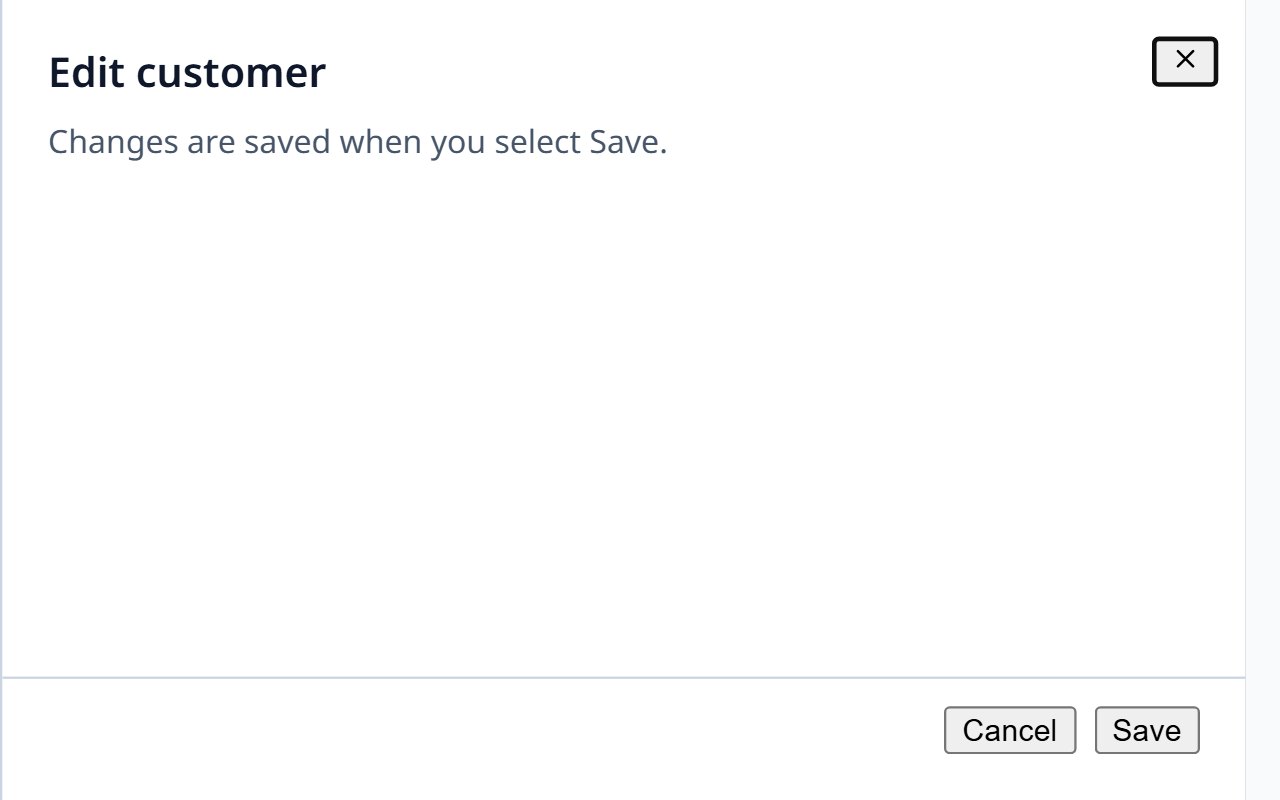
Drawer
A panel that slides in from any screen edge.
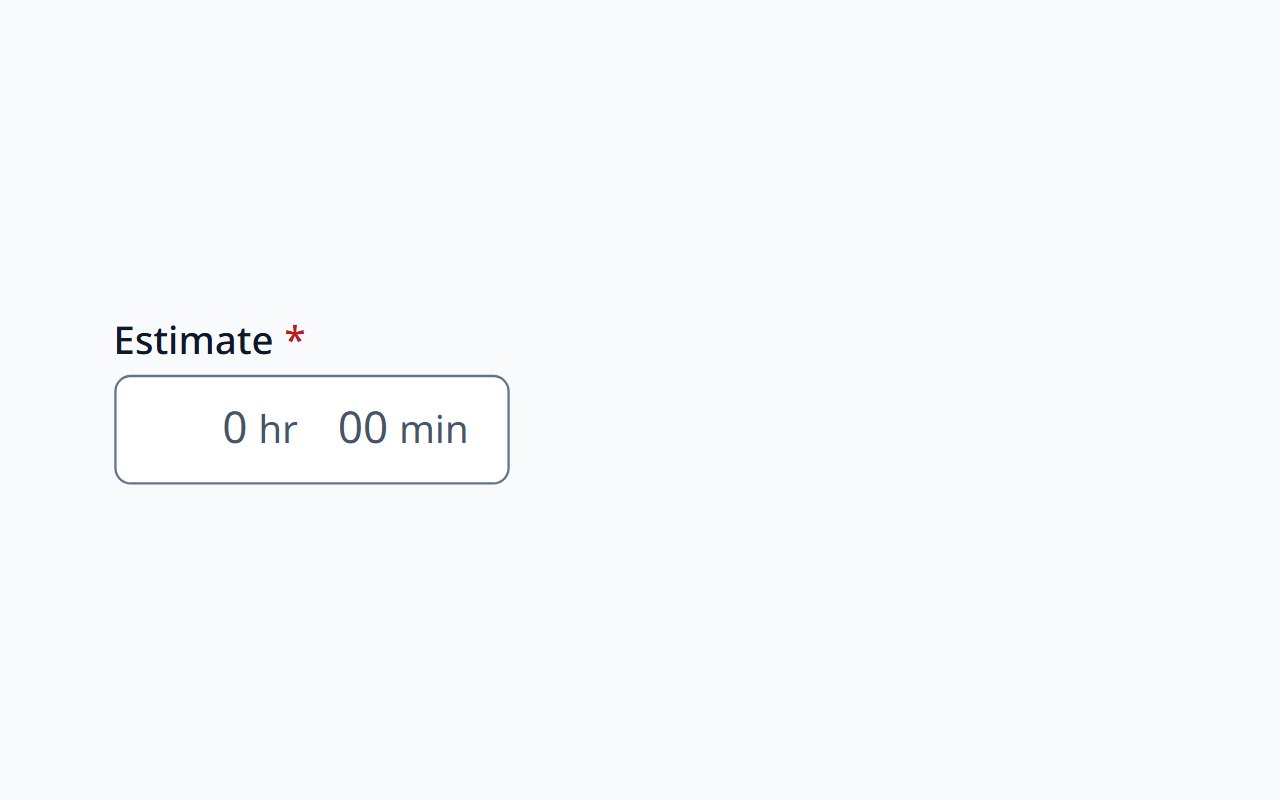
Duration Picker
Enter durations in days, hours, minutes, and seconds.
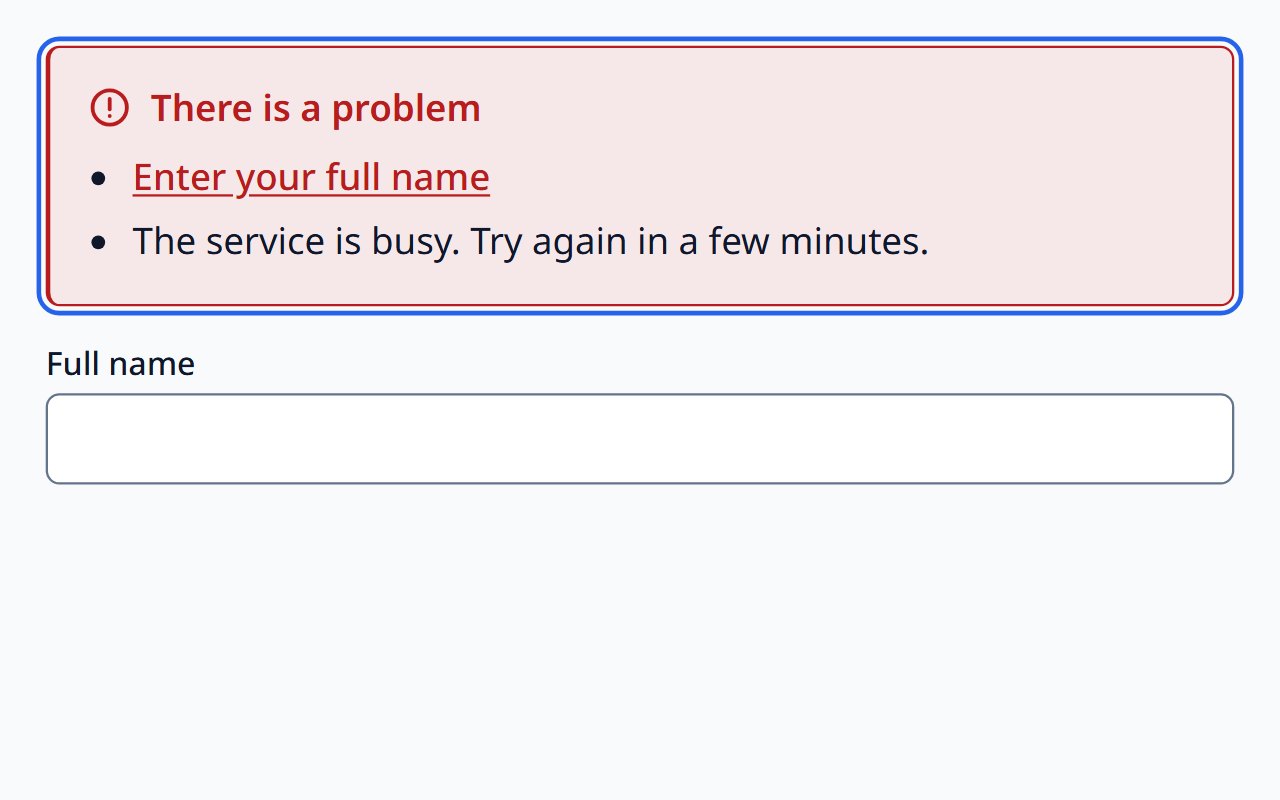
Error Summary
Every error after submit, each linked to its field.
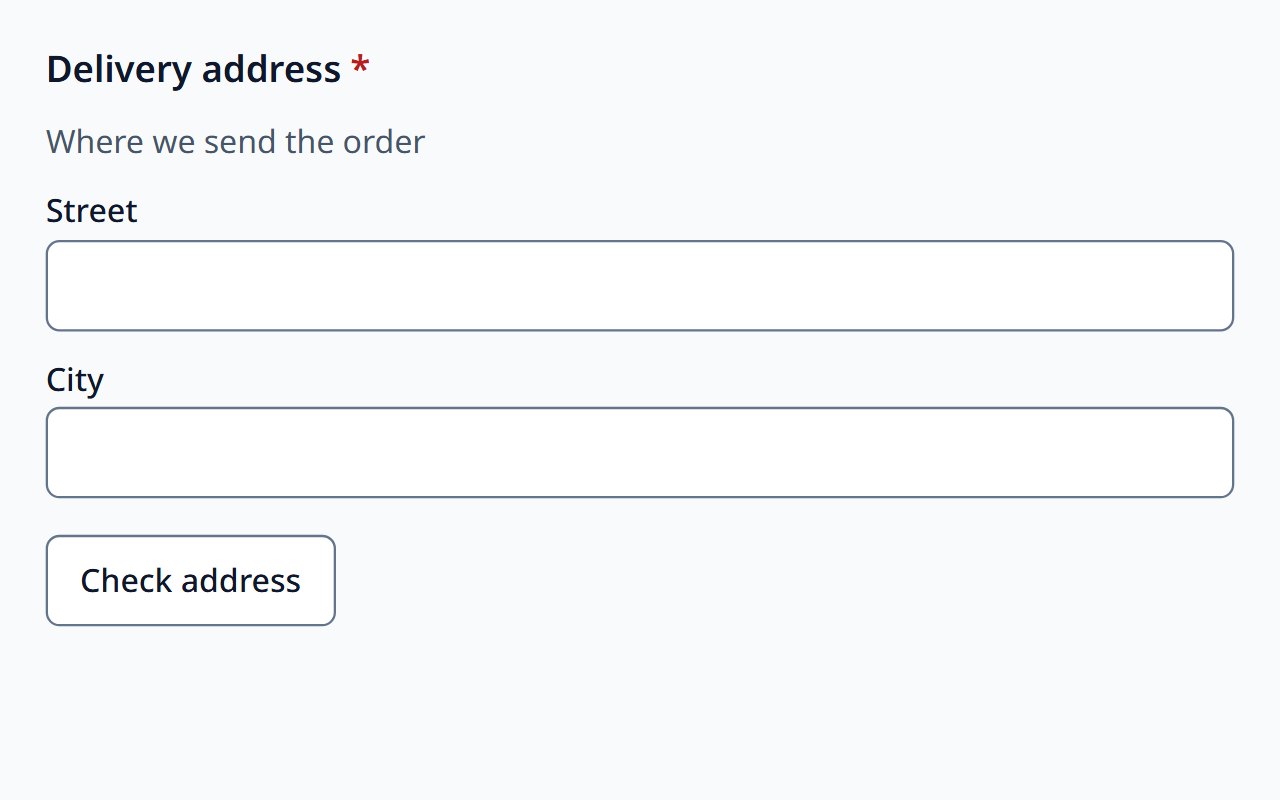
Fieldset
Legend, help, required marker, and group errors for a native fieldset.
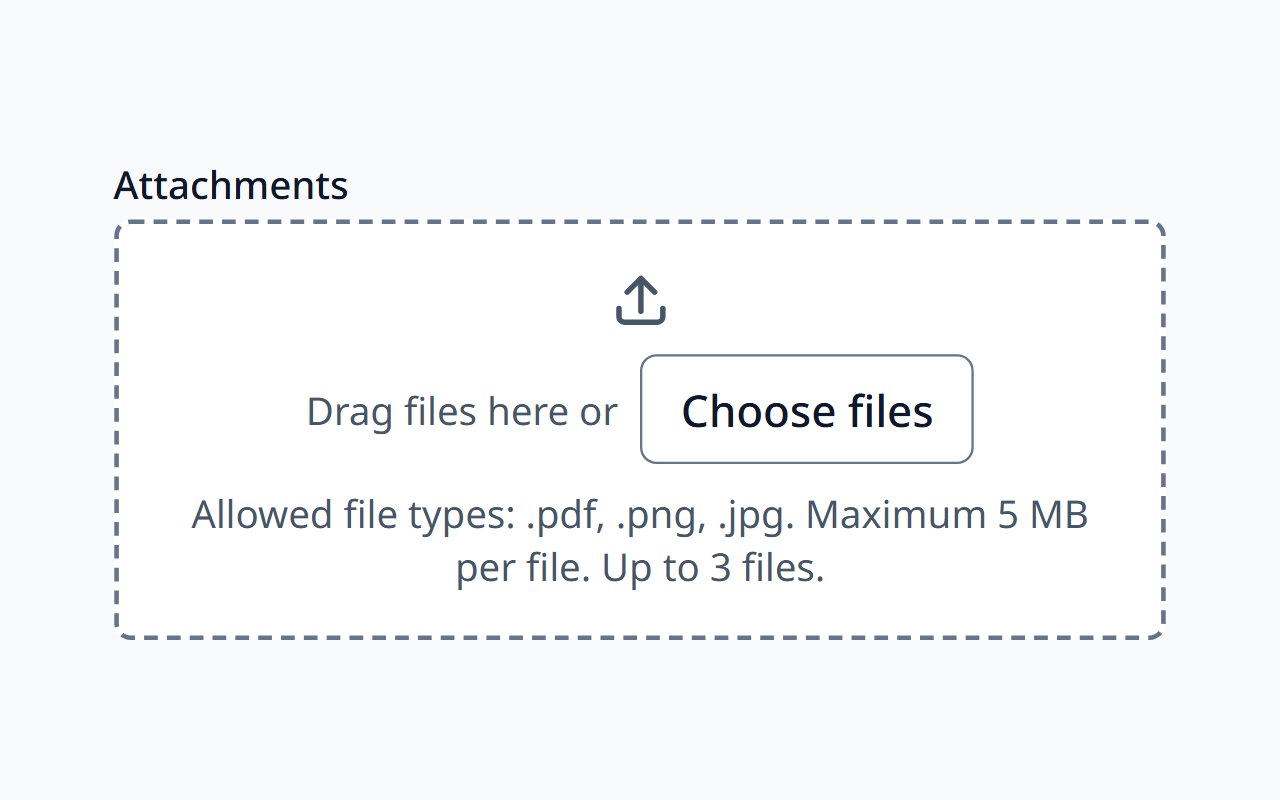
File Upload
File picker with drag and drop, type, and size validation.
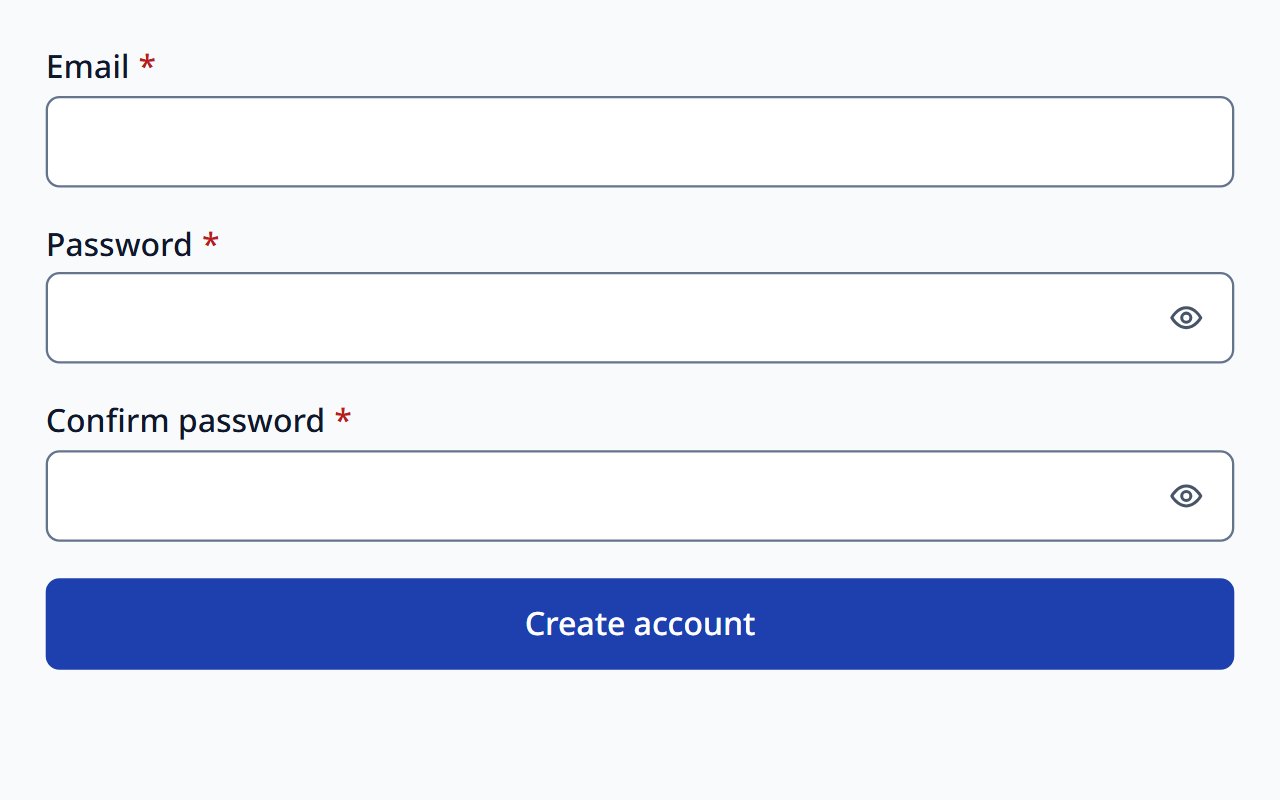
Form
Validation and state management for a native form.
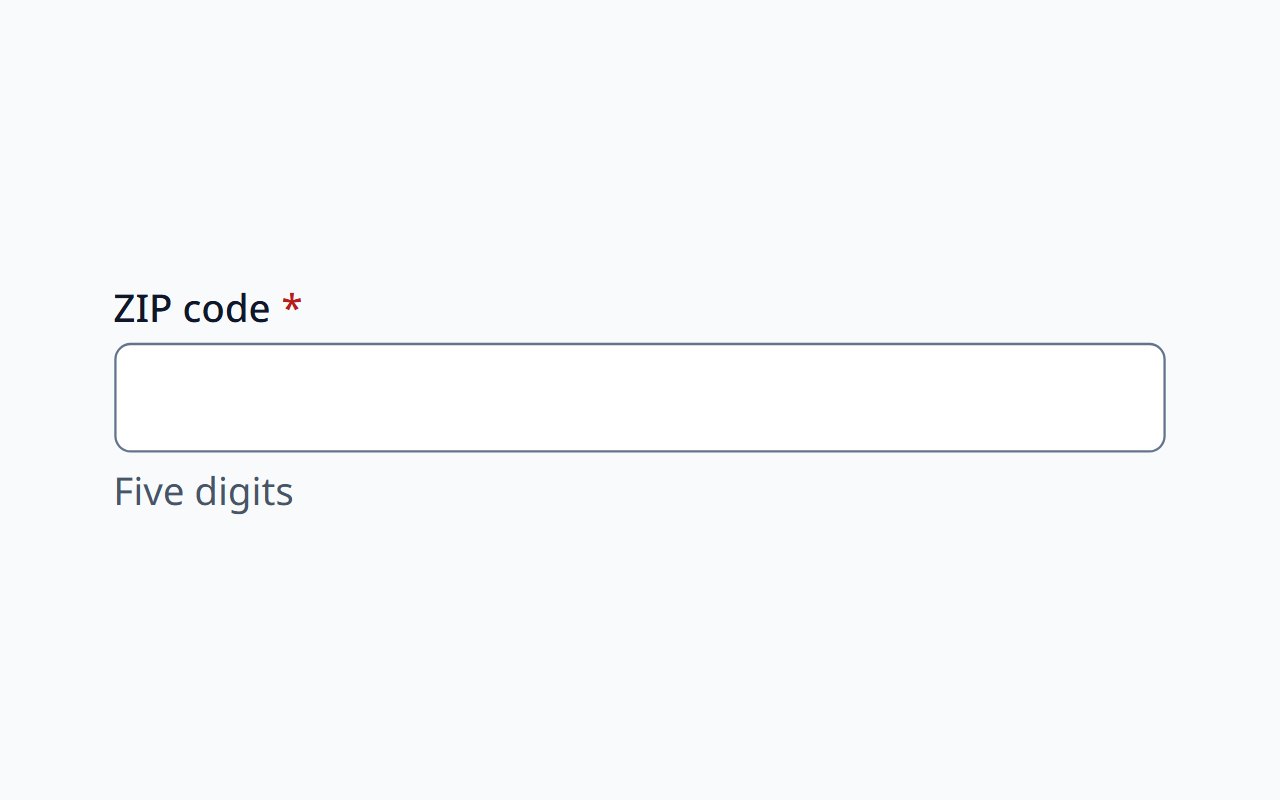
Form Field
Field chrome for your own native inputs.
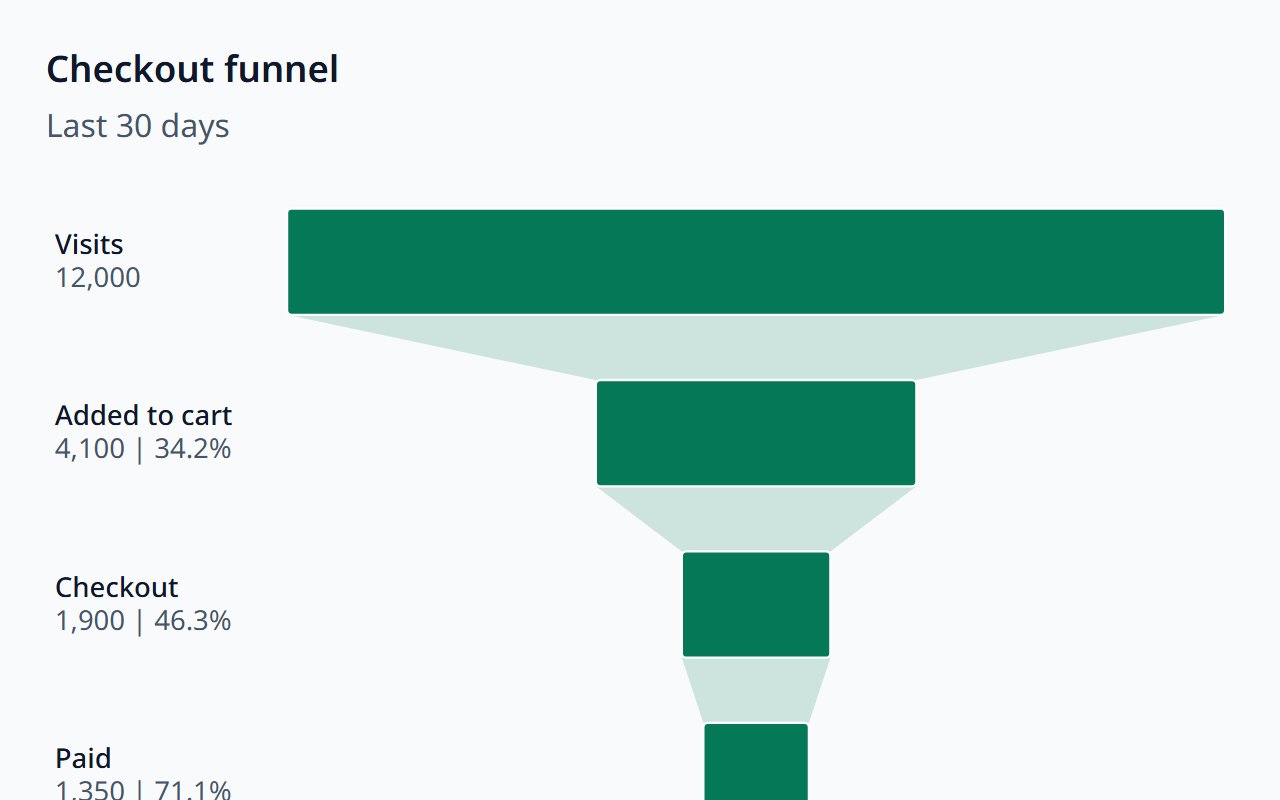
Funnel Chart
Sequential stages with conversion between them.
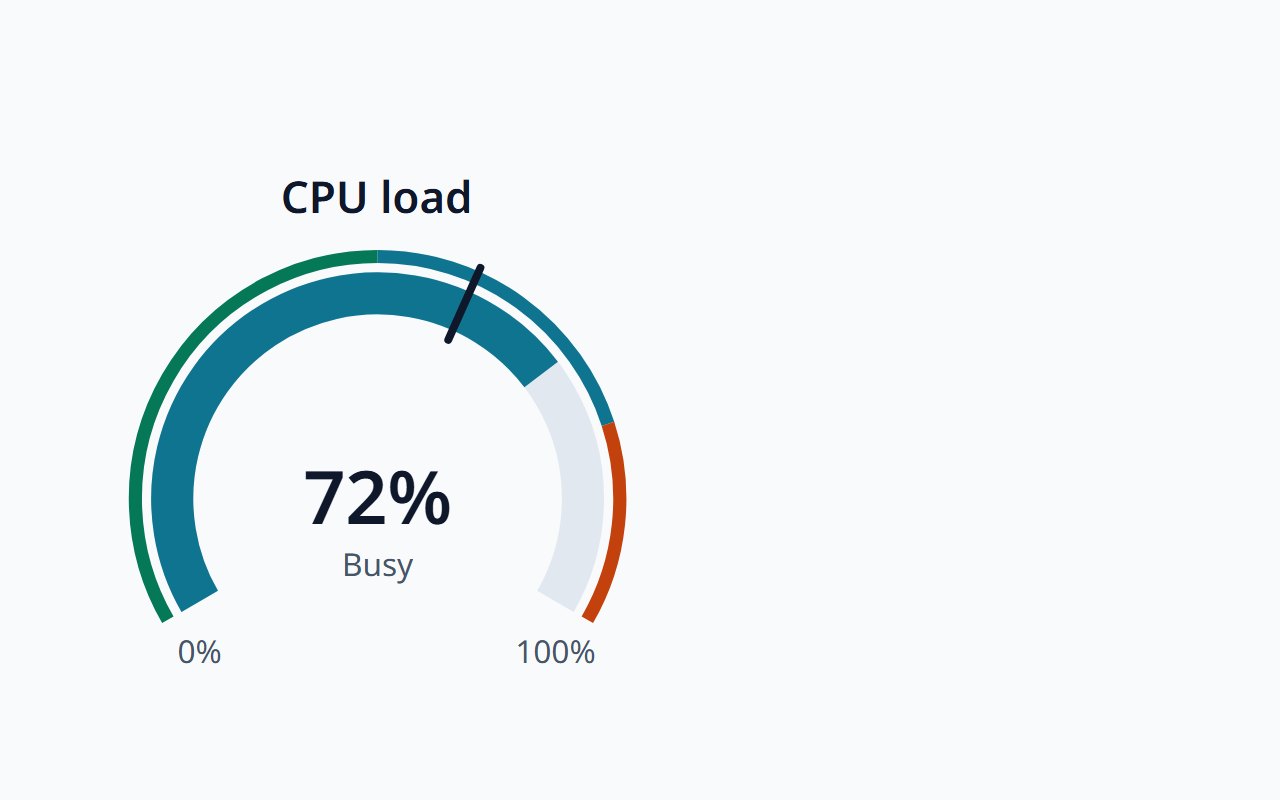
Gauge
One value on a radial arc with qualitative bands.
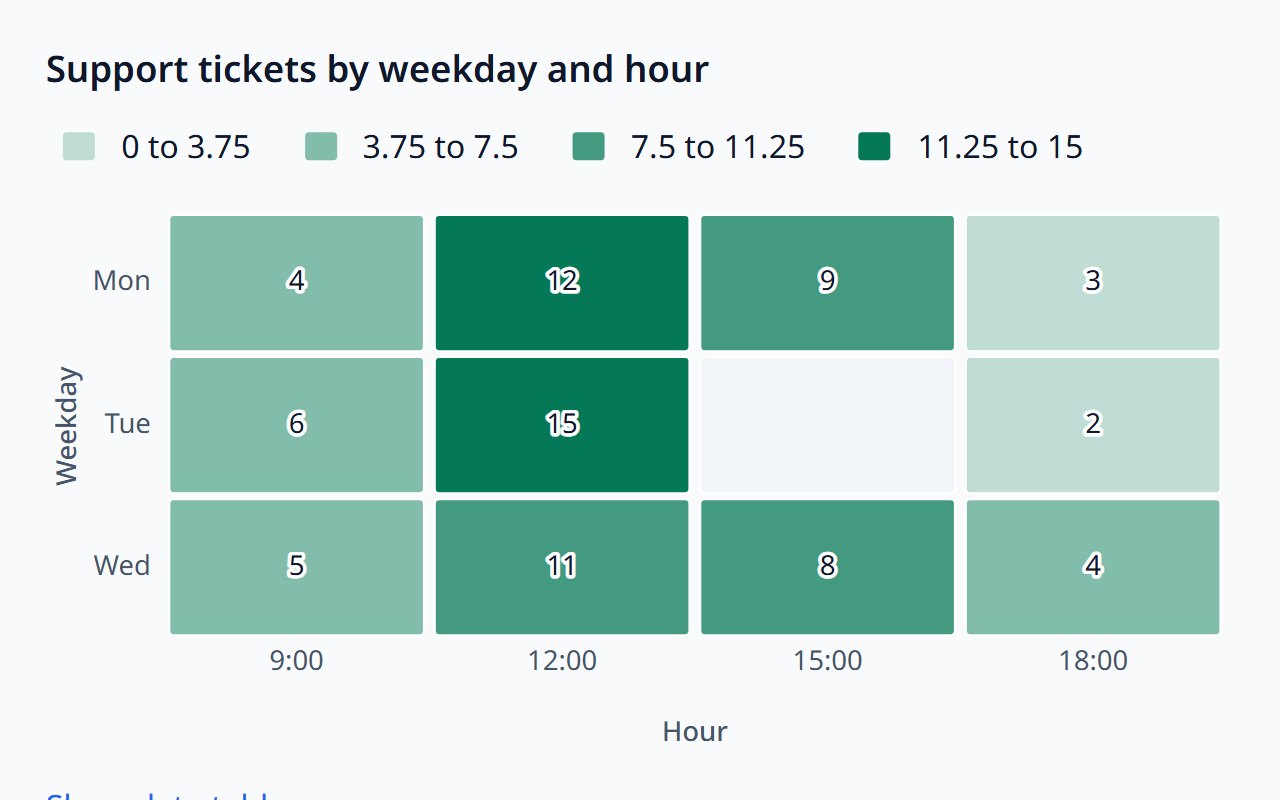
Heatmap
Values across two dimensions as a colour grid.
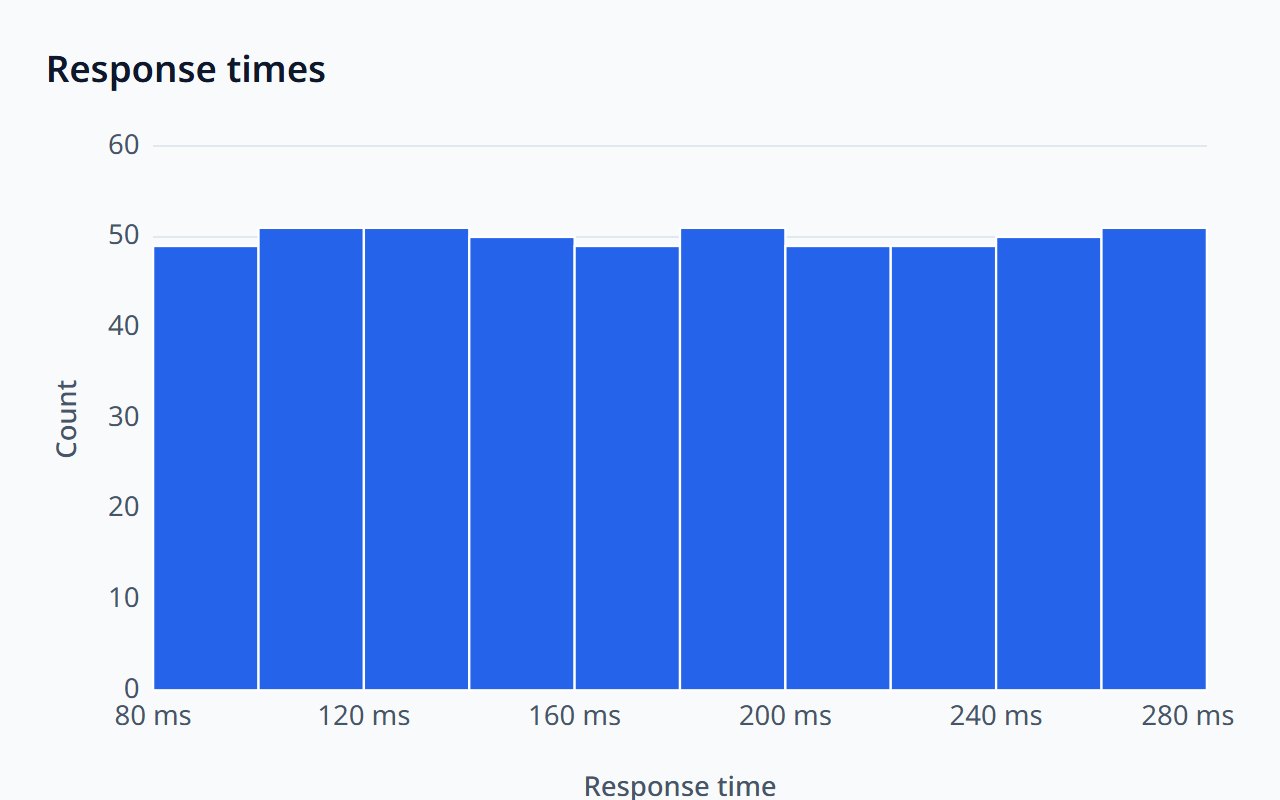
Histogram
The distribution of raw values in adjacent bins.
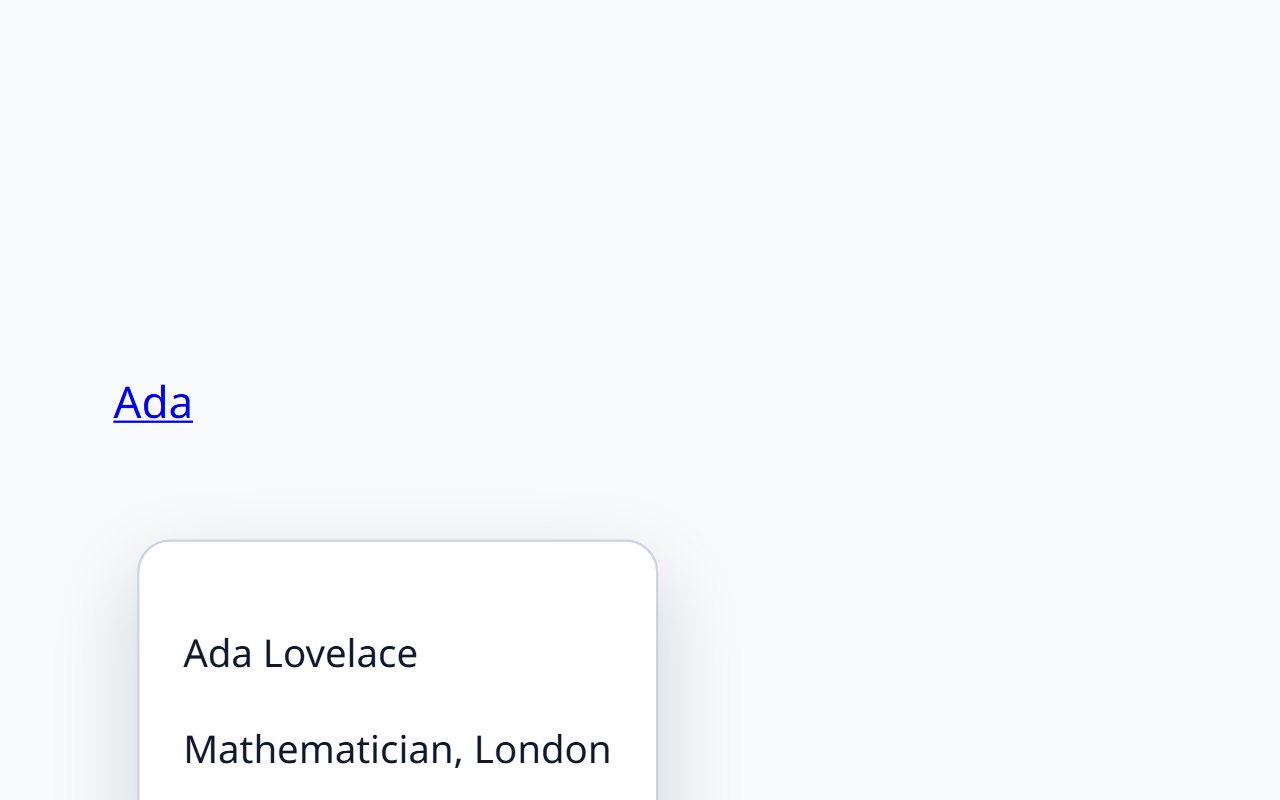
Hover Card
A rich preview on hover or keyboard focus.
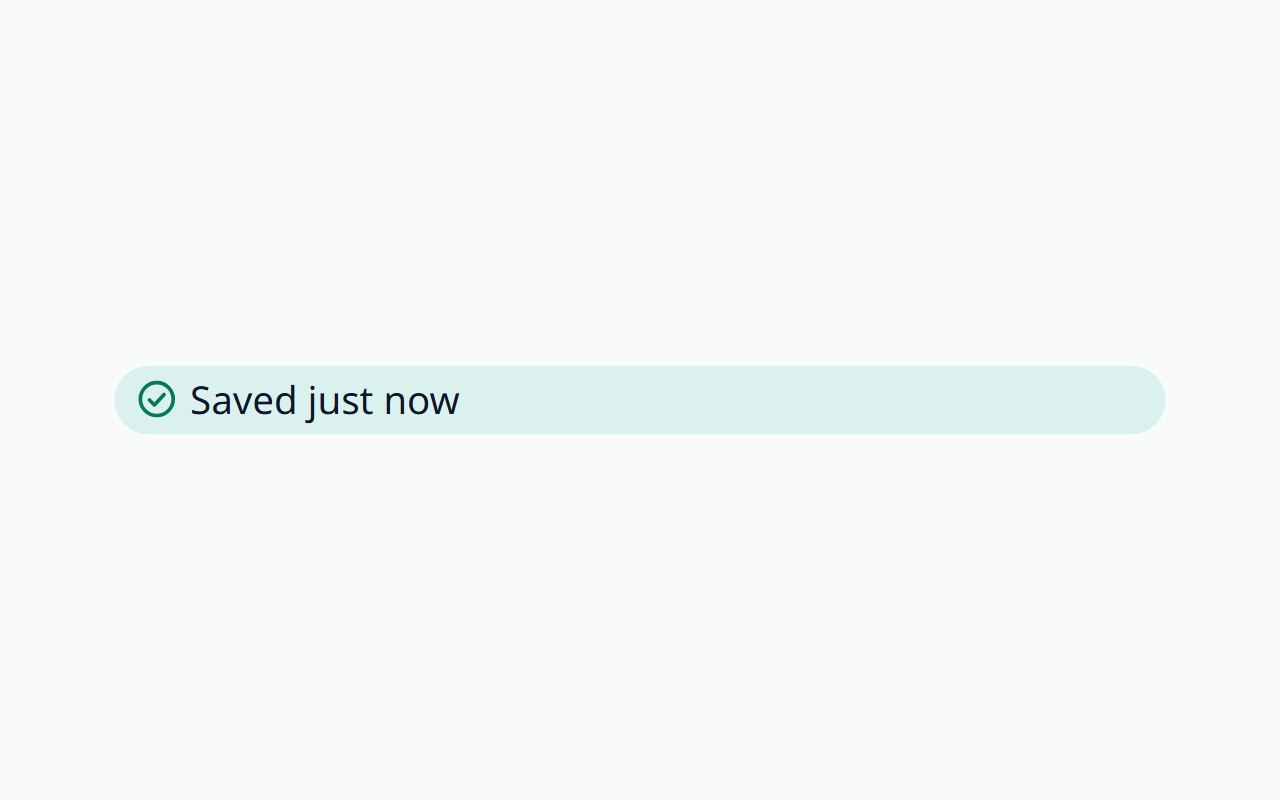
Inline Message
Compact status shown next to the content it describes.
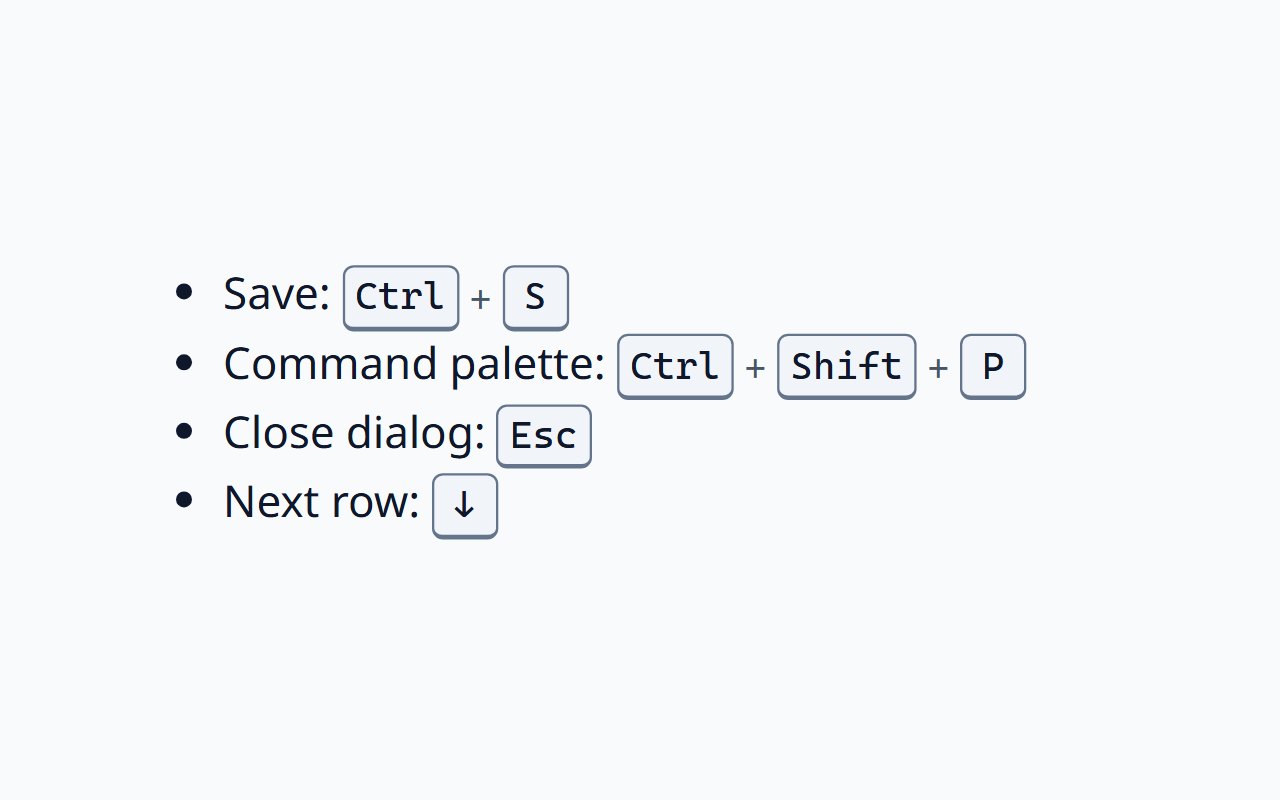
Kbd
Keyboard shortcuts as keycaps, shown for the platform in use.
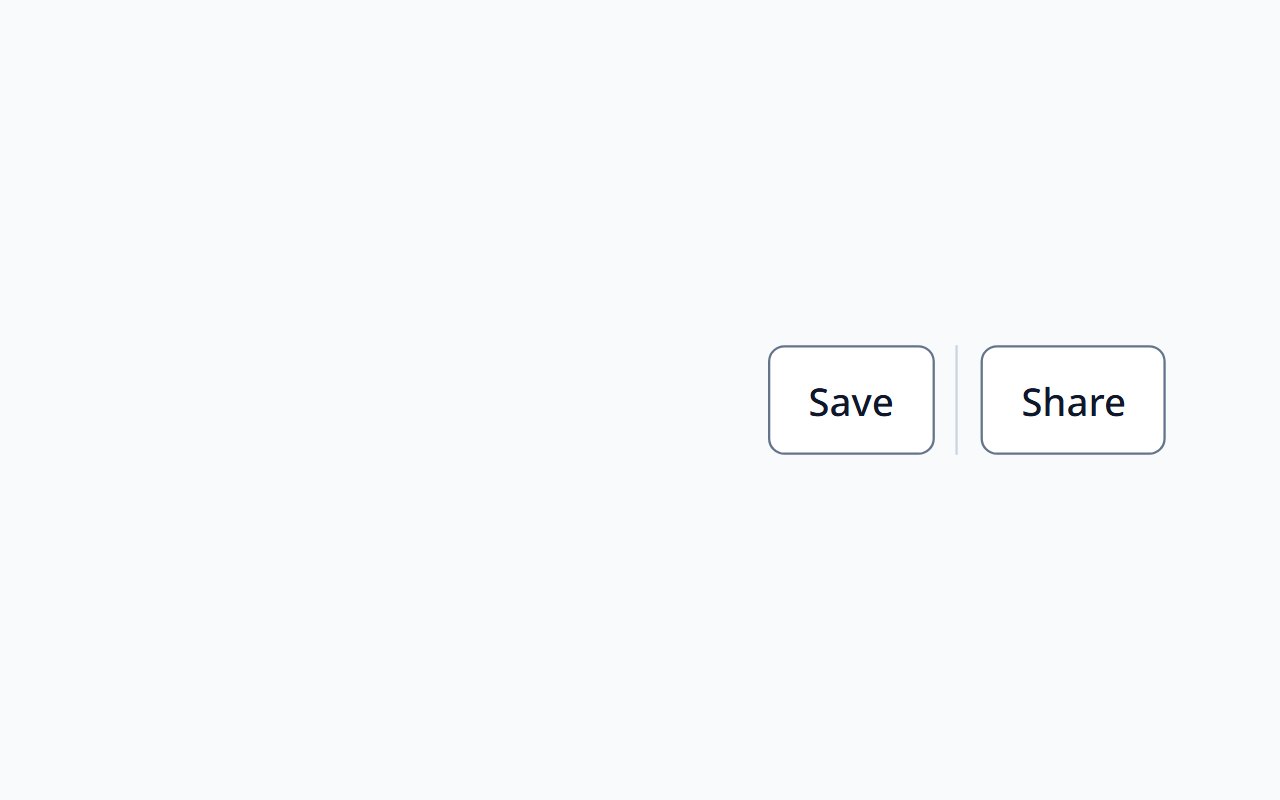
Layout
Container, stack, flex, grid, and divider primitives in CSS.
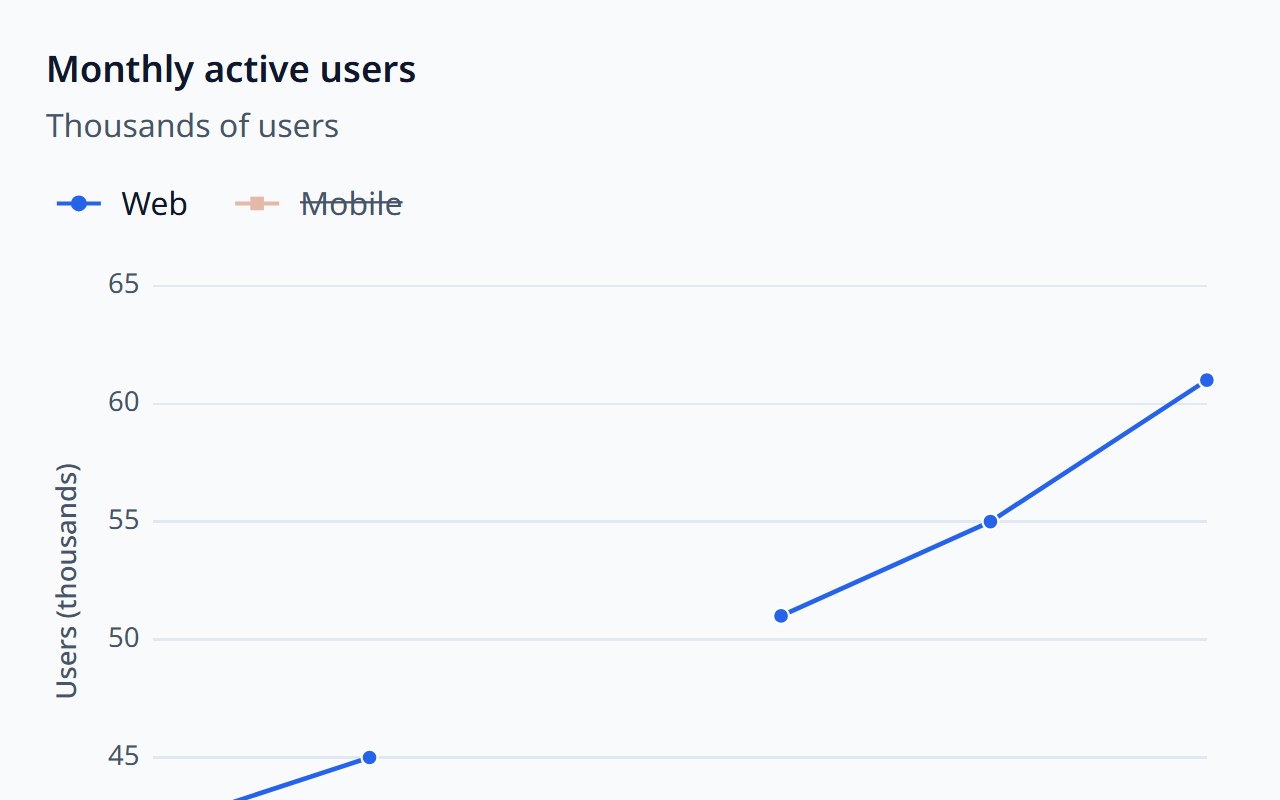
Line Chart
Trends over time or categories, as lines or areas.
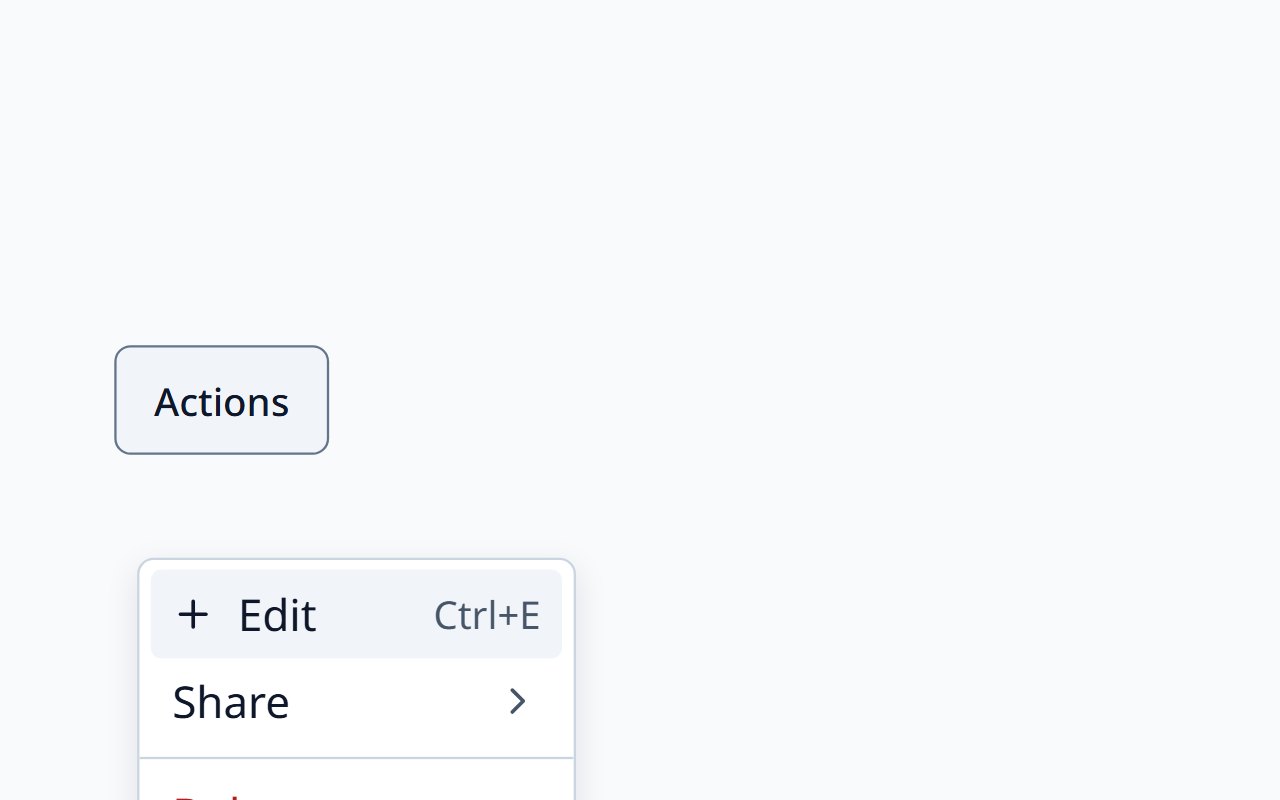
Menu
An actions menu from a trigger button.
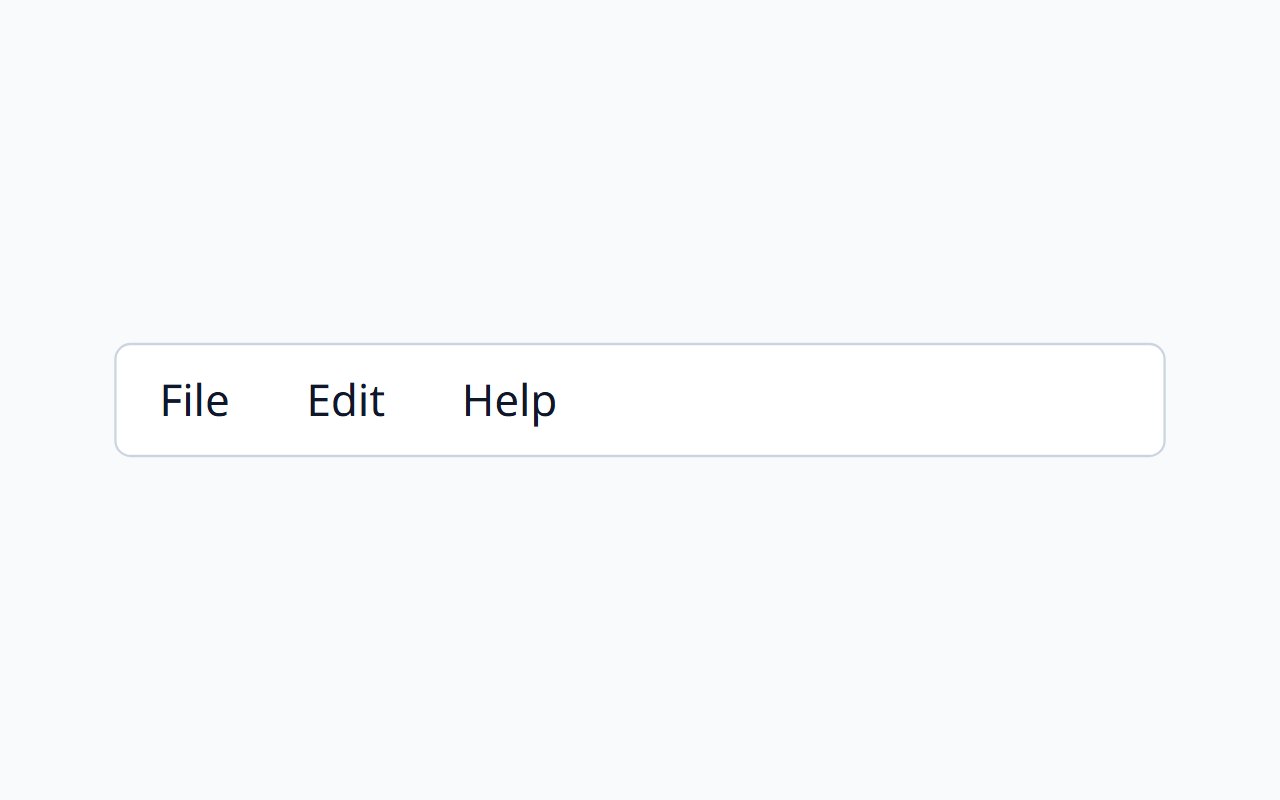
Menu Bar
A horizontal application menubar.
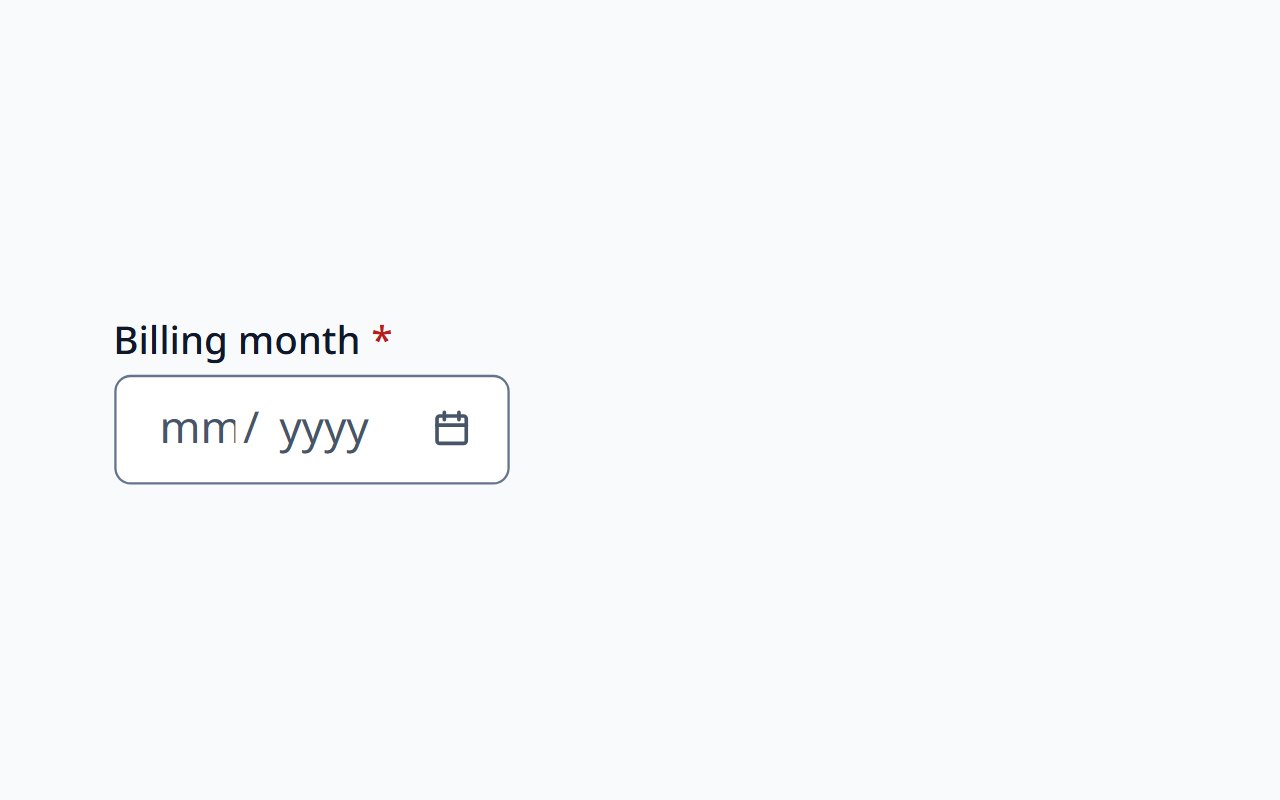
Month Picker
Choose a calendar month without a day.
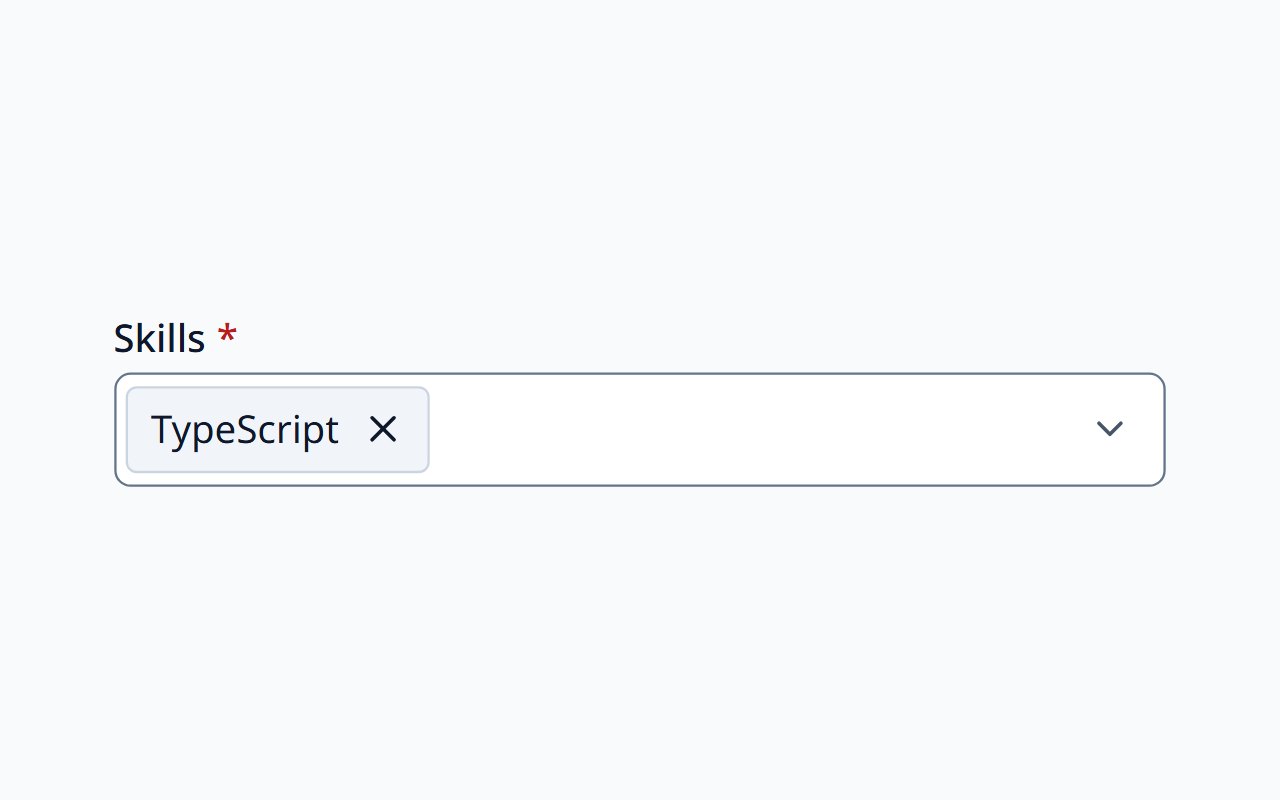
Multi Select
Several values from a searchable list, shown as removable chips.
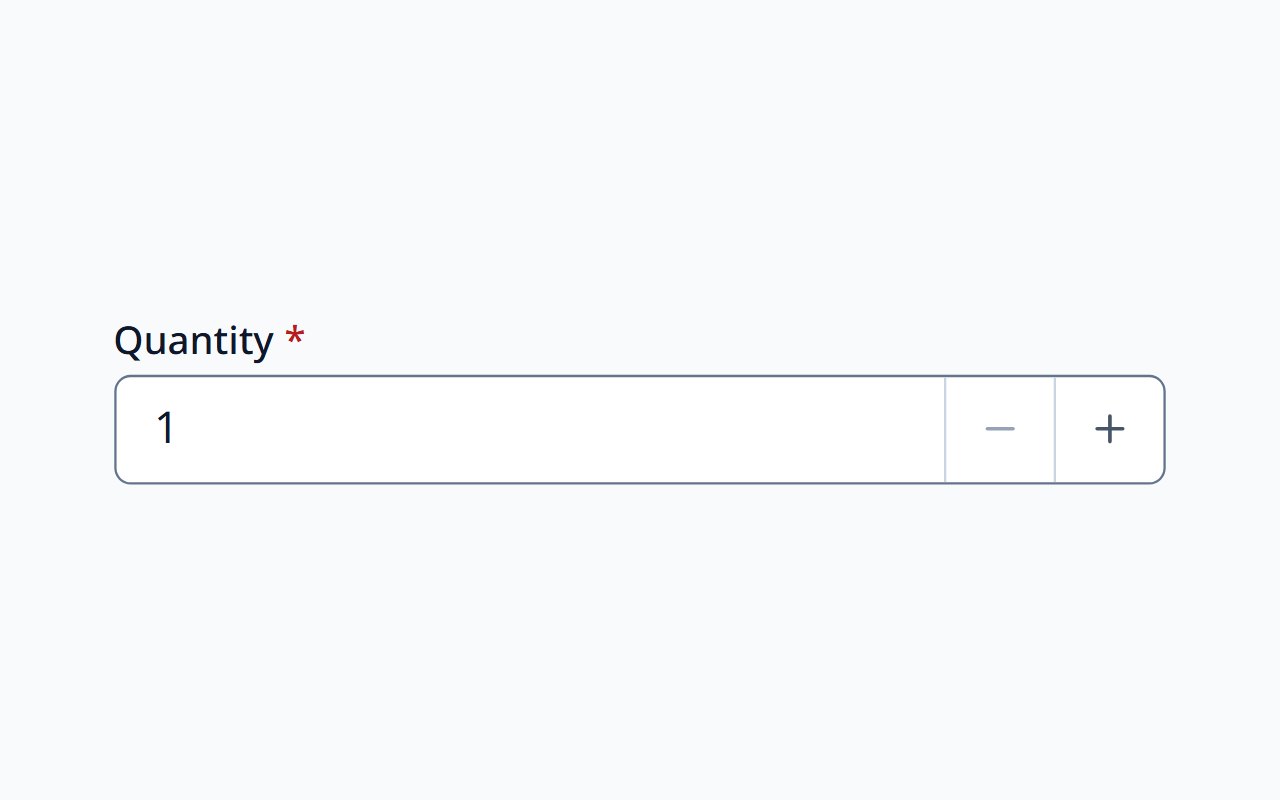
Number Input
Locale-aware numbers, currency, percent, and units, with steps.
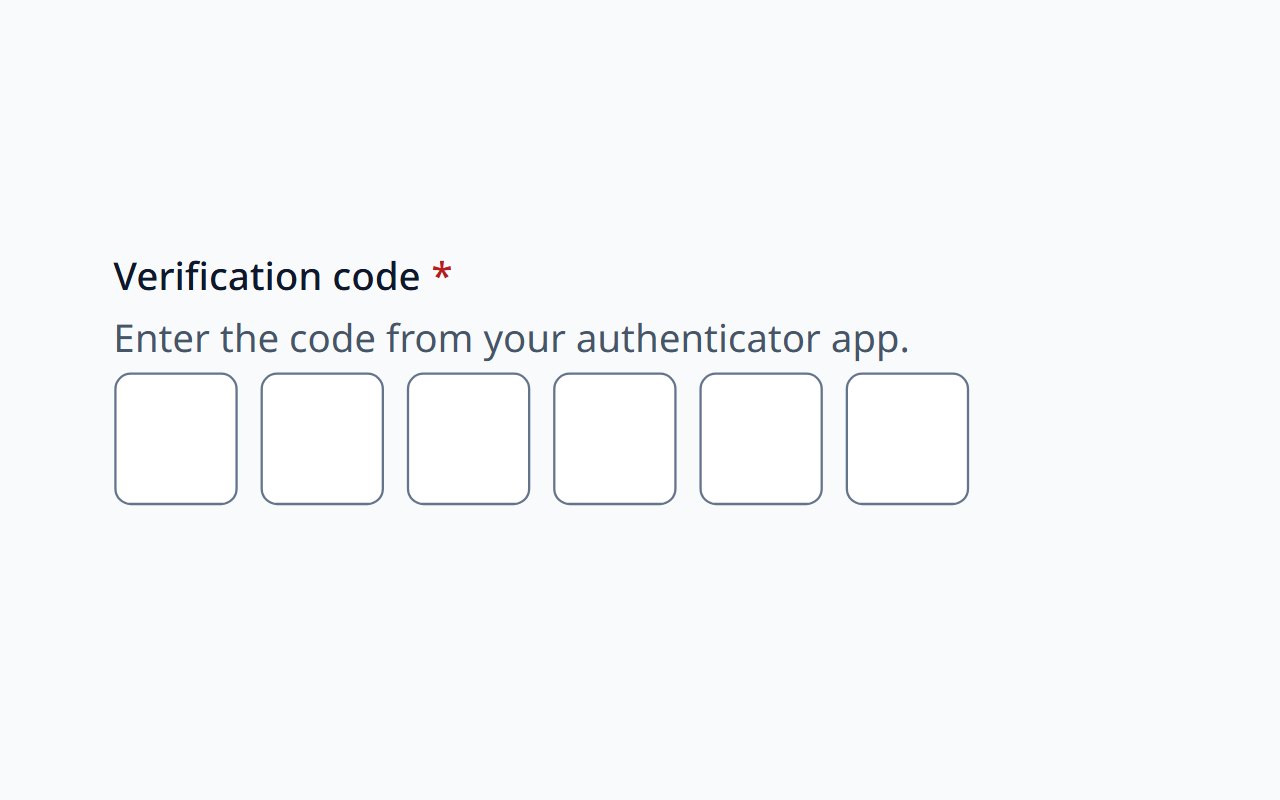
OTP Input
One-time passcodes, PINs, and recovery codes.
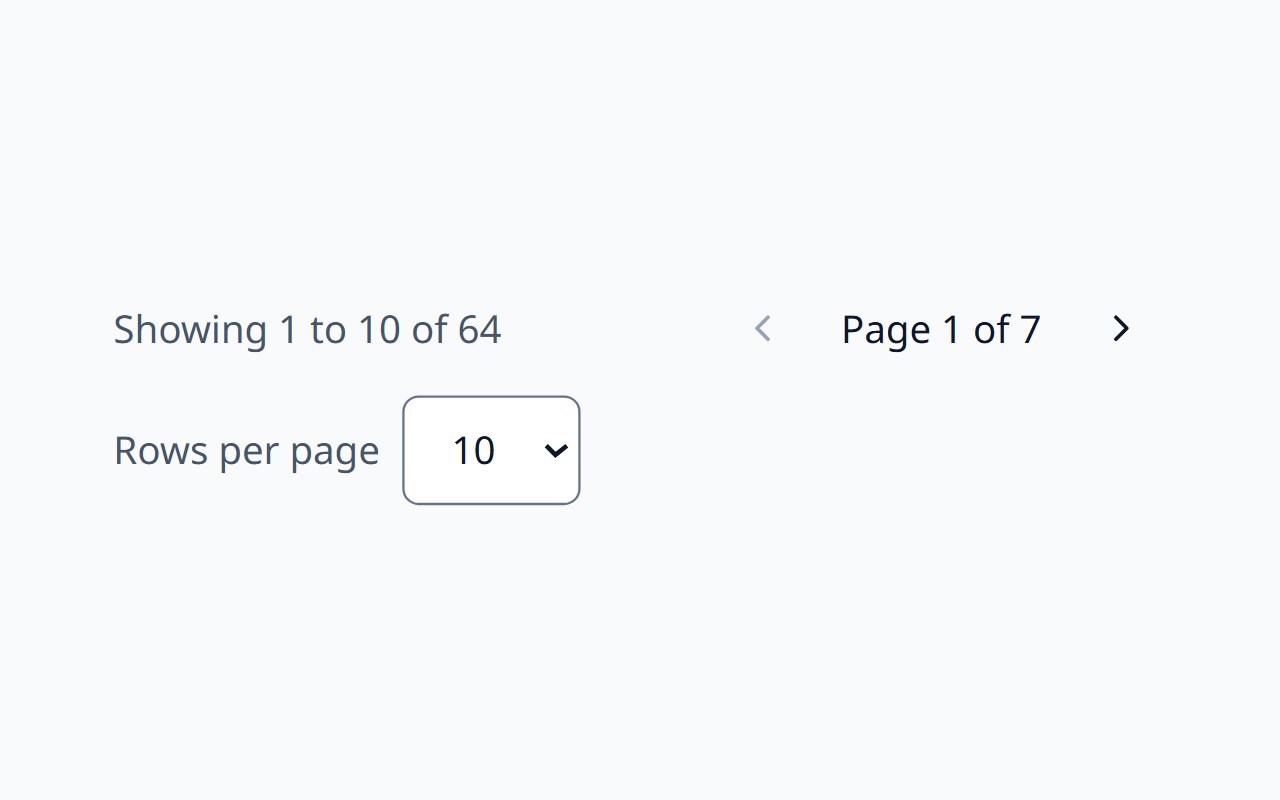
Pagination
Page navigation for paged data.
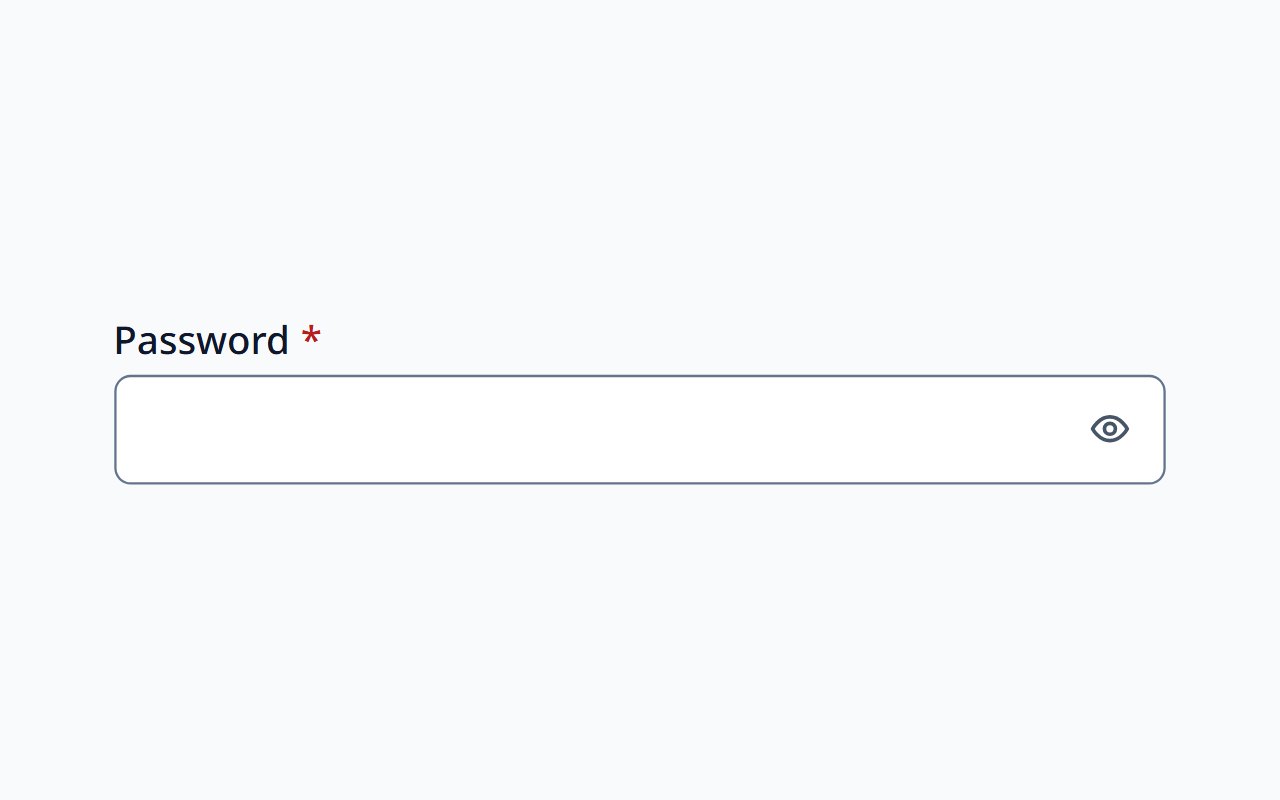
Password Input
Password entry with a show/hide toggle.
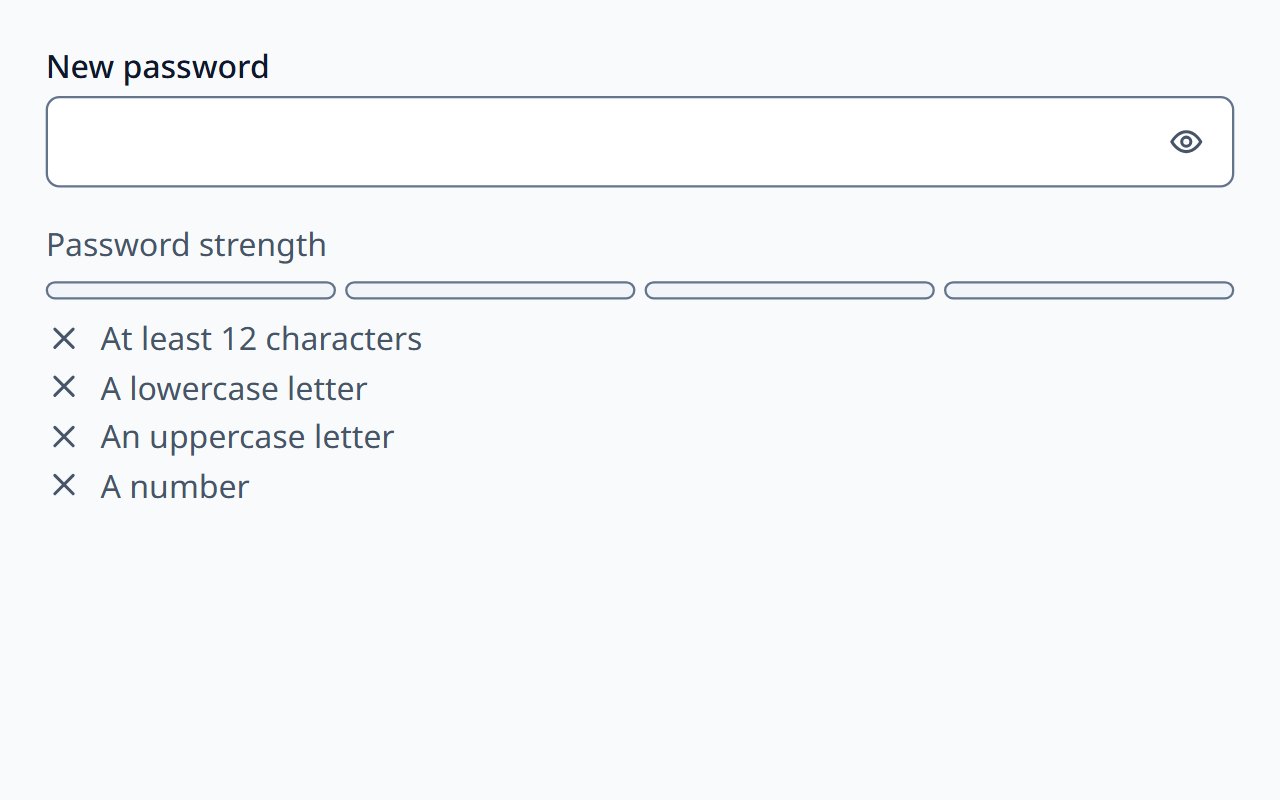
Password Strength Meter
Advisory feedback on password strength.
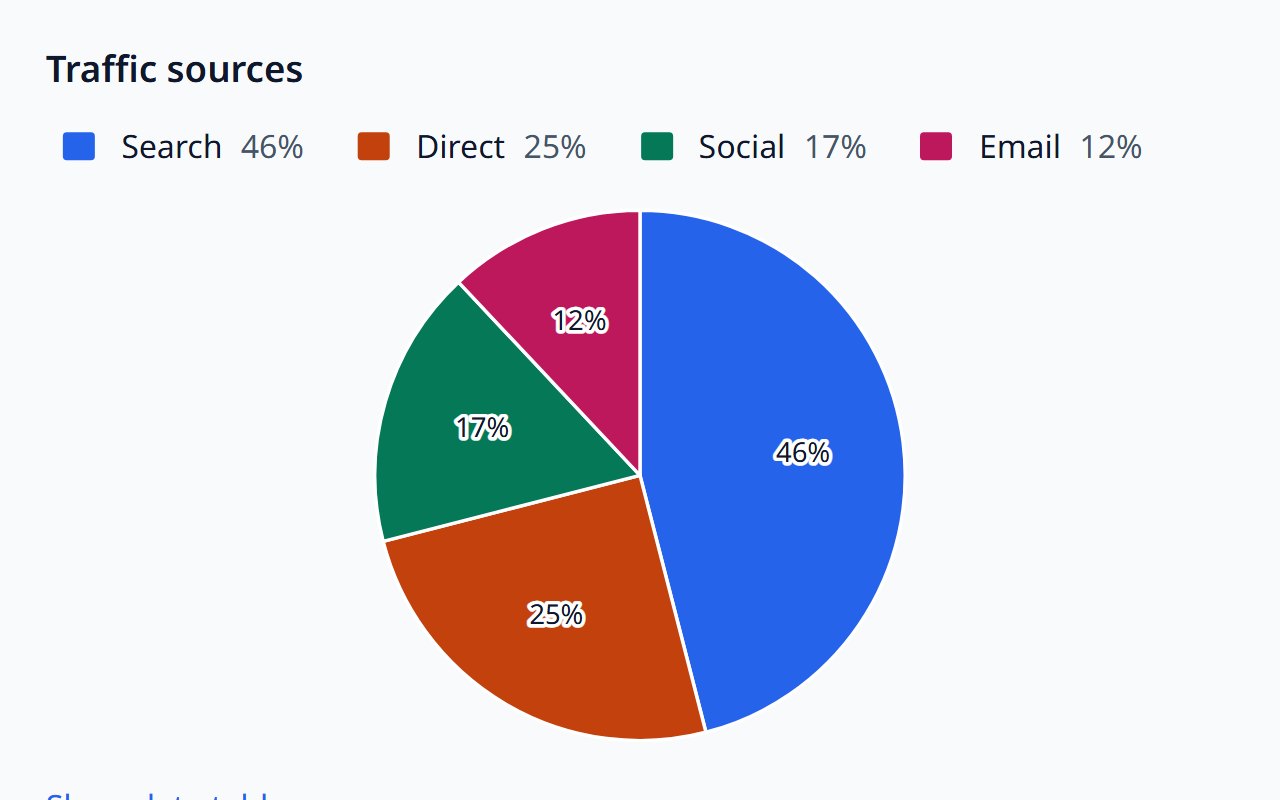
Pie Chart
Part-to-whole breakdowns as a pie or donut.
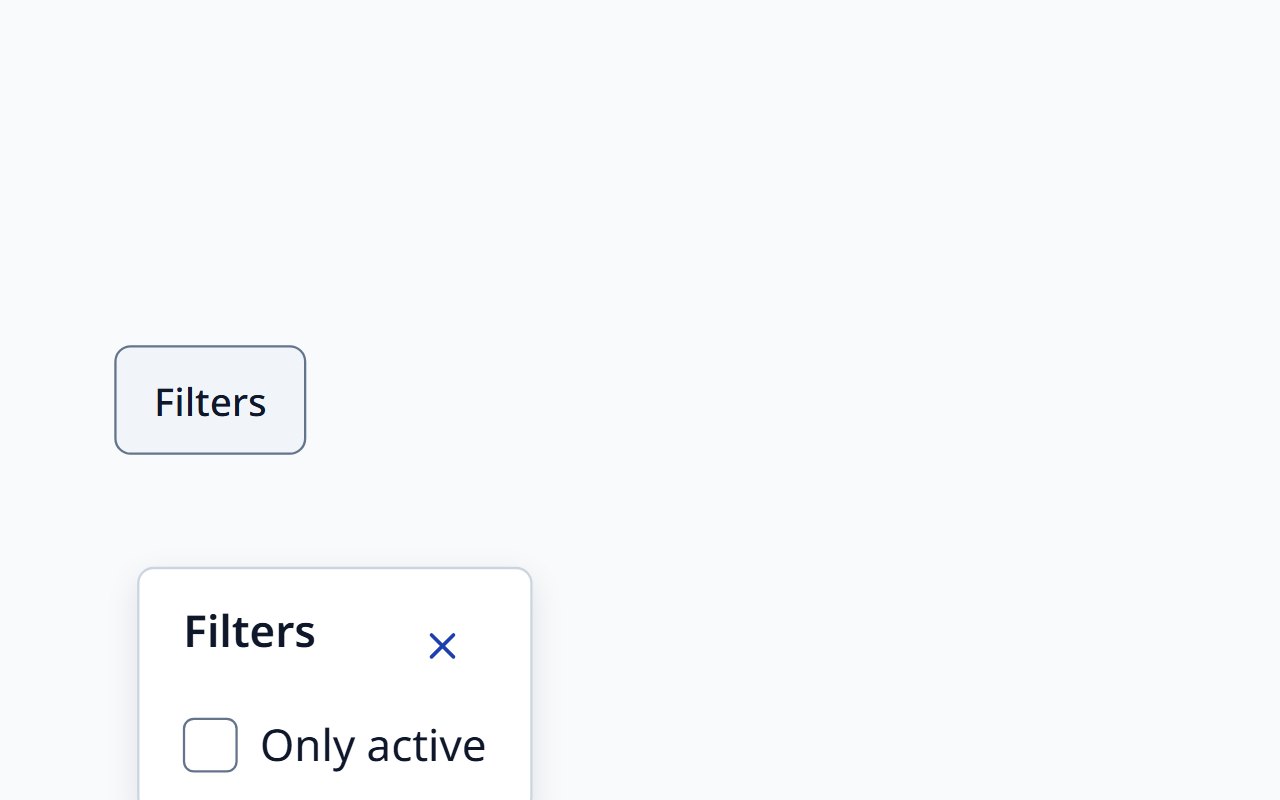
Popover
A non-modal dialog anchored to its trigger.
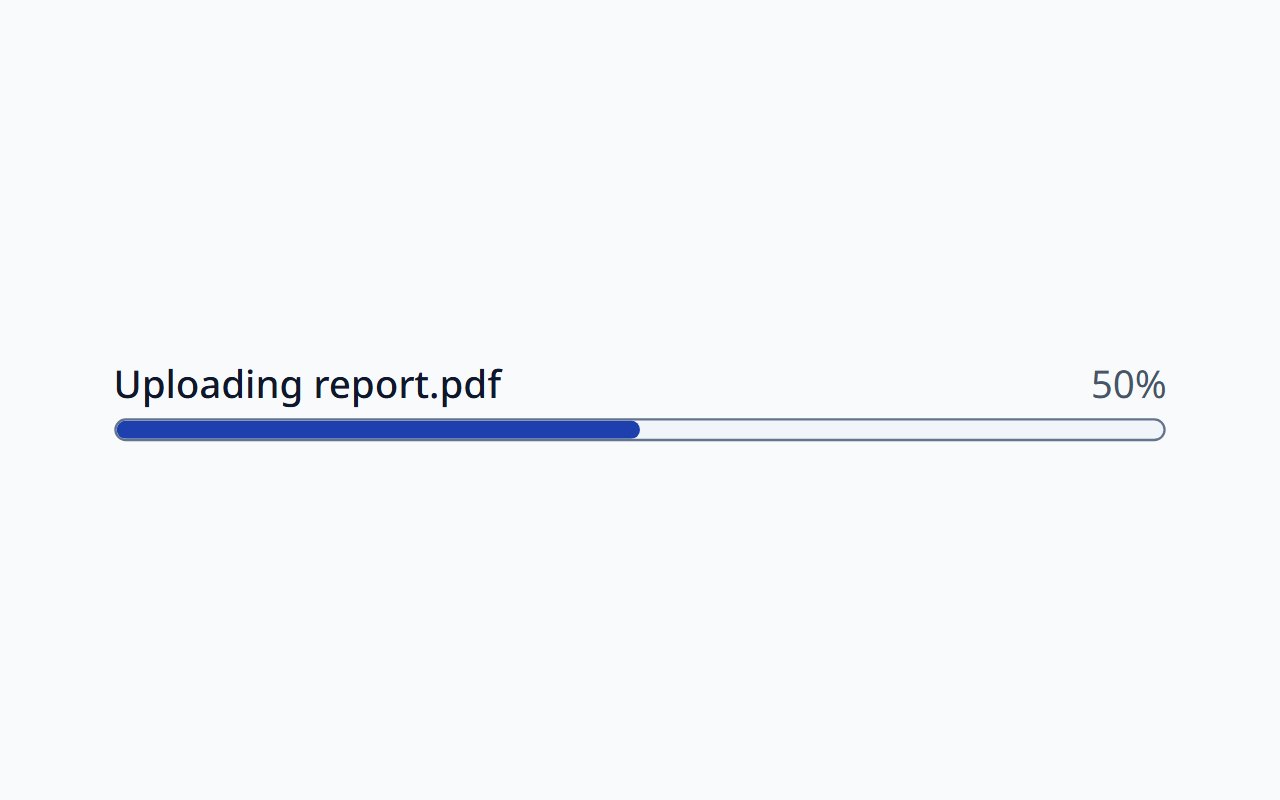
Progress Bar
Determinate or indeterminate progress with a label.
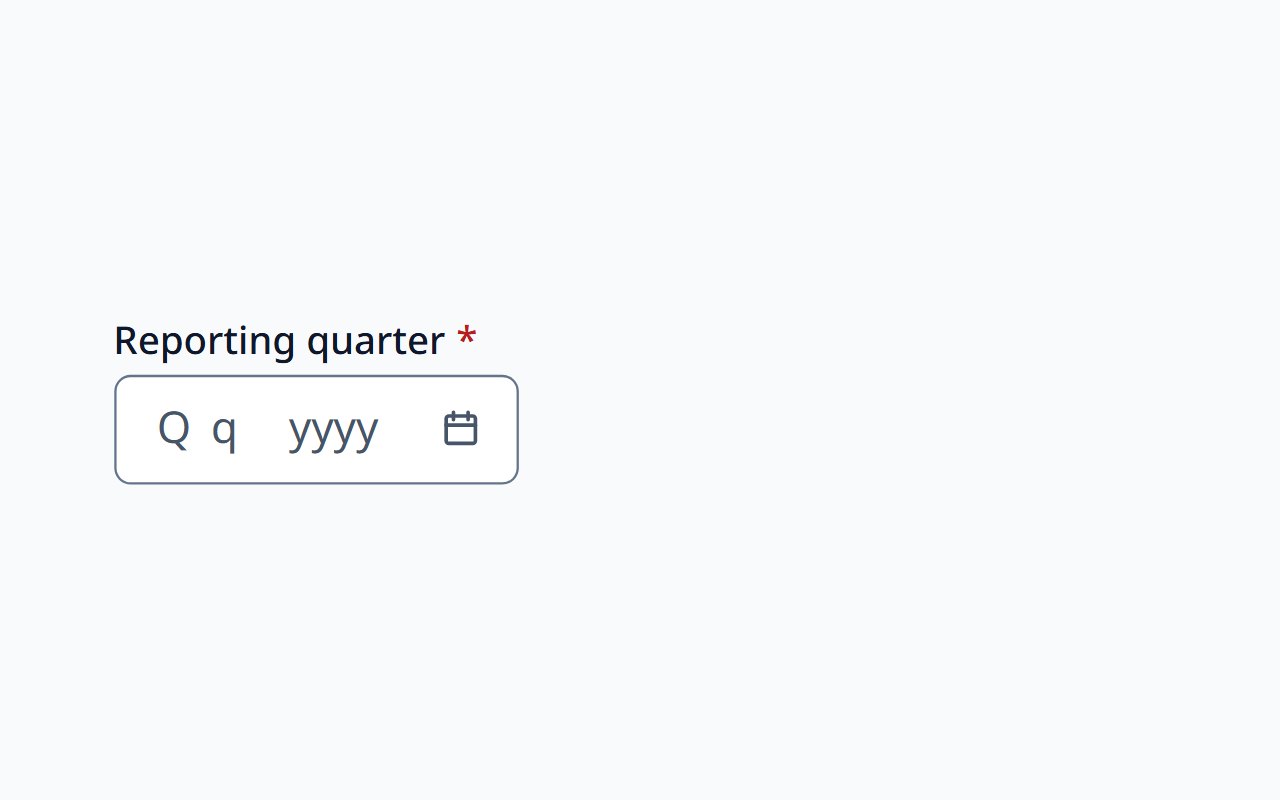
Quarter Picker
Choose a calendar or fiscal quarter.
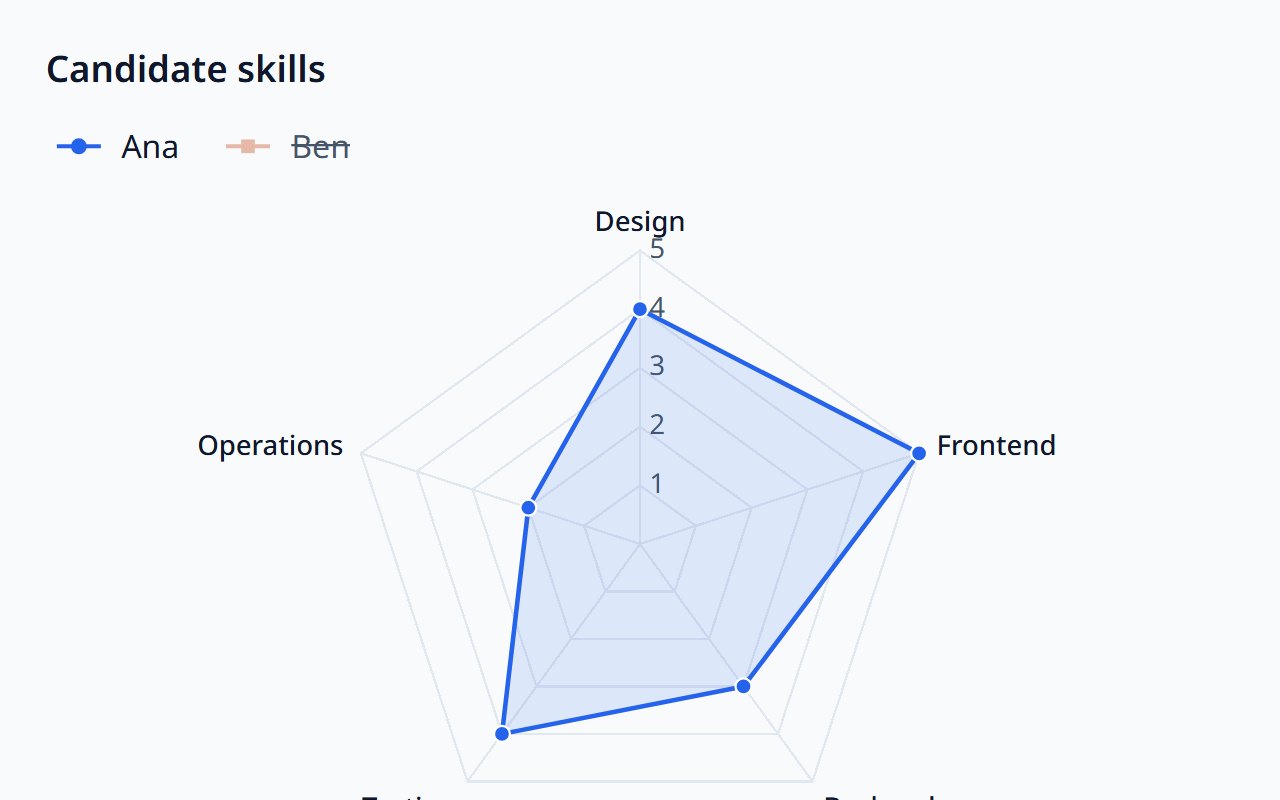
Radar Chart
Compare a few series across several axes.
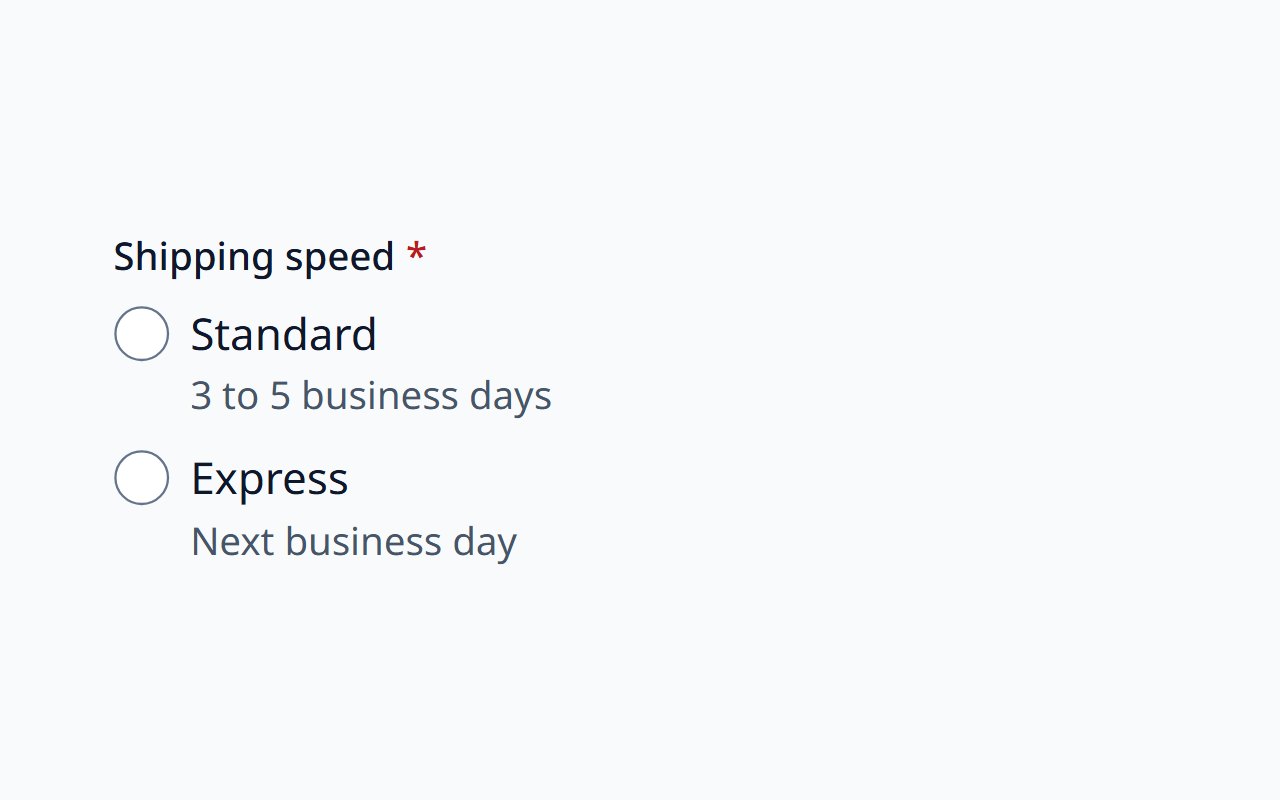
Radio Group
Exactly one choice from a short, visible set.
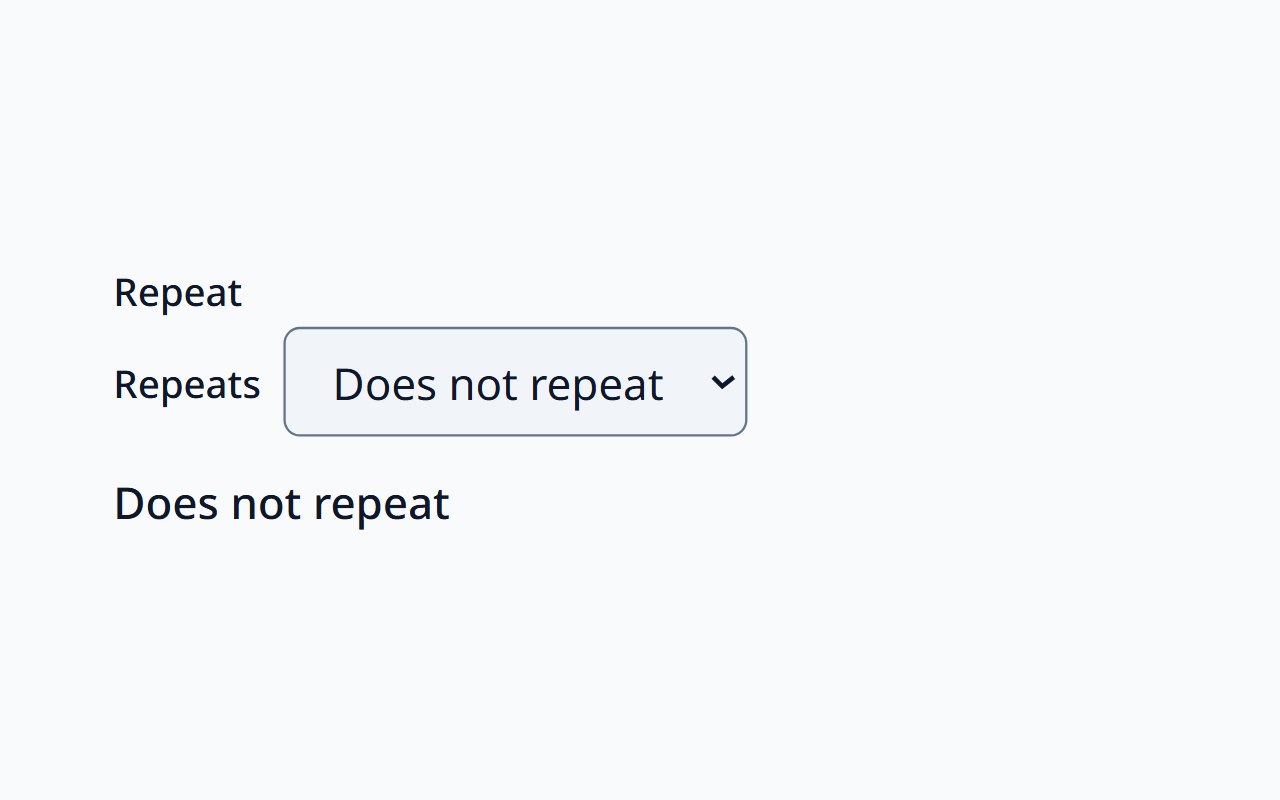
Recurrence Picker
Edit how something repeats, with a readable summary.
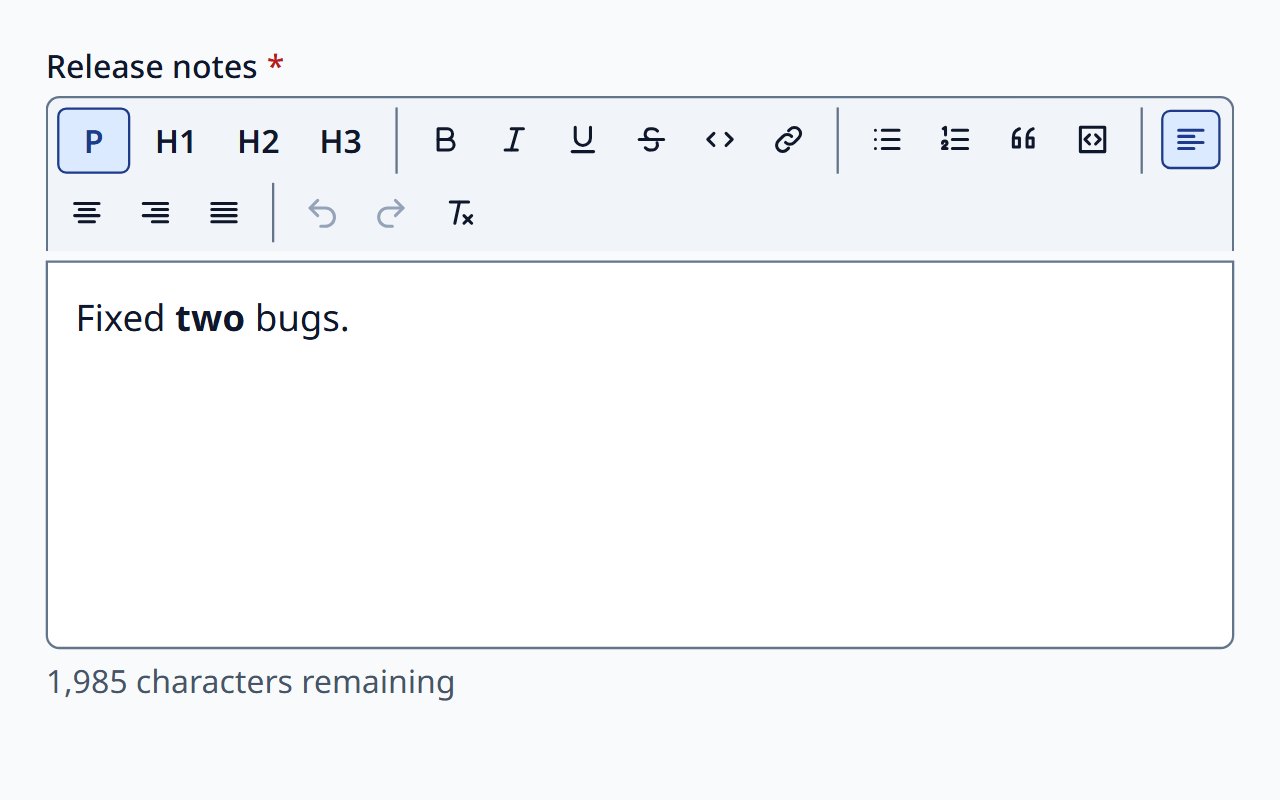
Rich Text Editor
Formatted text with sanitised output.
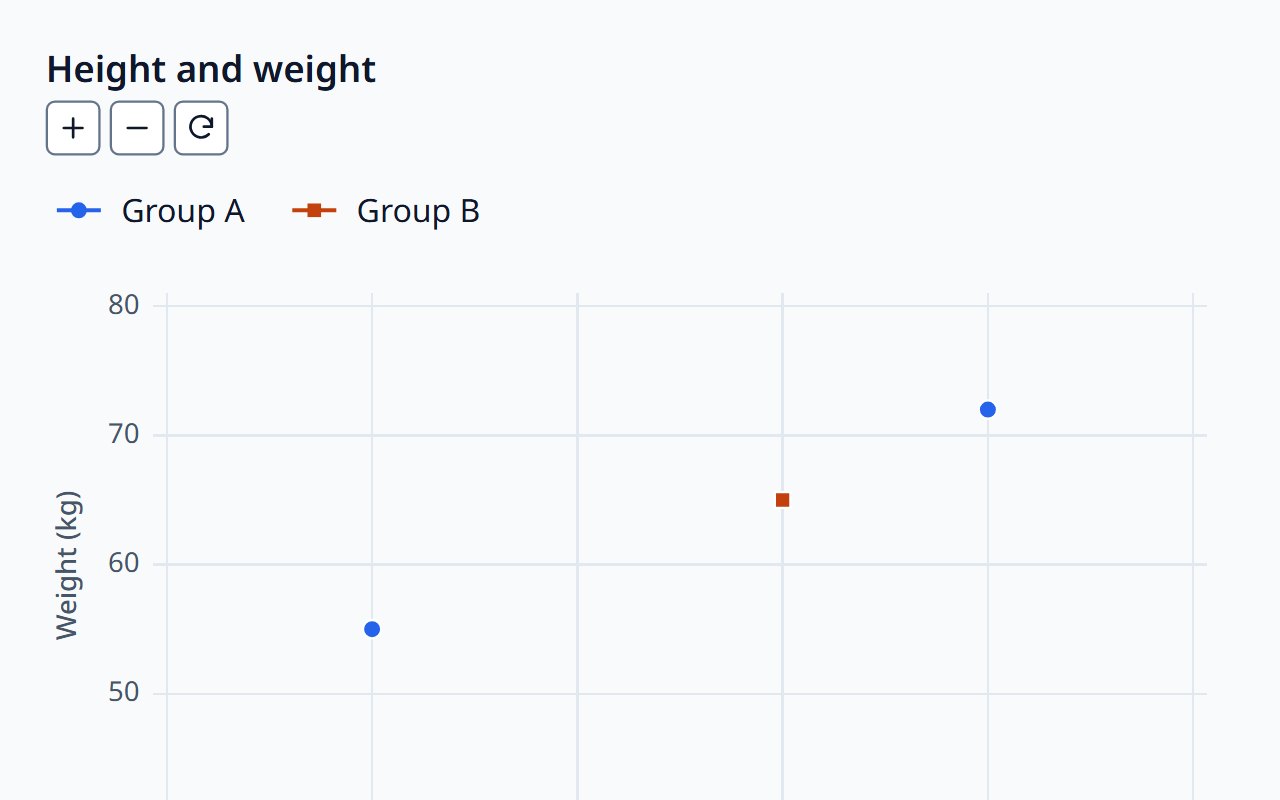
Scatter Chart
Scatter and bubble charts for correlations.
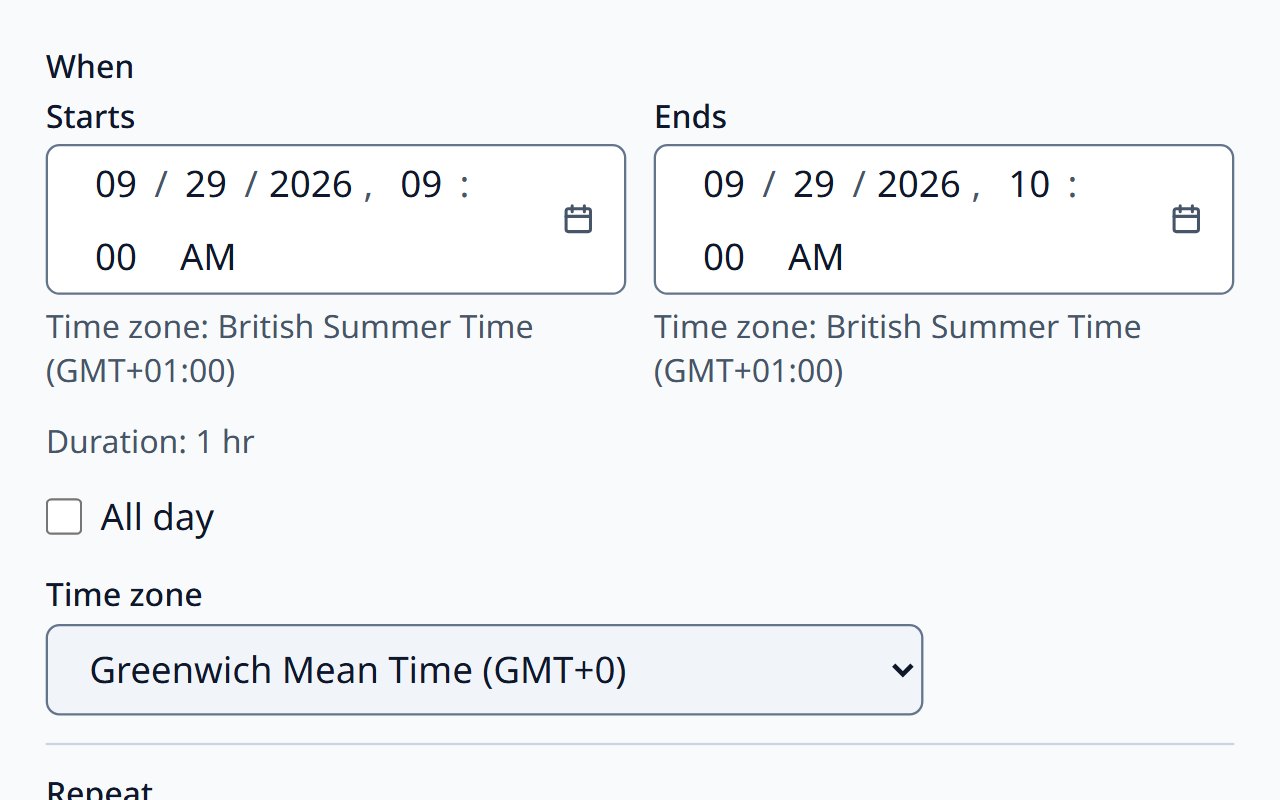
Schedule Picker
Choose when something happens in one control.
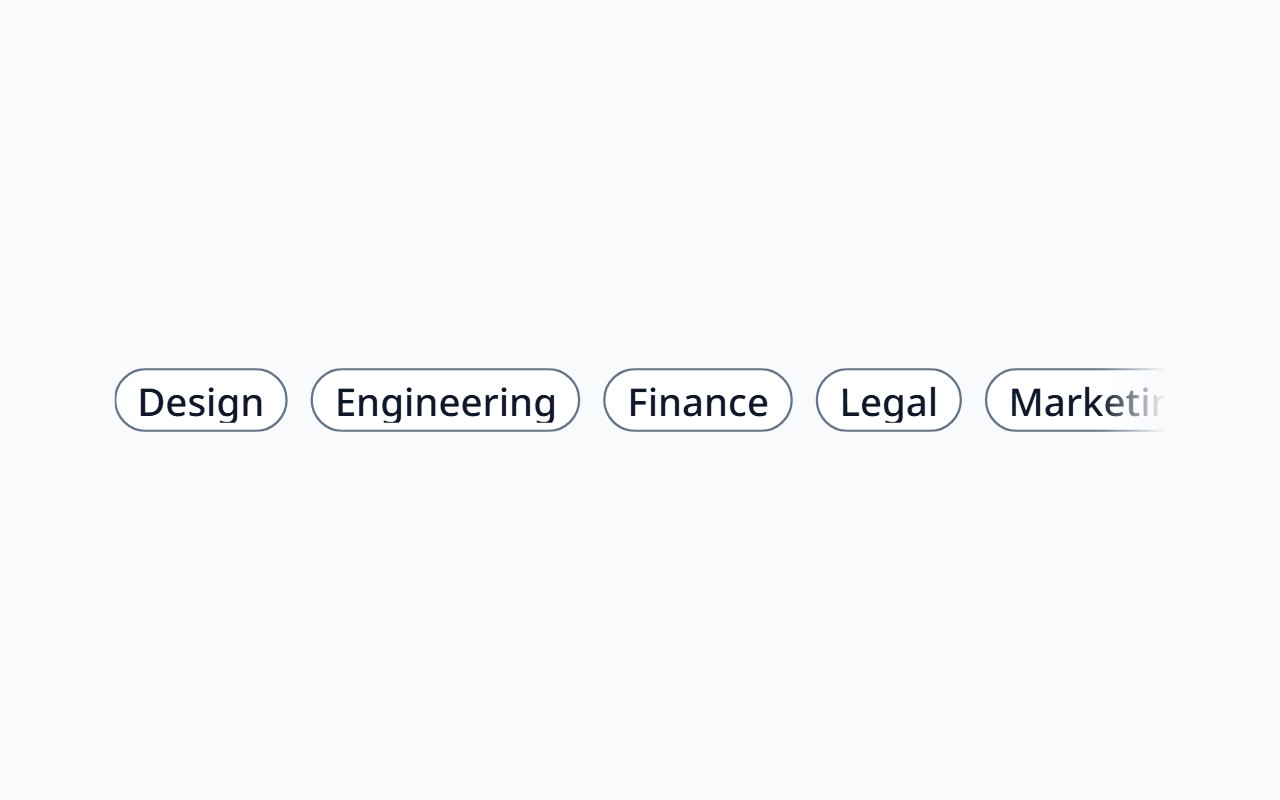
Scroll Area
Native scrolling with edge fades and a keyboard-focusable region.
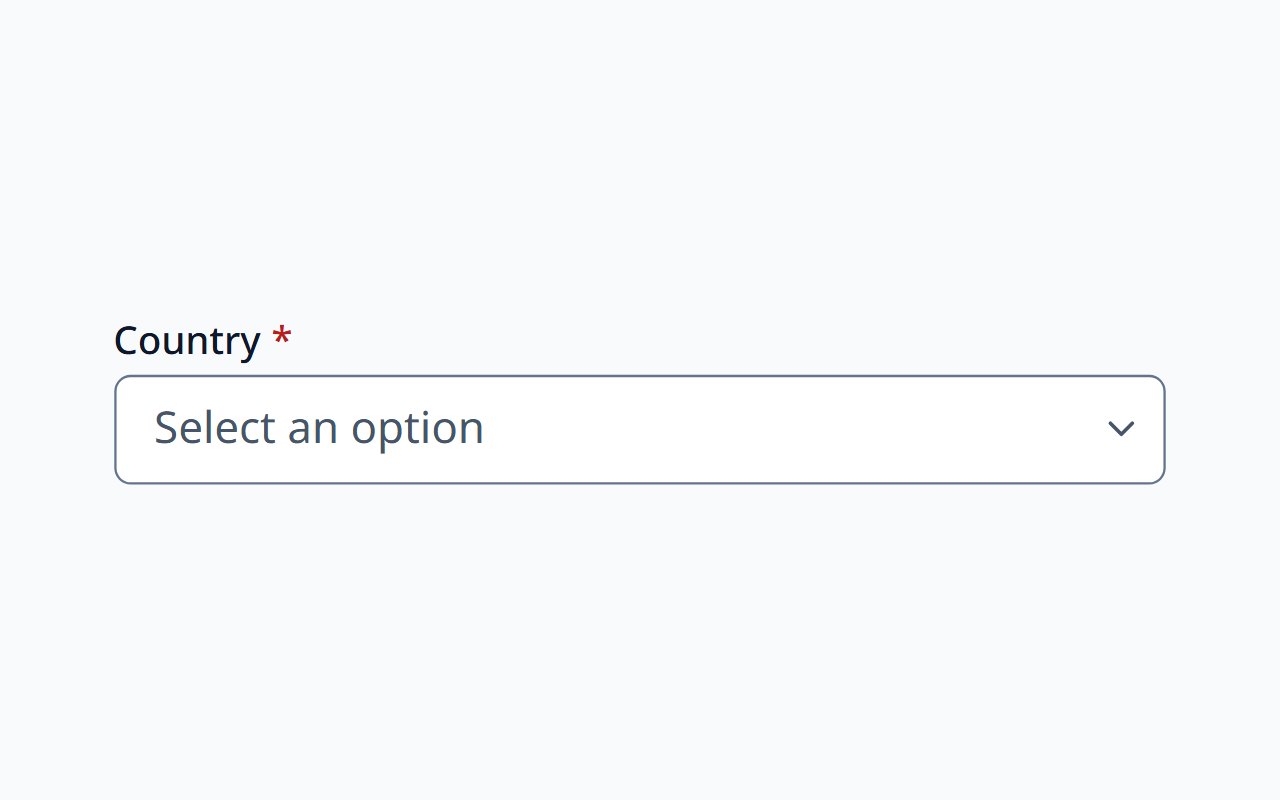
Select
A single choice from a known list of options.
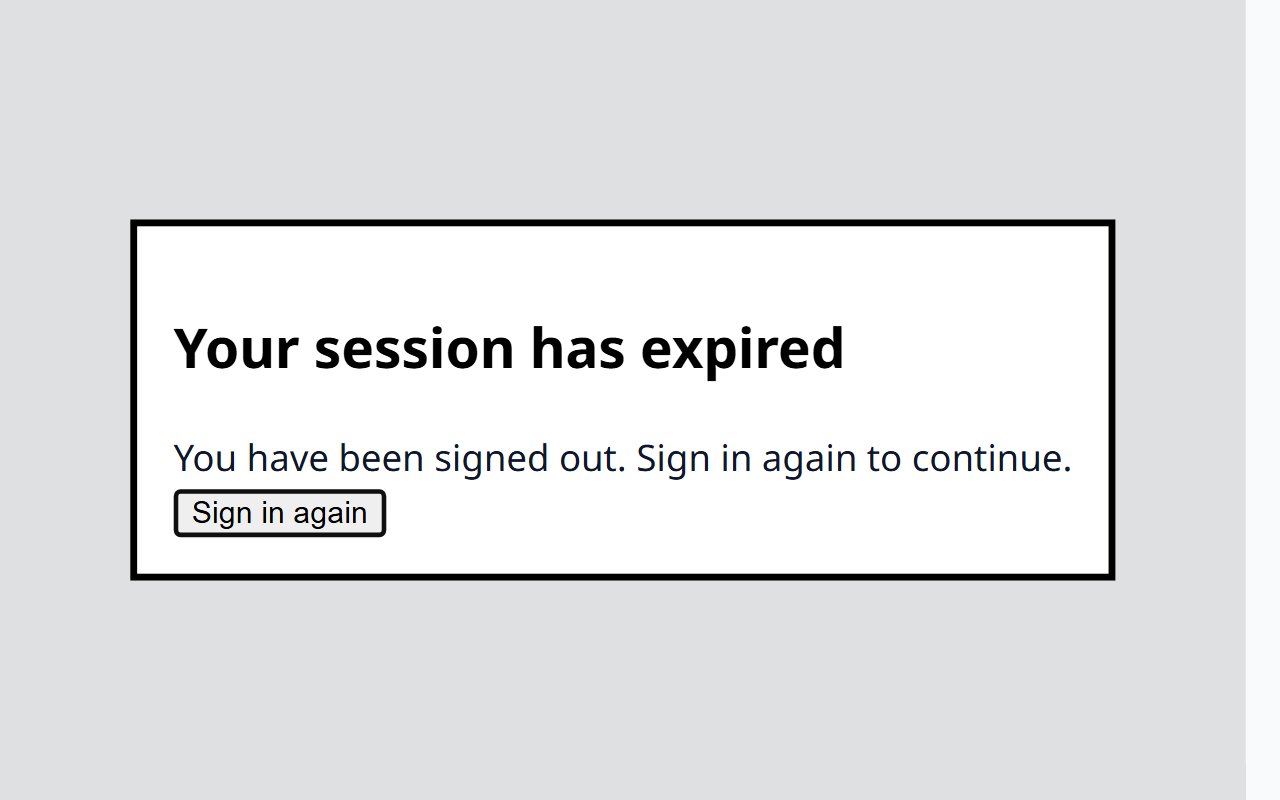
Session Warning Dialog
Counts down to session expiry and offers to extend.
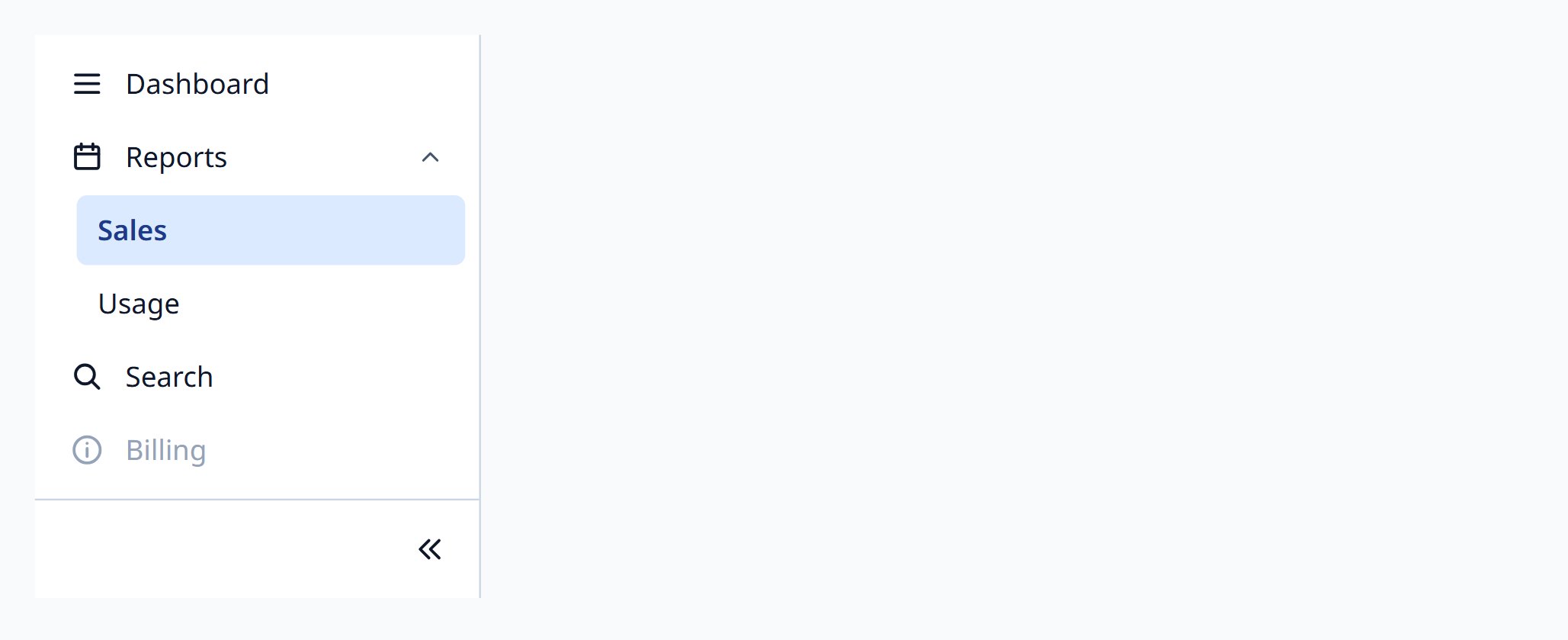
Sidebar
Application side navigation with groups and collapse.
Skeleton
Loading placeholders hidden from assistive technology.
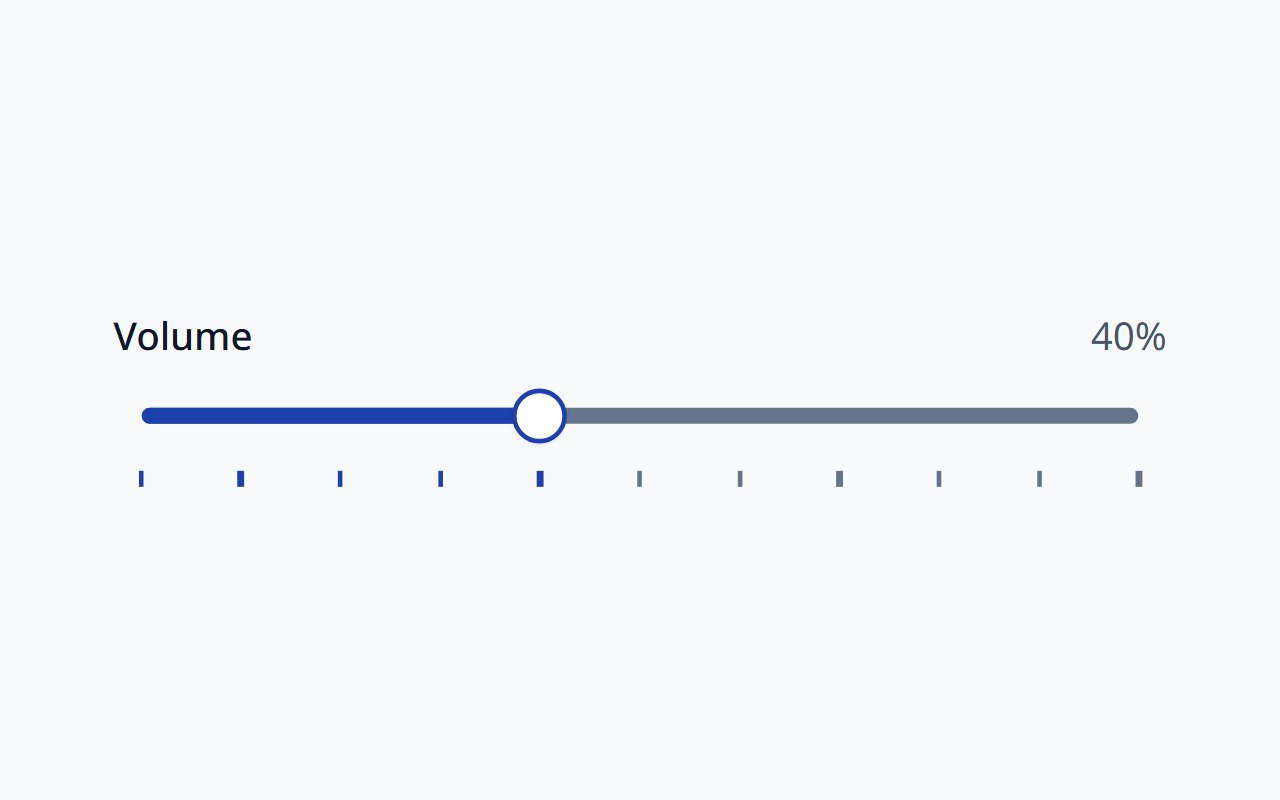
Slider
Single and range sliders with marks, RTL, and full keyboard support.
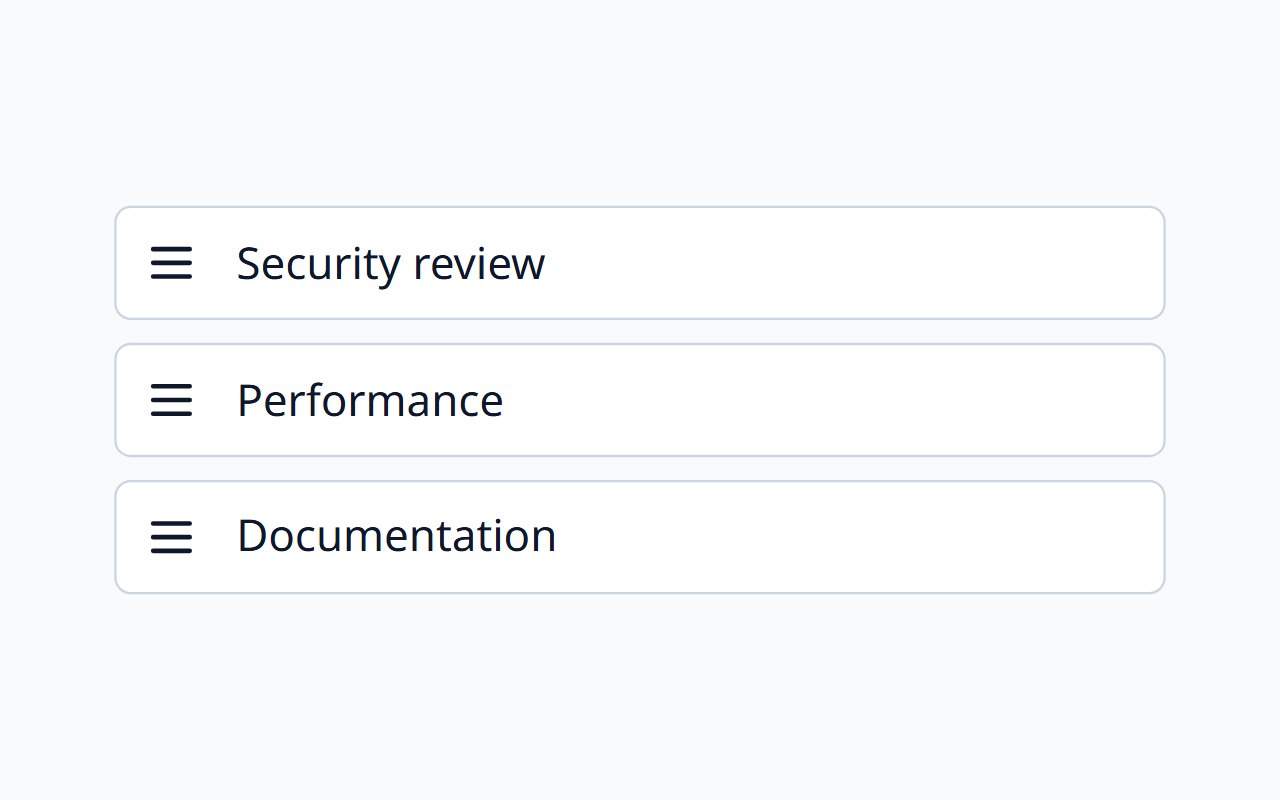
Sortable List
A reorderable list by pointer or keyboard.
Sparkline
Word-sized trends for text, tables, and cards.
Spinner
An indeterminate loading indicator.
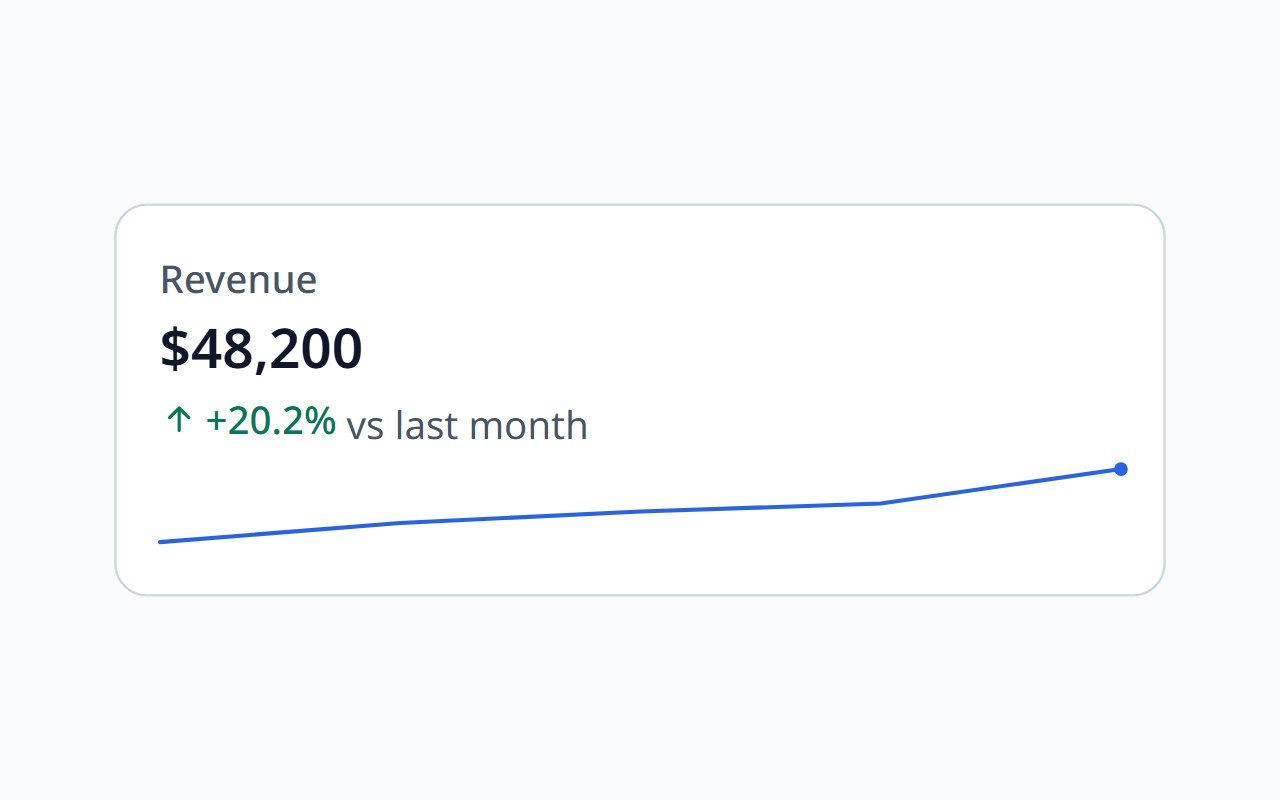
Stat Card
A KPI with comparison, delta, and trend.
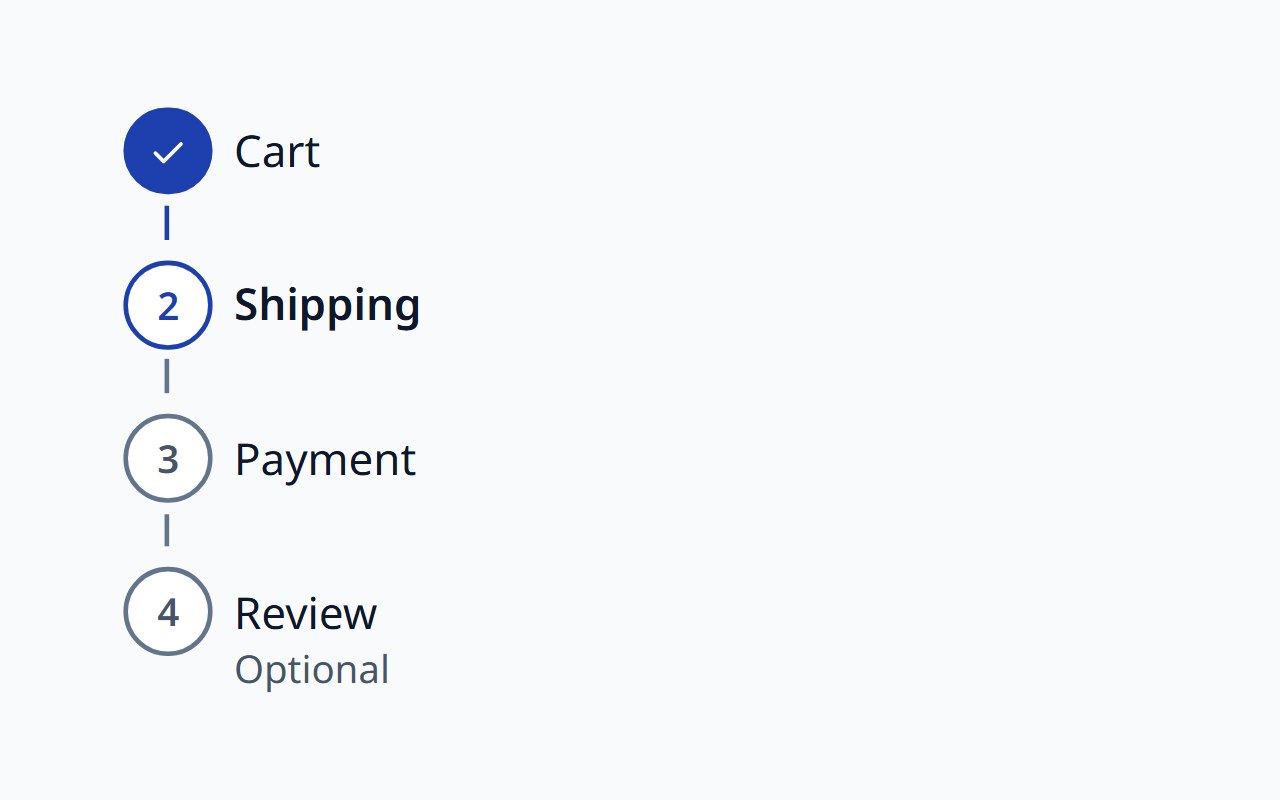
Stepper
Progress through a multi-step flow.
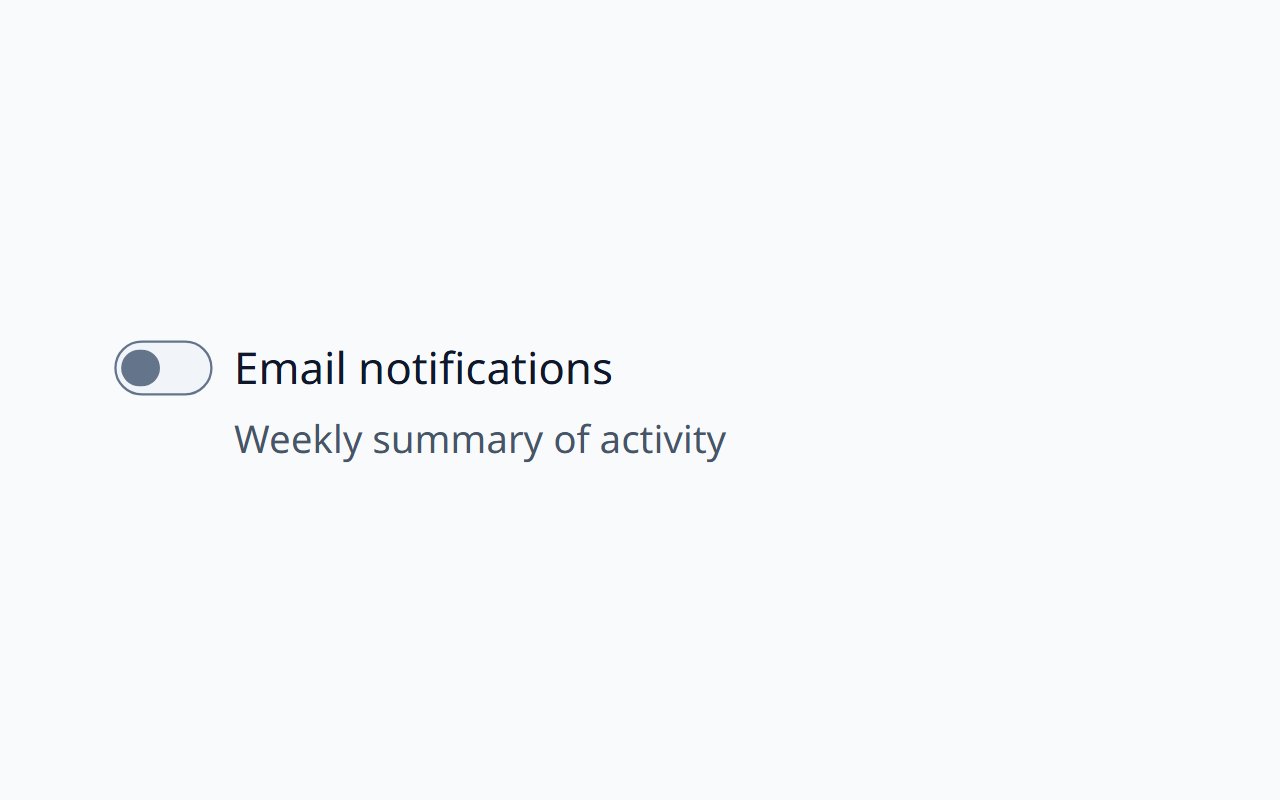
Switch
An on/off setting that applies immediately.
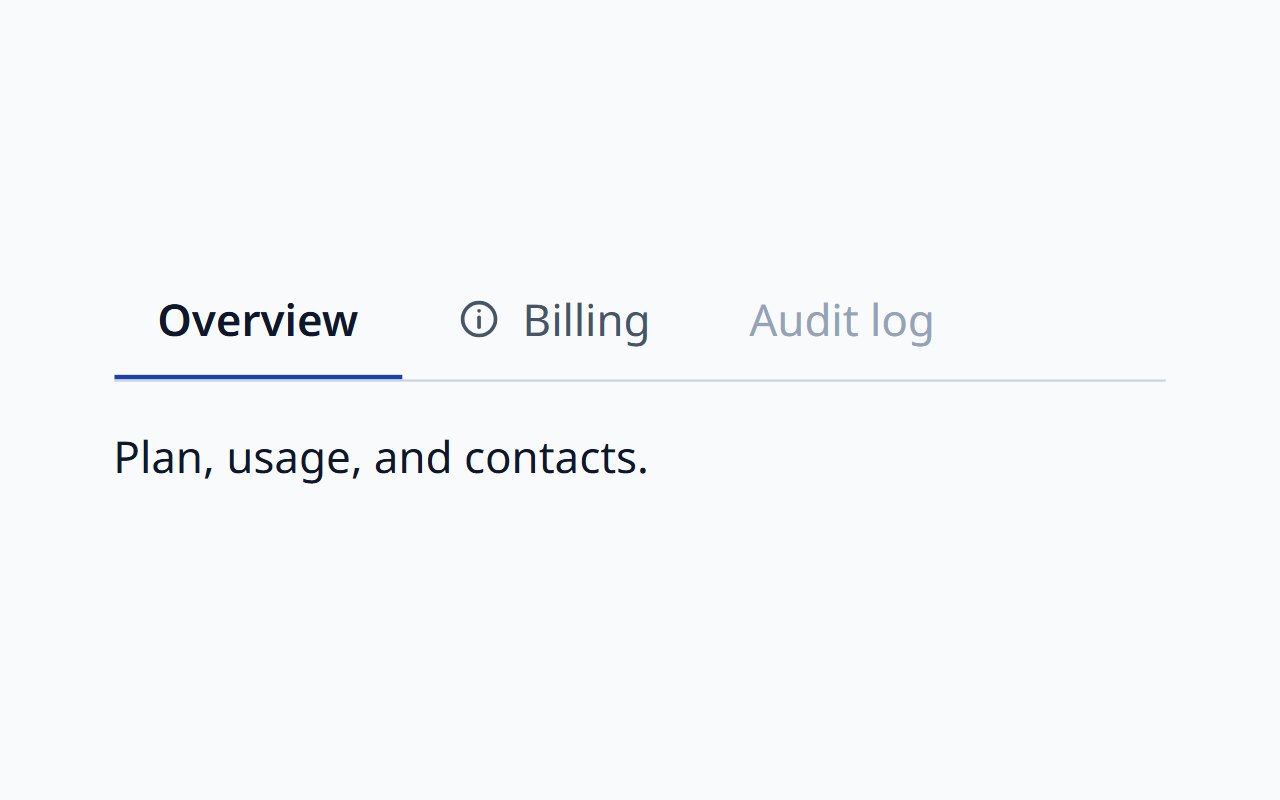
Tabs
Switch between related panels, following the APG pattern.
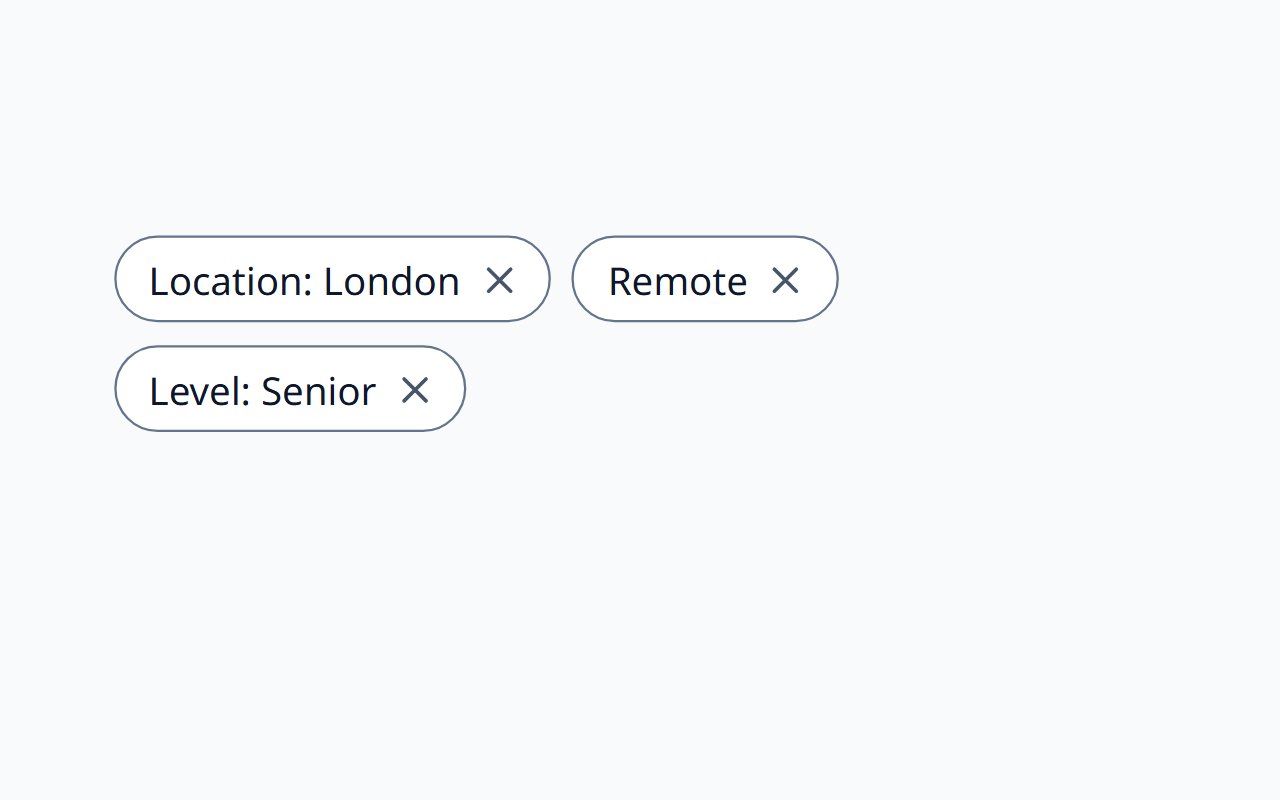
Tag Group
Removable and selectable tags with keyboard support and announcements.
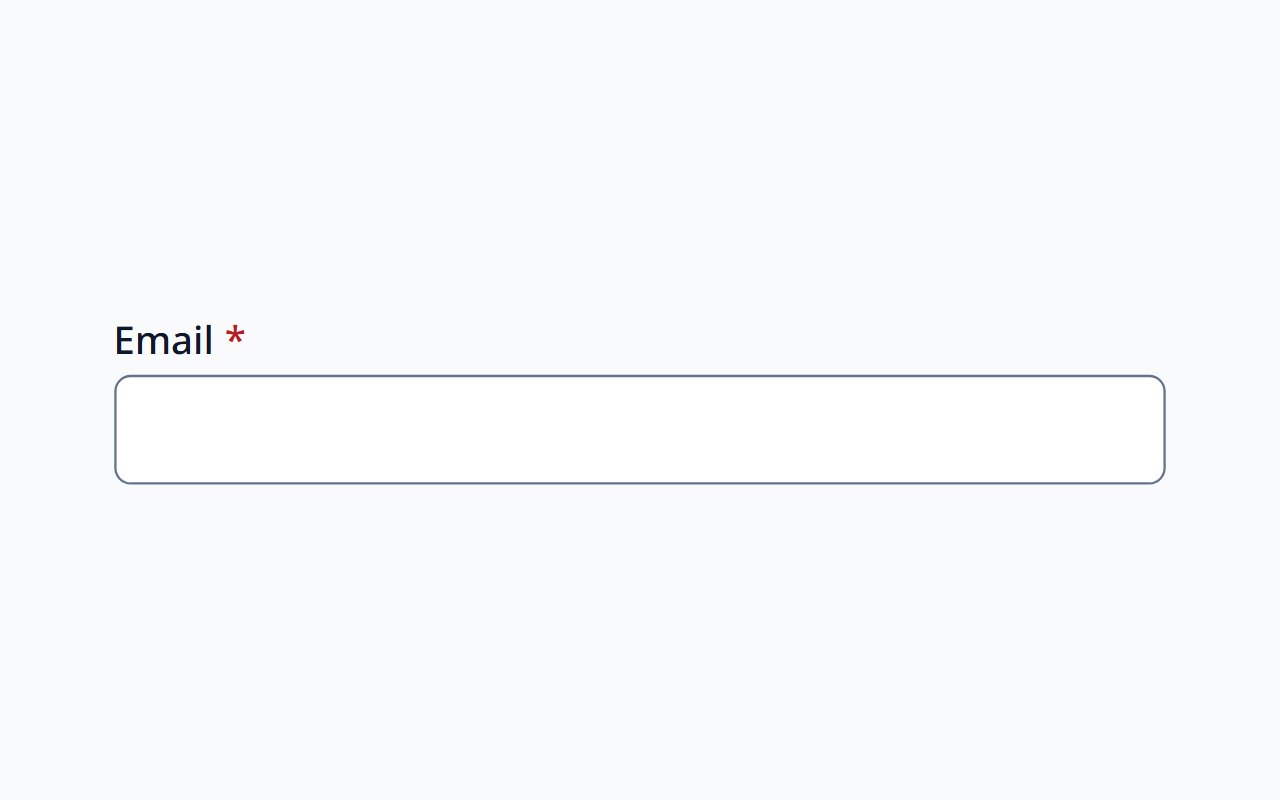
Text Input
Single-line text with label, help, and validation.
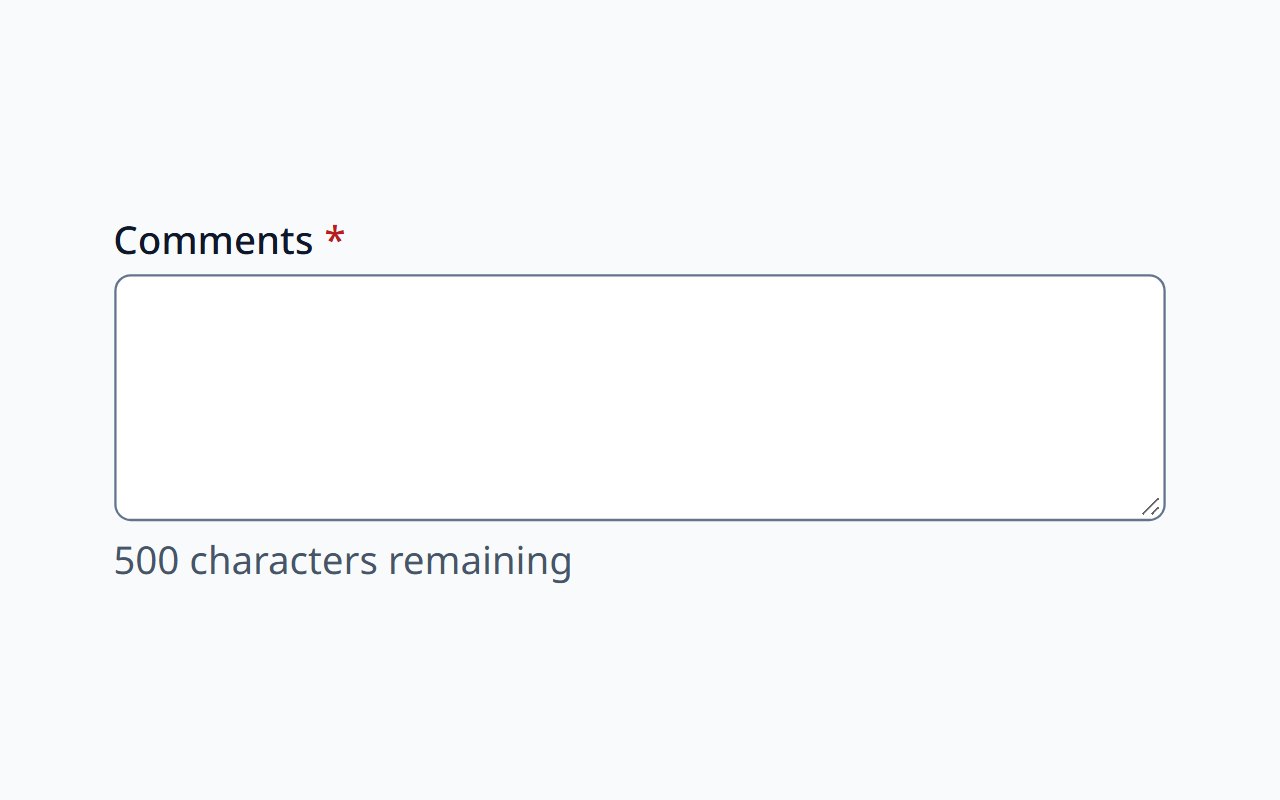
Textarea
Multi-line text with a character count.
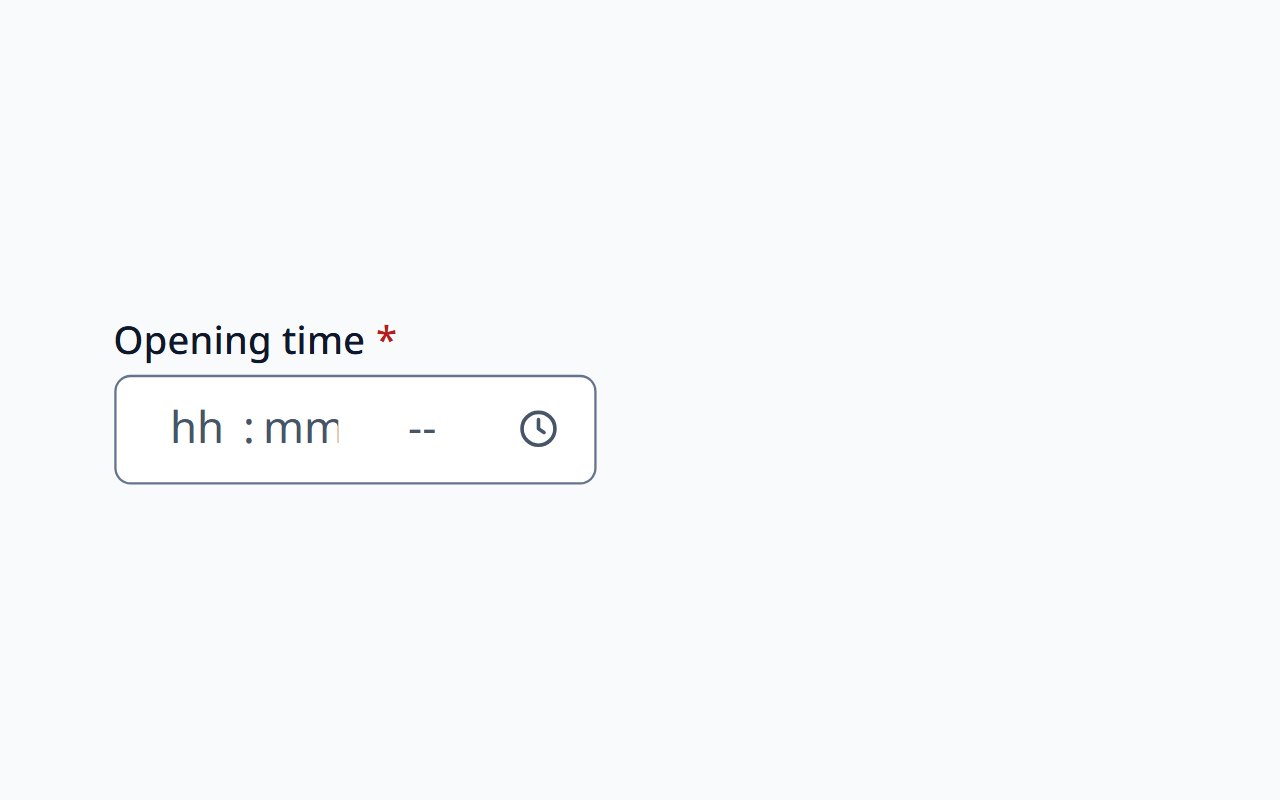
Time Picker
A wall-clock time in locale-ordered segments.
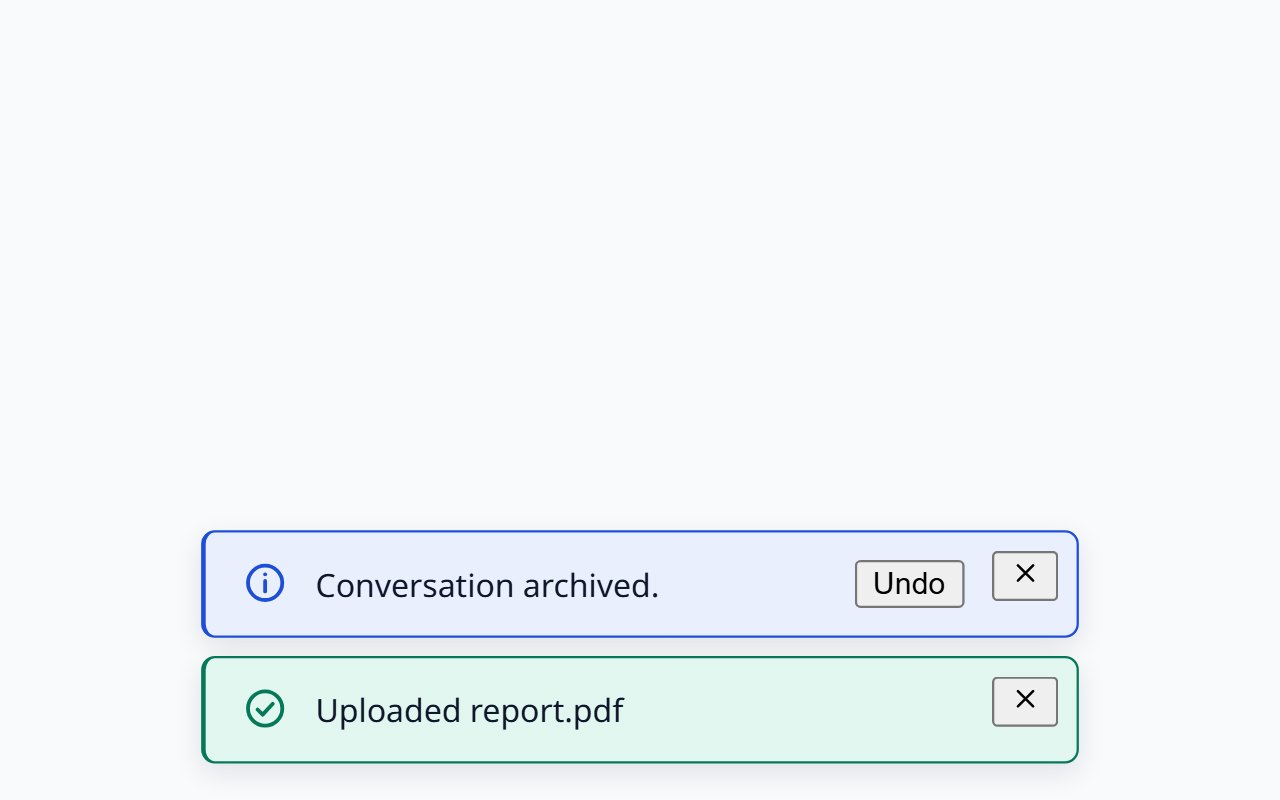
Toast
Transient notifications in a labelled region.
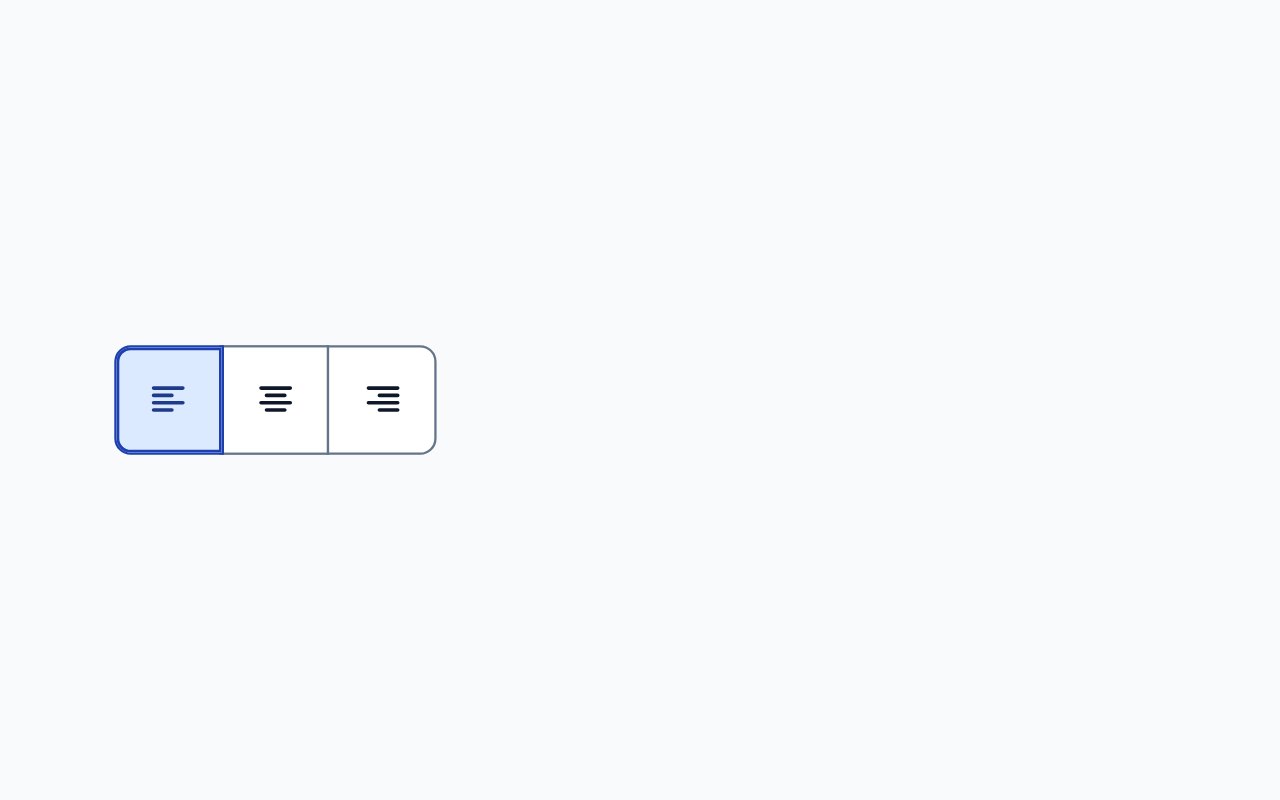
Toggle Group
Toggle buttons for one setting, single or multiple, with roving focus.
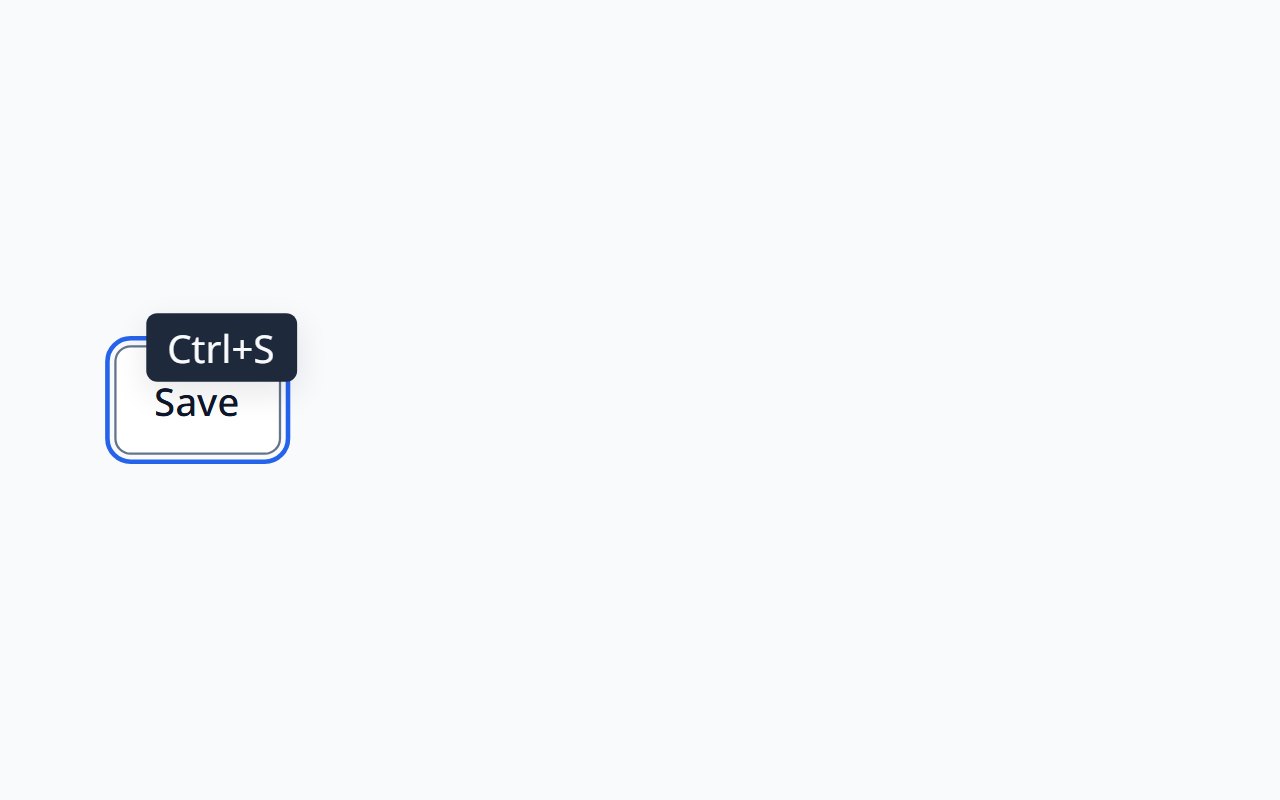
Tooltip
Short hints that meet WCAG 1.4.13.
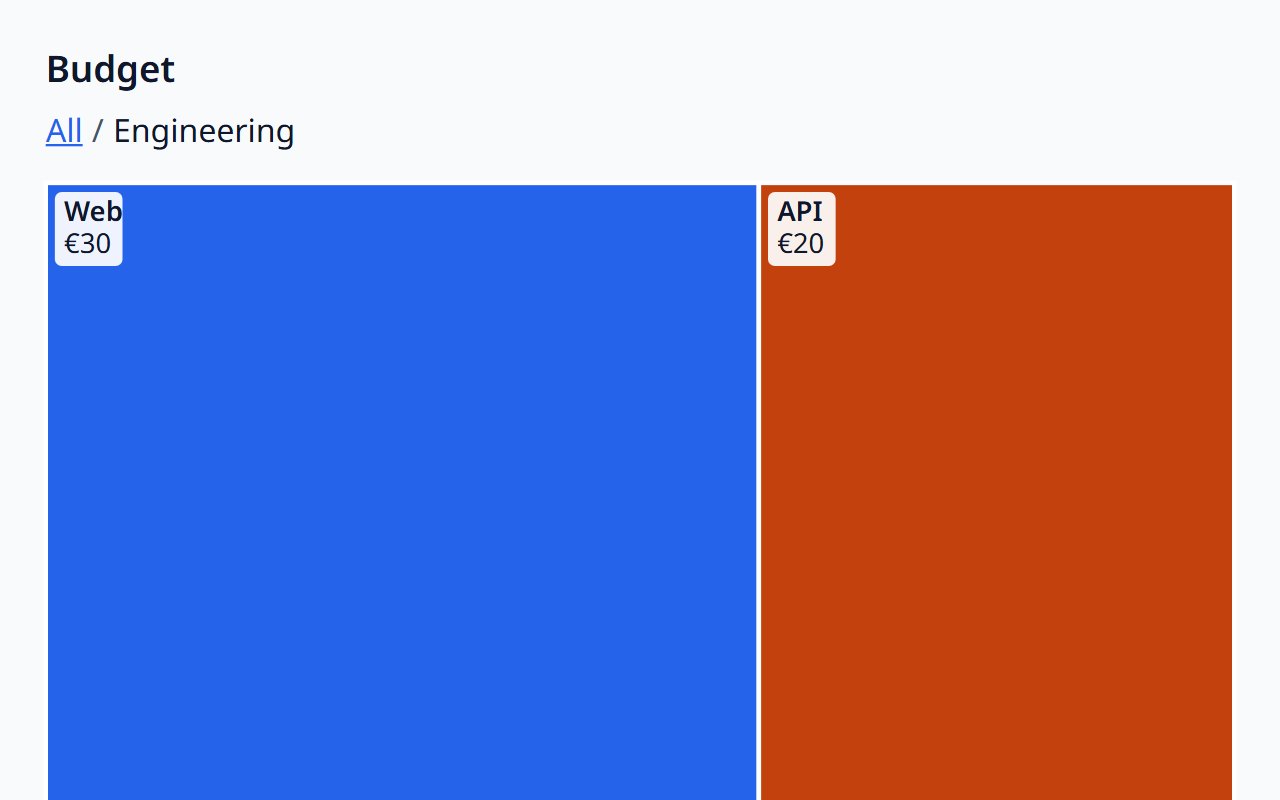
Treemap
Hierarchical part-to-whole data as nested rectangles.
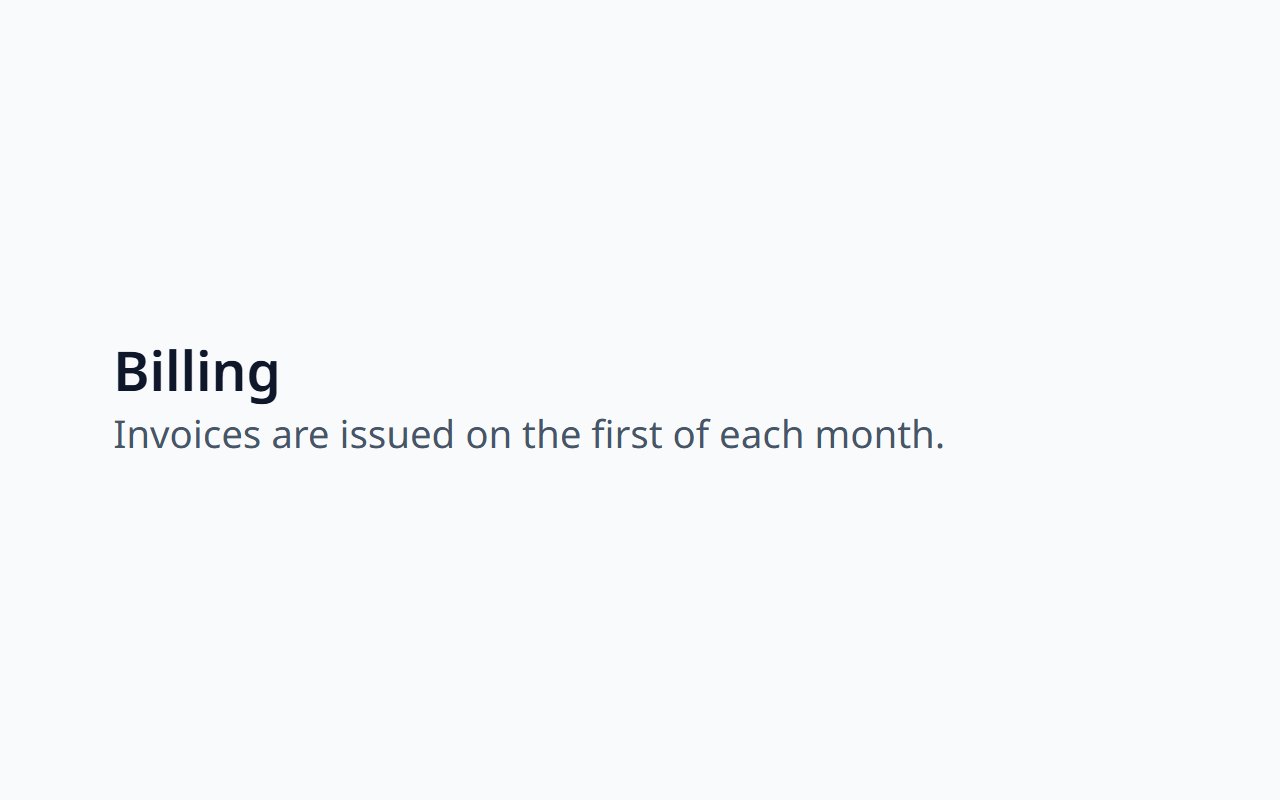
Typography
Headings, text, links, code, and prose from tokens.
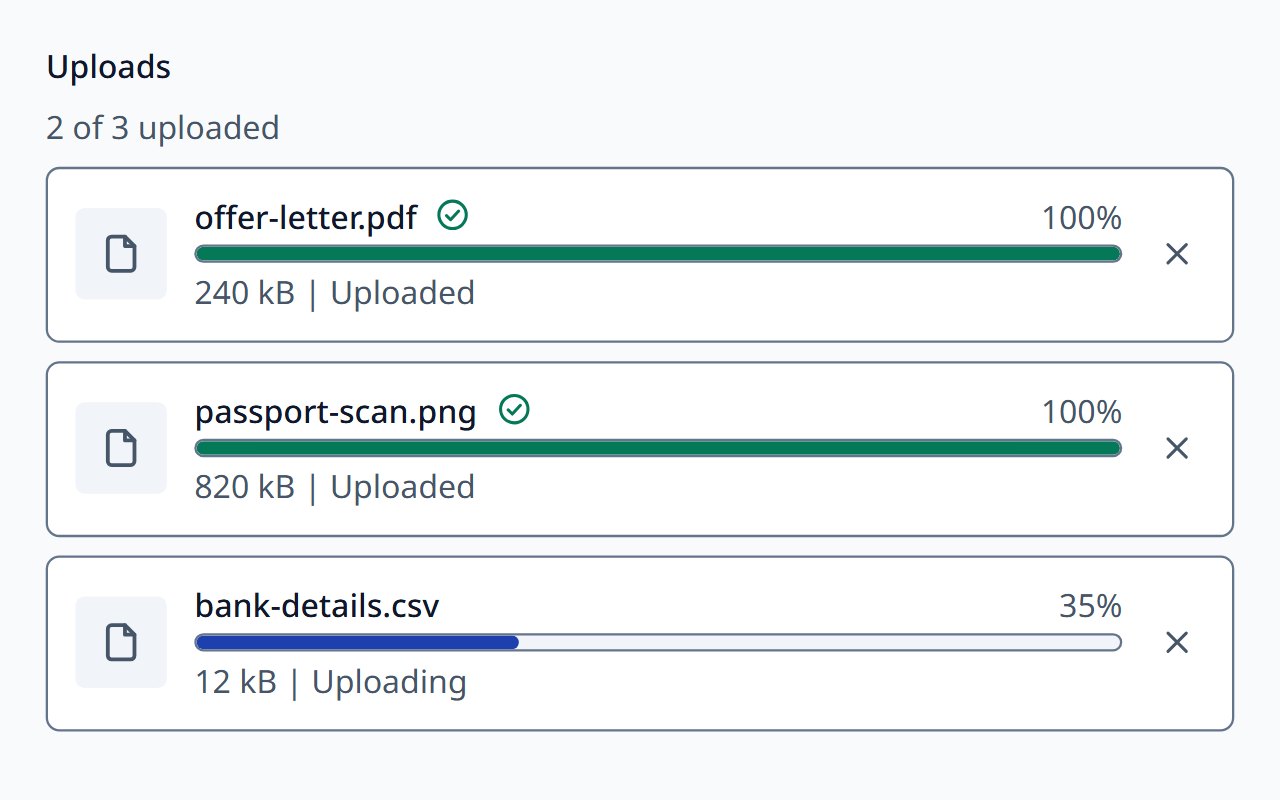
Upload Queue
Files being uploaded, with progress, retry, and cancel.
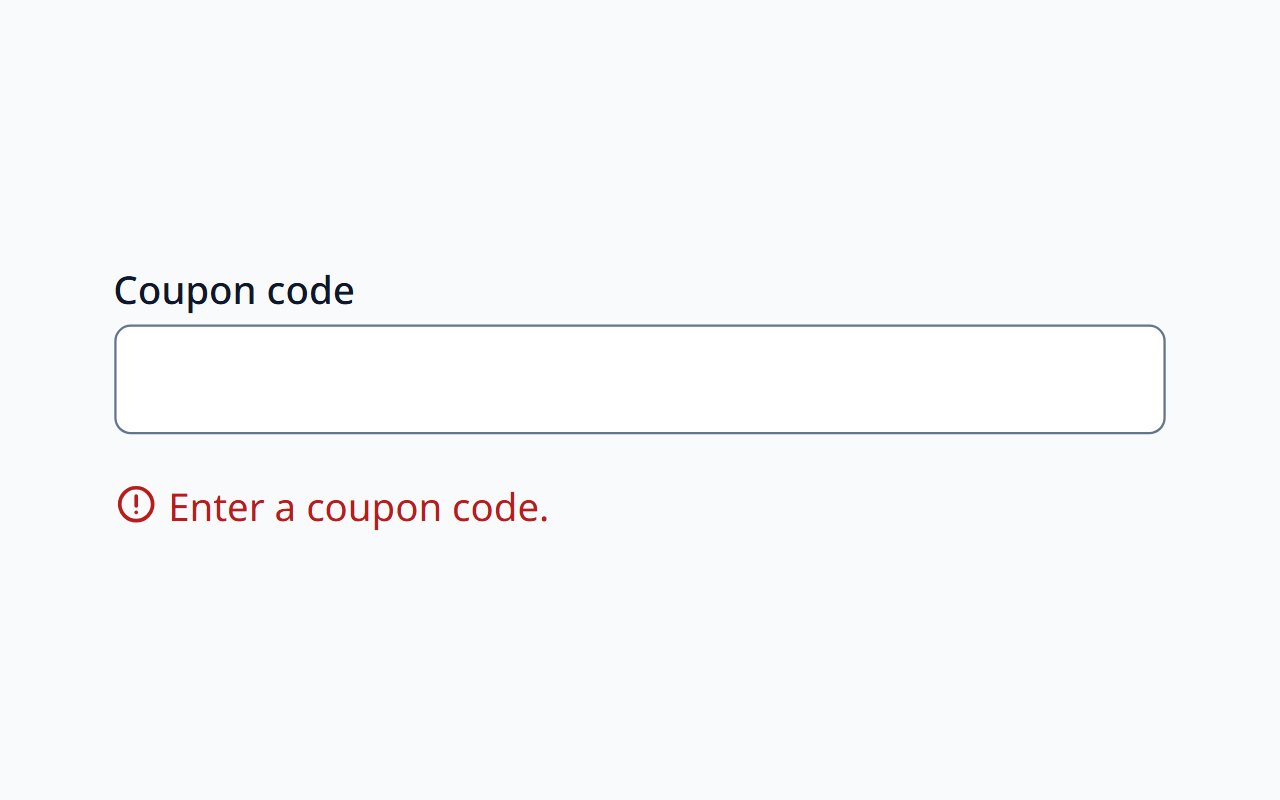
Validation Message
A field message for error, warning, success, or info.
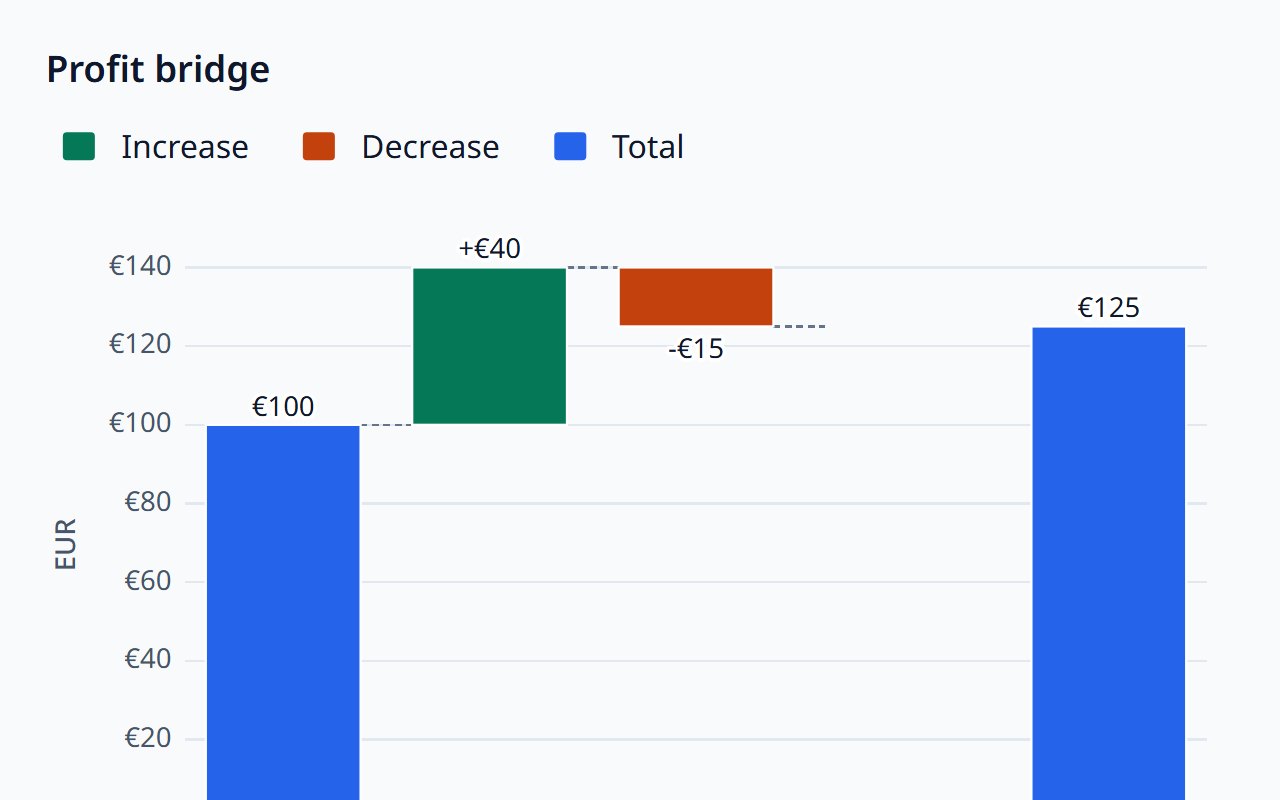
Waterfall Chart
How a value changes through a sequence of steps.
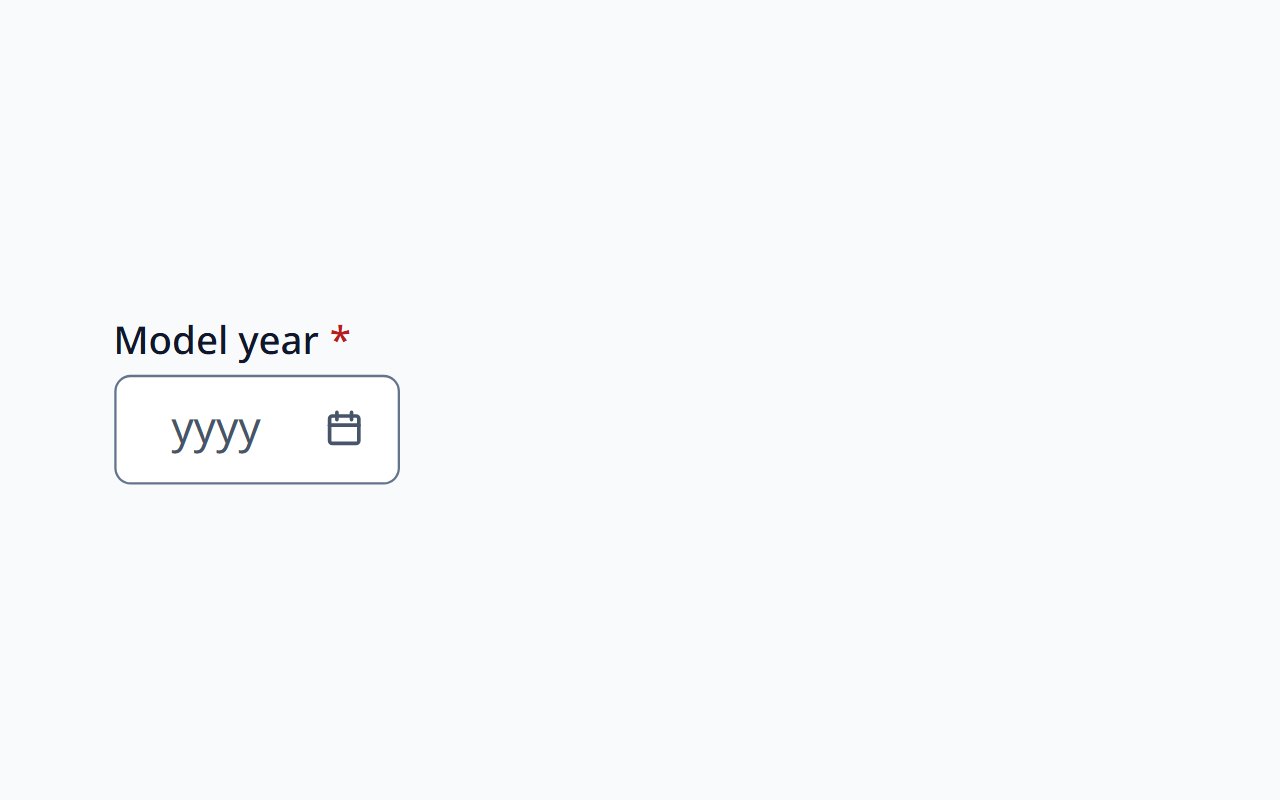
Year Picker
Choose a calendar year.
No components match. Try another word or category.