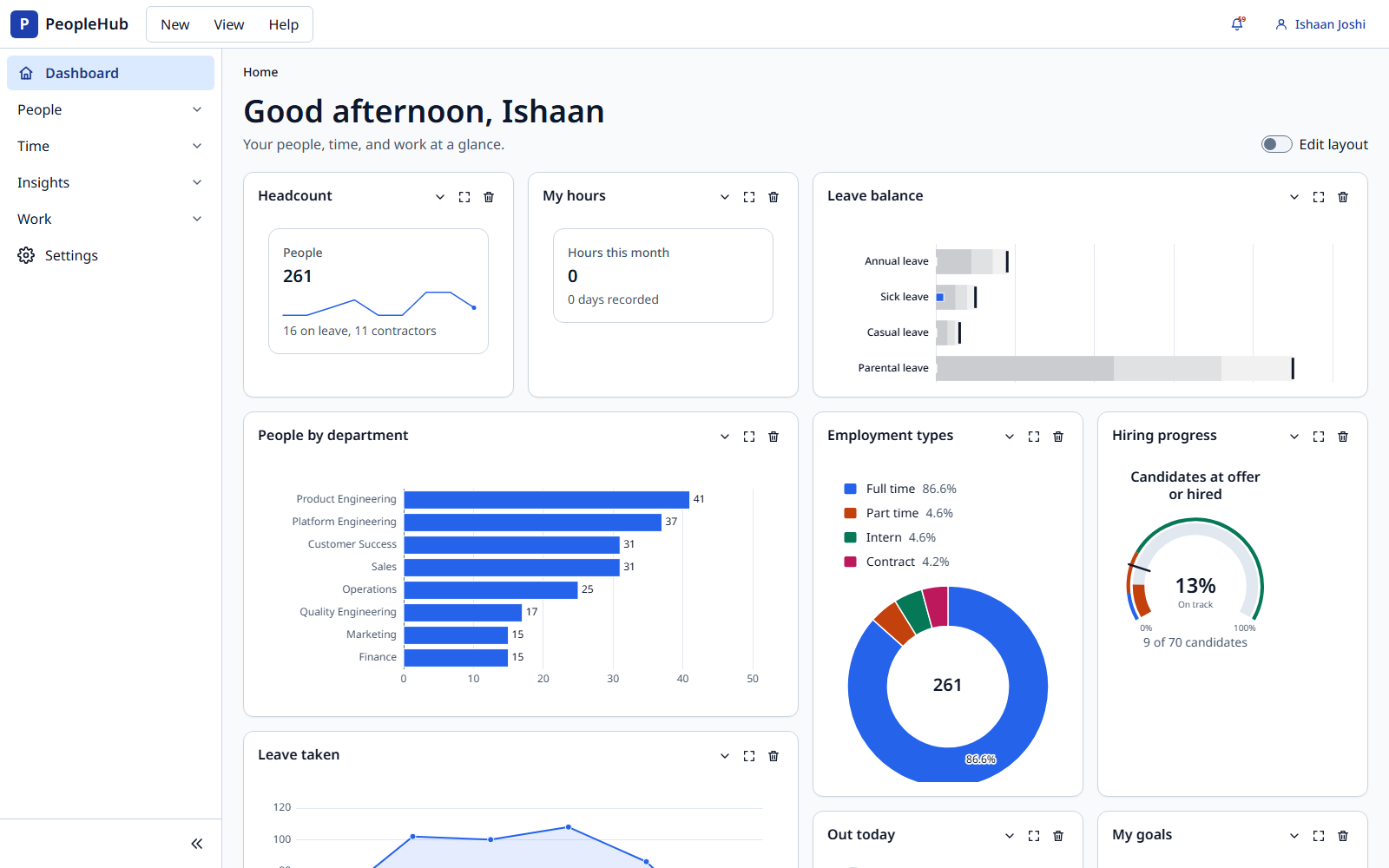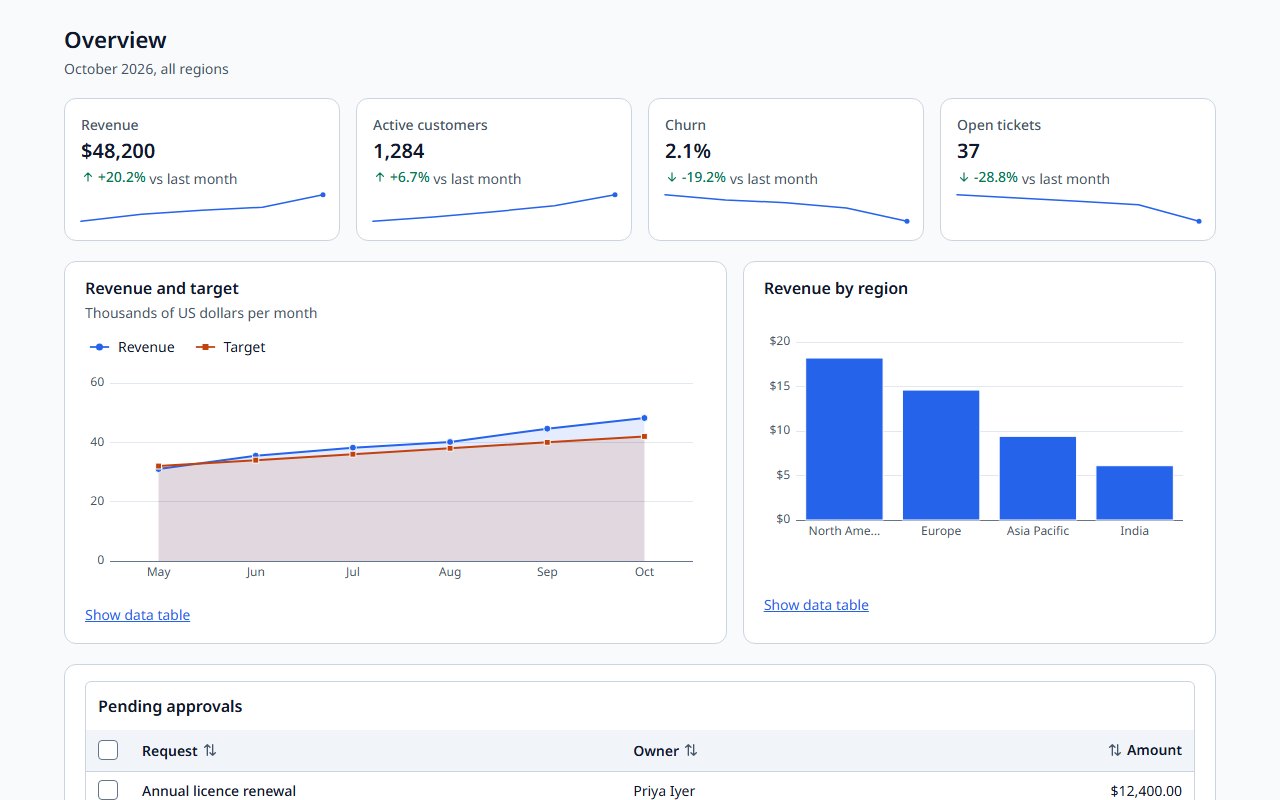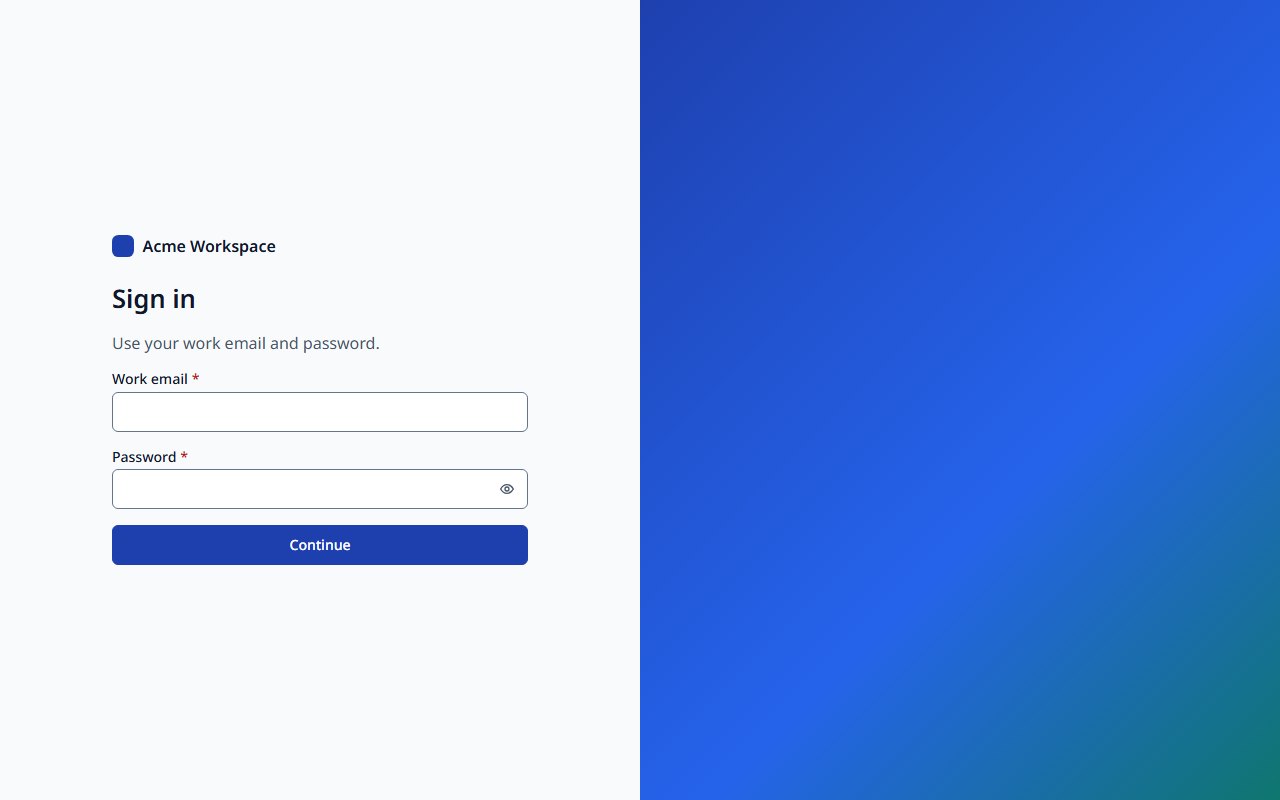

- 01 / Install
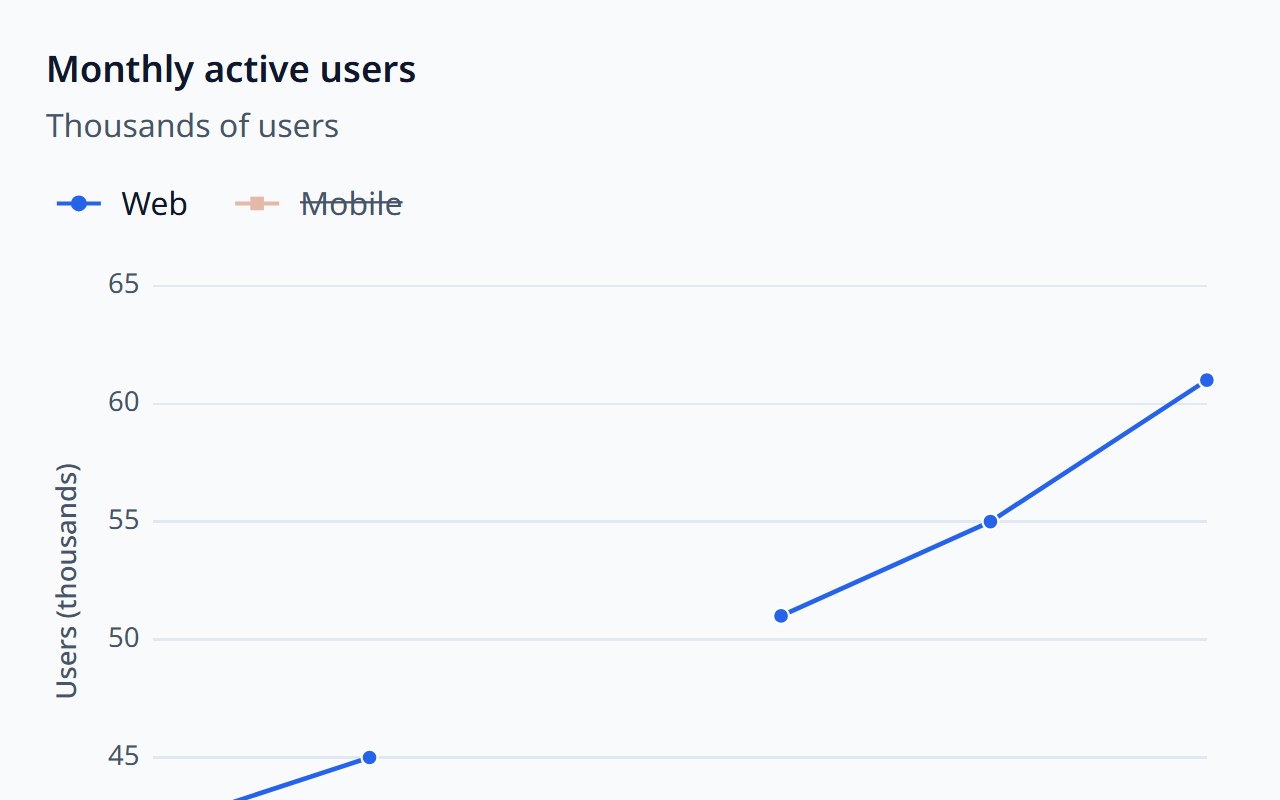
Add three packages
Core, theme, and the components you use. Each component is its own subpath import.
- 02 / Configure
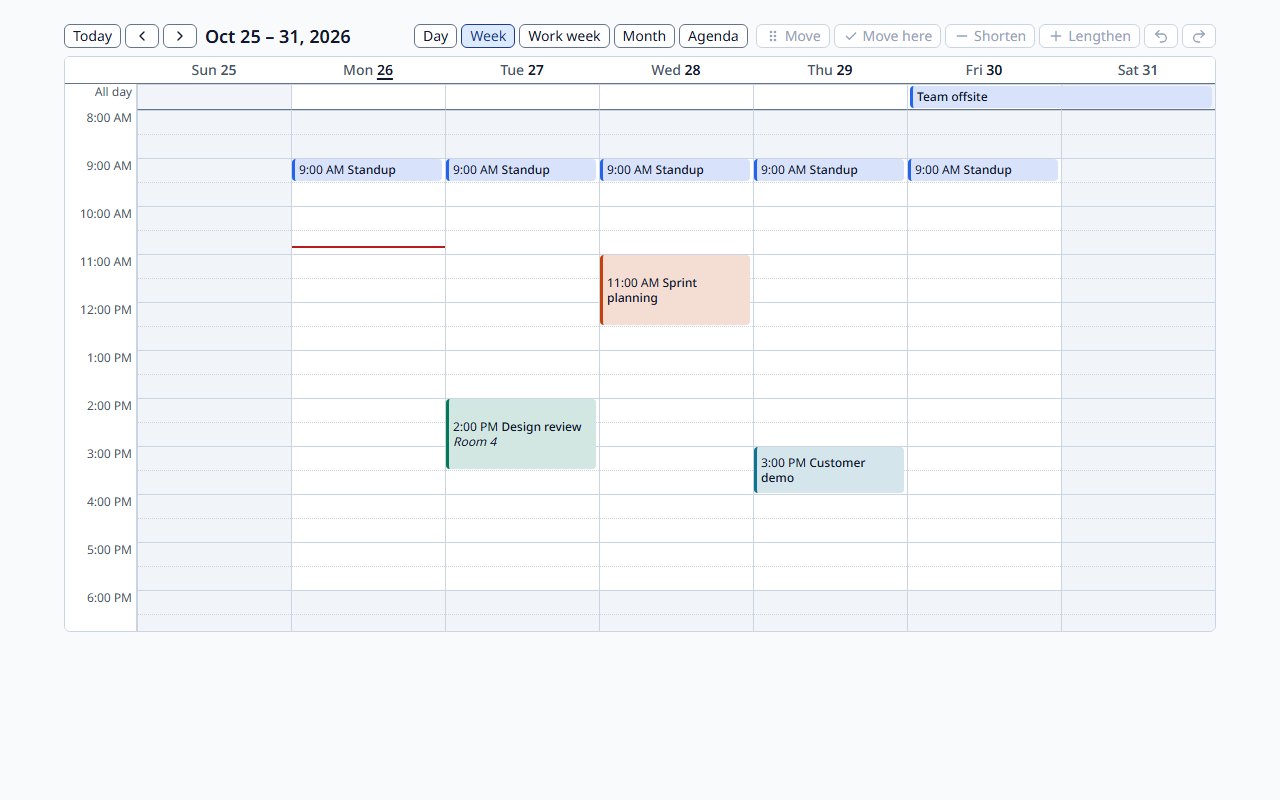
Locale, time zone, and your business calendar
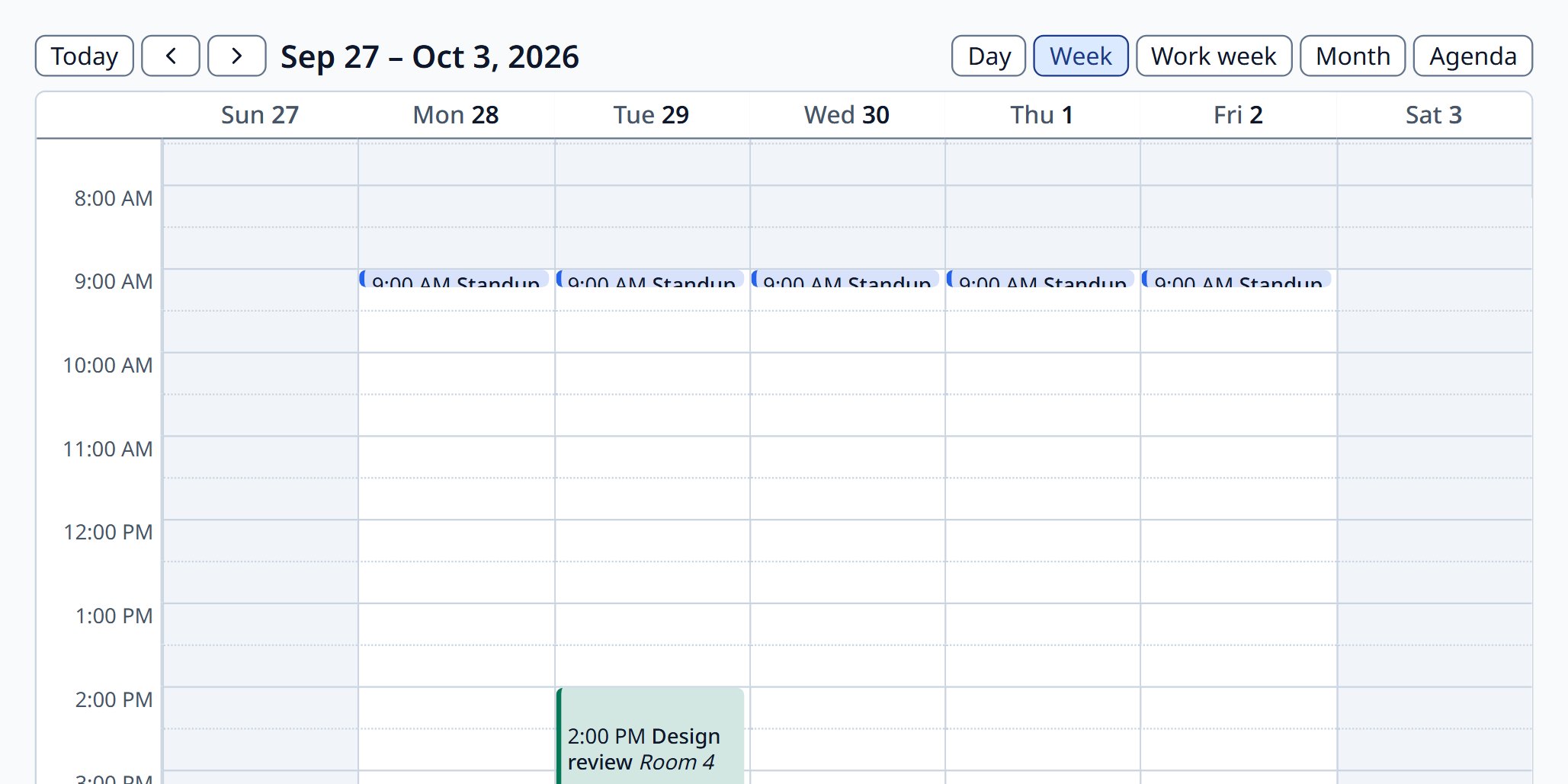
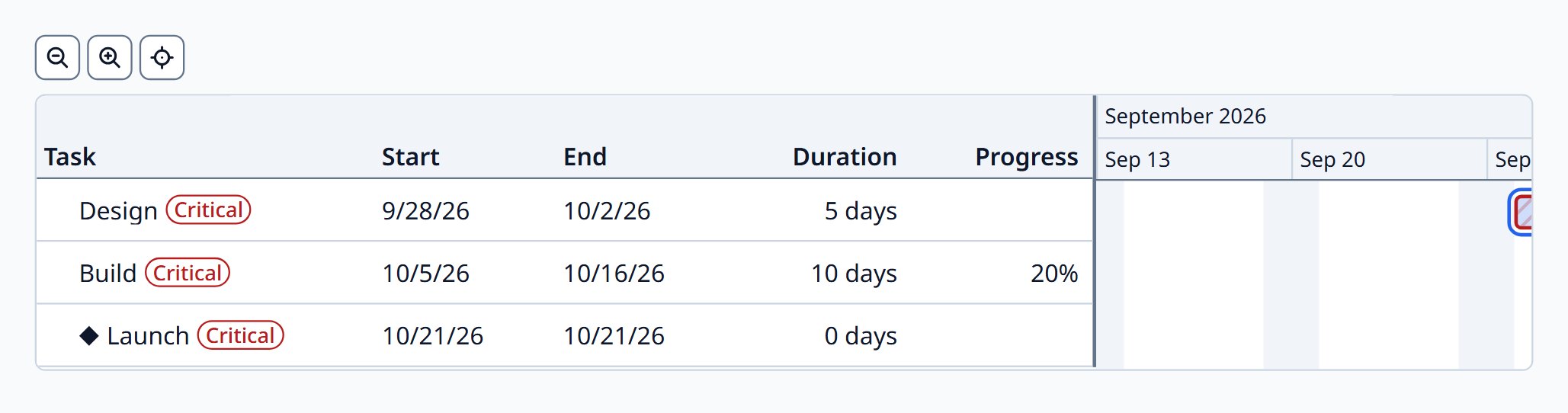
Weekends and holidays apply to the Scheduler and Gantt, and to business-day arithmetic in the helpers.
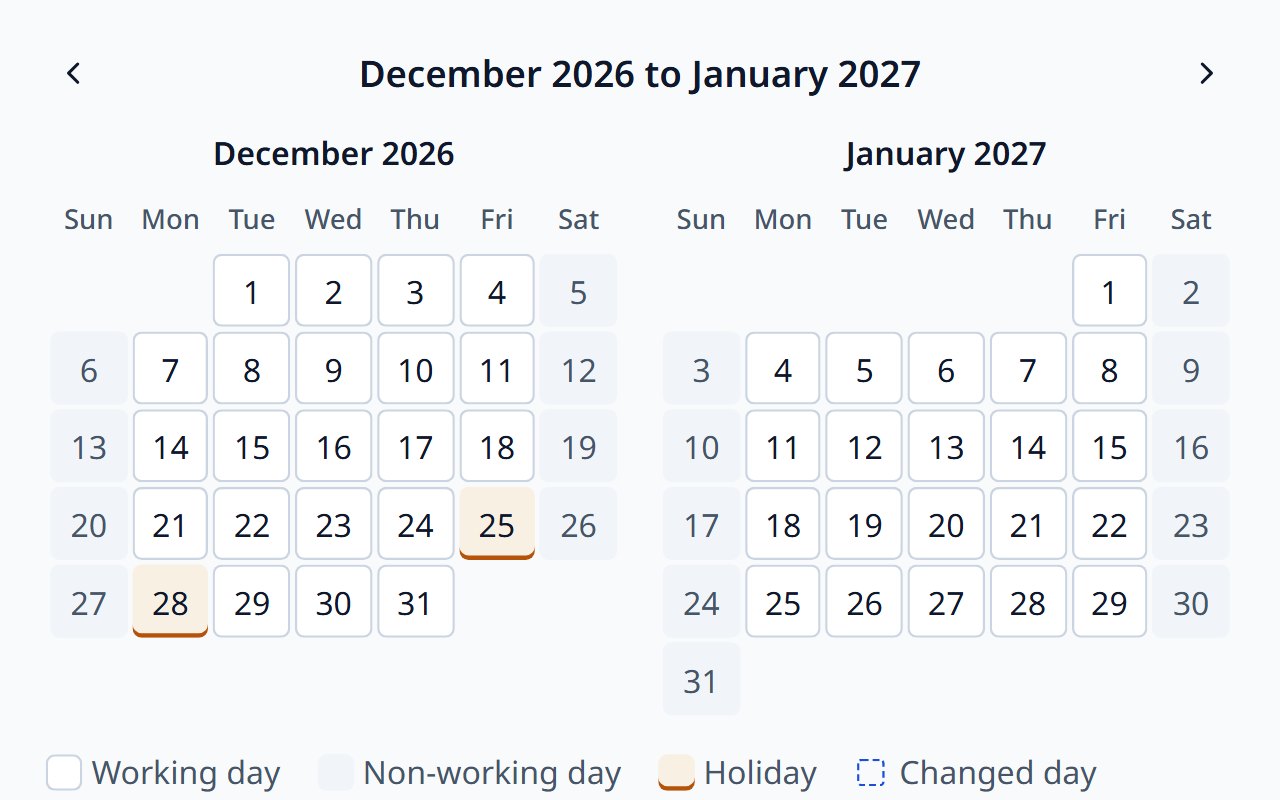
- 03 / Theme
Your brand, checked for contrast
Design tokens and component tokens; the Theme Designer derives every mode from a few seed colours.
- 04 / Ship
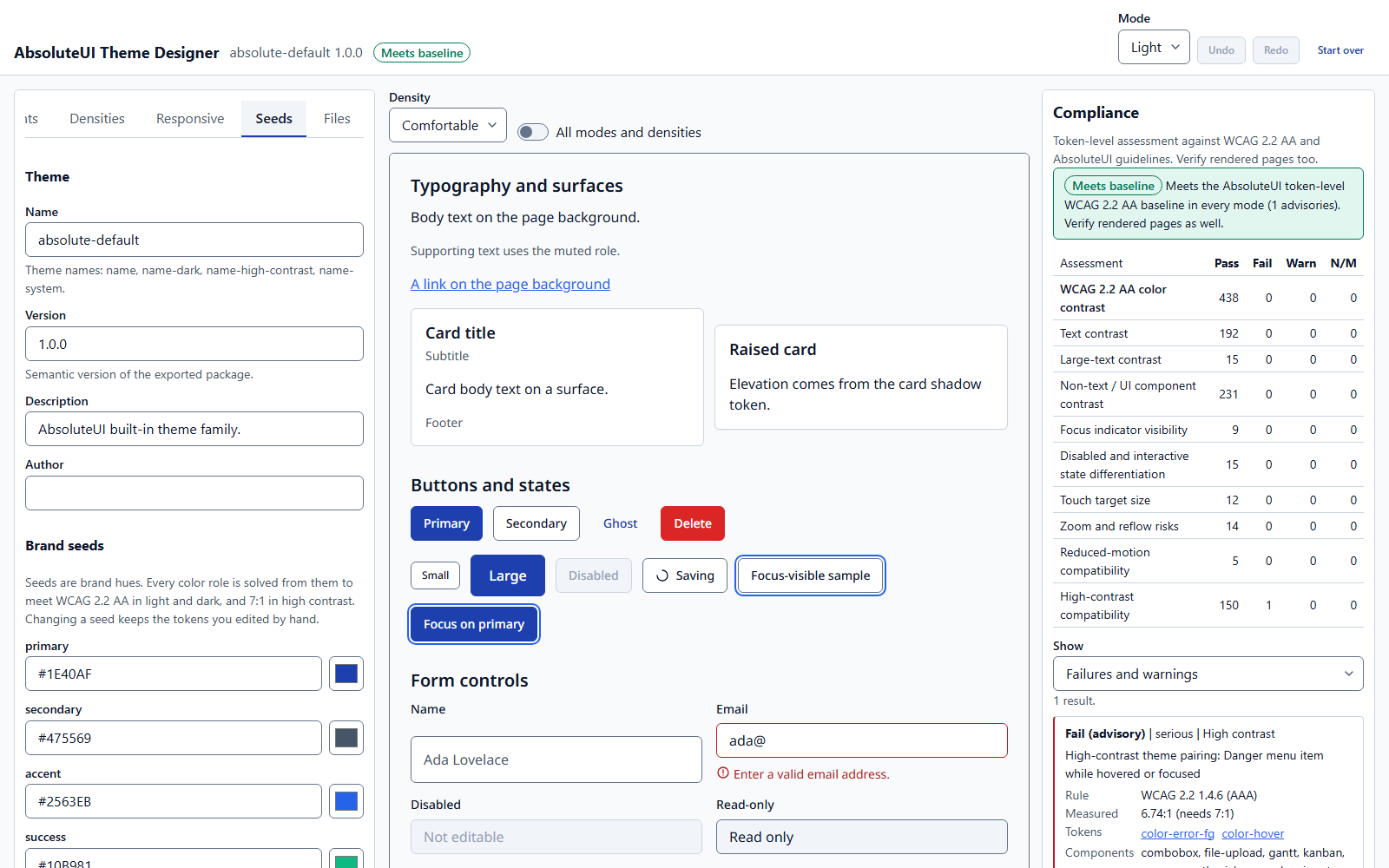
Under a strict security policy
No inline styles or scripts, Trusted Types enforced, HTML sanitized. Nothing to relax for AbsoluteUI.
# npm, or Azure Artifacts with a scoped .npmrc
npm install @absoluteui/components @absoluteui/core @absoluteui/theme

# Angular
npm install @absoluteui/angular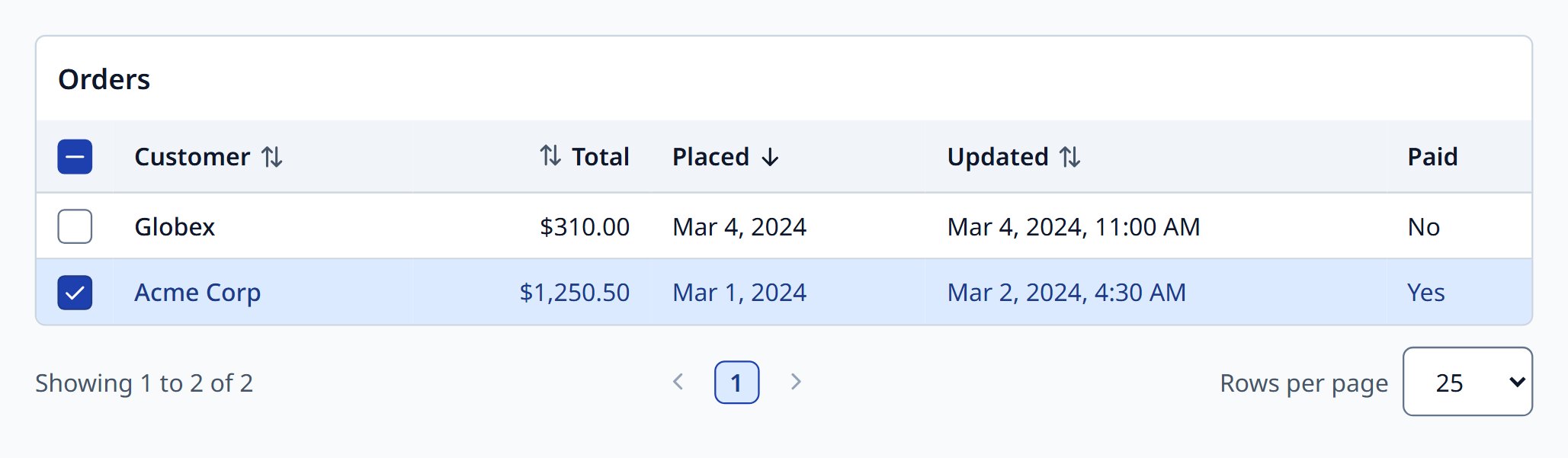
import { configureAbsoluteUI } from '@absoluteui/core';
import { createBusinessCalendar, fixedHoliday } from '@absoluteui/helpers/business-calendar';

configureAbsoluteUI({ common: { locale: 'en-IN', timezone: 'Asia/Kolkata' } });

const calendar = createBusinessCalendar({
  holidays: [fixedHoliday('Gandhi Jayanti', 10, 2)],
});
/* Exported by the Theme Designer */
[data-aui-theme="acme"] {
  --aui-color-primary: #0f766e;
  --aui-color-focus-ring: #0d9488;
  --aui-radius-md: 0.5rem;
}
<meta http-equiv="Content-Security-Policy"
  content="default-src 'self'; script-src 'self'; style-src 'self';
           require-trusted-types-for 'script'; trusted-types absoluteui">